
![Tag Strategy Guide for WordPress Publications [Templates]](https://republishai.com/wp-content/uploads/2026/04/featured-1775812001414-uh530ns9.jpg)
Most WordPress sites treat content tags like an afterthought. You create a few tags when launching, writers add more as they publish, and before you know it, you've got 847 tags with no clear purpose or structure.
I've seen this pattern dozens of times. A publication starts with good intentions, but three years later they're drowning in duplicate tags, orphaned content, and a navigation system that confuses readers more than it helps them.

The Hidden Cost of Poor Tag Management
Disorganized tags create real problems. Search engines struggle to understand your site's structure when you have overlapping tags like 'social media marketing,' 'social-media,' and 'SMM' all pointing to similar content. Your readers can't find related articles because half your posts use one tag and half use another.
The SEO impact is measurable. Sites with clean tag structures typically see better internal linking, clearer topic clusters, and improved crawl efficiency. When AI search engines parse your content in 2026, they rely heavily on semantic HTML structure to understand relationships between articles.
But here's what really hurts: wasted editorial time. Your team spends hours manually tagging content, fixing mistakes, and trying to remember which tag to use. That's time they could spend creating better content.
What You'll Learn (and Download)
This guide includes practical templates you can use immediately. You'll get decision trees for evaluating new tags, naming convention standards, audit checklists, and implementation timelines. Everything is designed for publications managing hundreds or thousands of articles.
We'll cover when to create tags, how to organize them at scale, and which automation tools actually work. No theory without practice.
Who This Guide Is For
You're probably a content manager dealing with multiple writers, an editorial director trying to standardize processes, or a publisher who knows your current system isn't working but doesn't know how to fix it.
If you're managing 500+ articles with multiple contributors, this guide will help. Smaller sites can benefit too, but the automation and governance frameworks really shine when you're operating at scale.
Understanding Content Tags: Categories vs. Tags vs. Taxonomies
WordPress gives you multiple ways to organize content, and most people use them wrong. Categories, tags, and custom taxonomies serve different purposes, but they often get treated as interchangeable.
The Fundamental Difference Explained
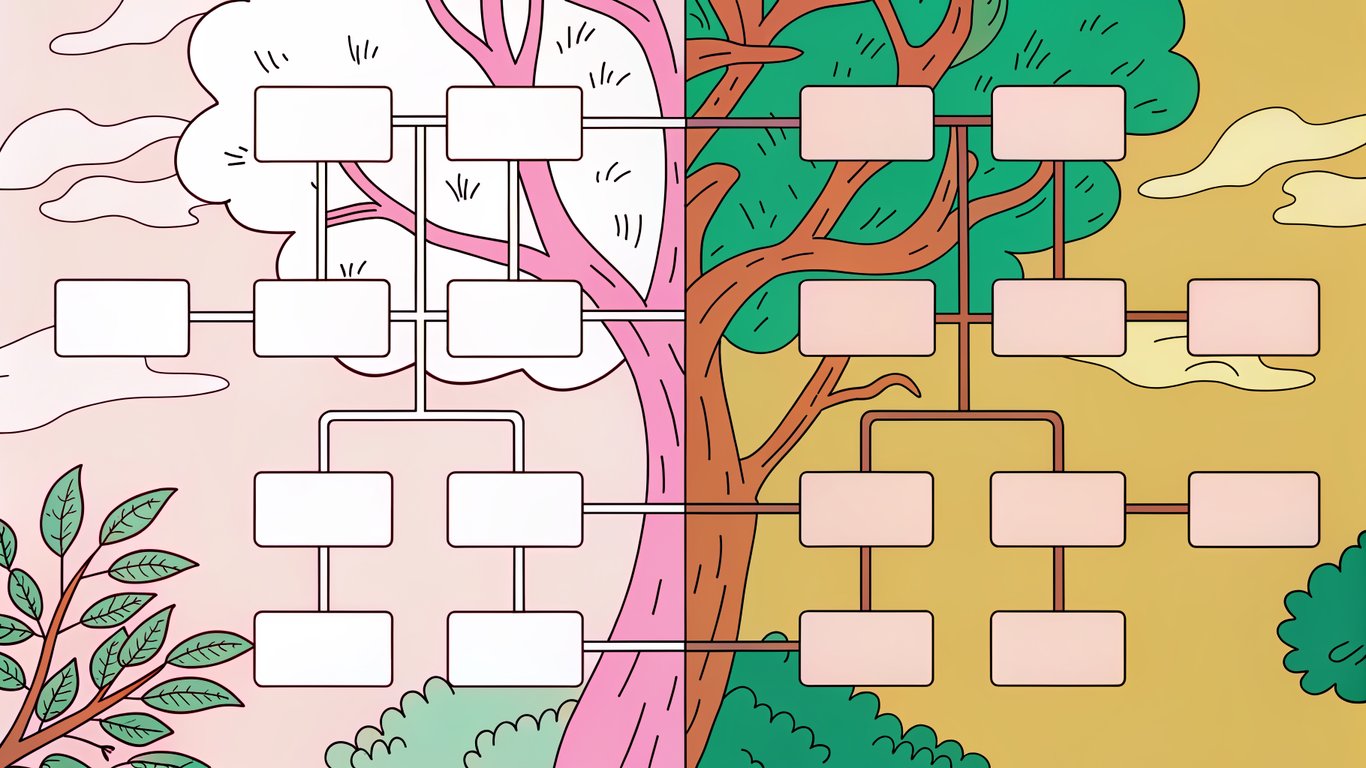
Think of categories as your site's table of contents. They're broad, hierarchical, and every post should fit into one (or maybe two). A news site might have categories like Politics, Business, Technology, and Sports.
Content tags are more like index entries. They're specific, non-hierarchical, and describe particular topics within your content. That same news article about a tech company's political lobbying might be tagged with 'artificial intelligence,' 'regulation,' and 'Silicon Valley.'
Here's a simple rule: if you'd put it in a site's main navigation, it's probably a category. If it helps readers find related content across different sections, it's probably a tag.
How Search Engines Interpret Your Tag Structure
Search engines use your tag architecture to understand content relationships. When you consistently tag articles about specific topics, you're creating semantic connections that help AI models understand your expertise areas.
In 2026, AI search engines parse semantic HTML more aggressively than ever. They look at how you've structured your content tags to determine topical authority and content depth. A well-organized tag system signals that you've thoughtfully organized your knowledge base.
But there's a catch. Tag pages with thin content hurt more than they help. If you have 50 tags that each only appear on 2-3 articles, you're creating dozens of low-value pages that dilute your site's overall quality.
Common Mistakes That Hurt Performance
- Tag bloat: Creating too many tags that serve no real purpose
- Duplicate tags: Multiple tags for the same concept (like 'AI' and 'artificial intelligence')
- Orphaned tags: Tags that only appear on one or two articles
- Over-tagging: Adding 15+ tags to every article just because you can
- Inconsistent naming: Mixing singular/plural, capitalization styles, and abbreviations
The worst mistake? Creating tags reactively without any governance. A writer publishes an article, adds three new tags on the fly, and nobody ever reviews whether those tags make sense in your broader taxonomy.
The Ideal Tag-to-Post Ratio for Large Publications
There's no magic number, but patterns emerge. Most well-organized publications maintain somewhere between 3-7 tags per article. Fewer than that and you're probably missing useful connections. More than that and you're diluting the signal.
For your overall tag count, aim for roughly 10-15% of your total article count. A site with 1,000 articles might have 100-150 active tags. This ratio ensures each tag appears on enough content to be meaningful.
When to Use Tags: Decision Framework
Not every topic deserves a tag. The key is creating tags that will genuinely help readers discover related content, not just checking a box in your publishing workflow.
The 5-Question Tag Validation Test
Before creating a new tag, ask yourself these questions:
- Will we publish at least 5-10 more articles on this topic?
- Would readers benefit from seeing all content about this topic in one place?
- Is this topic specific enough to be useful but broad enough to recur?
- Does a similar tag already exist that could work instead?
- Will this tag still make sense in six months?
If you can't answer yes to the first three questions, skip the tag. You're creating clutter, not clarity.
Content Types That Benefit Most from Tagging

News articles benefit enormously from tags. Breaking news about specific companies, people, or events creates natural tag opportunities. Readers following a developing story want to see all related coverage.
Evergreen content works differently. Your comprehensive guides and tutorials might use broader topic tags that help readers explore related educational content. A WordPress tutorial might be tagged with 'plugins,' 'performance,' or 'security' depending on its focus.
Product reviews and comparisons practically demand tags. Readers researching software want to see all your coverage of specific tools, categories, and use cases.
When NOT to Create a New Tag
Don't create tags for one-off topics you'll never cover again. That viral news story about a celebrity's WordPress site doesn't need a tag with the celebrity's name unless you're running an entertainment publication.
Avoid tags that duplicate your category structure. If you have a 'WordPress Plugins' category, you probably don't need a 'WordPress Plugins' tag too.
Skip tags that are too broad to be useful. A tag like 'technology' on a tech publication is meaningless. Every article is about technology.
Tag Governance: Creating Editorial Guidelines
Your team needs clear rules about who can create tags and when. Some publications require editor approval for new tags. Others maintain a master list that writers must choose from.
Document your decisions. Create a simple style guide that covers capitalization (sentence case vs. title case), pluralization (always singular or always plural), and abbreviation rules (spell out or use common abbreviations).
Organizing Your Tag System: Architecture and Naming Conventions
A good tag system feels invisible to readers but makes perfect sense to your editorial team. It requires upfront planning and consistent maintenance.
Developing Your Tag Taxonomy Blueprint
Start by mapping your content themes. What topics do you cover repeatedly? What do readers search for? What questions do they ask?
Group related concepts together. You might have theme clusters around specific products, methodologies, industries, or use cases. A marketing publication might organize tags into clusters like 'channels' (email, social, SEO), 'tactics' (A/B testing, personalization), and 'tools' (specific software names).
Naming Convention Standards
Consistency matters more than the specific rules you choose. Pick a style and stick with it.
Most publications use lowercase for tags to avoid confusion. 'WordPress' and 'wordpress' shouldn't be separate tags. Decide whether you'll use singular or plural forms (typically singular works better). Choose whether to spell out terms or use common abbreviations.
For multi-word tags, use hyphens or spaces consistently. 'content-management' or 'content management,' but not both.
Tag Consolidation: Auditing and Merging Existing Tags
If you're fixing an existing mess, start with an audit. Export all your tags and sort by usage count. You'll probably find that 80% of your tags appear on fewer than five articles.
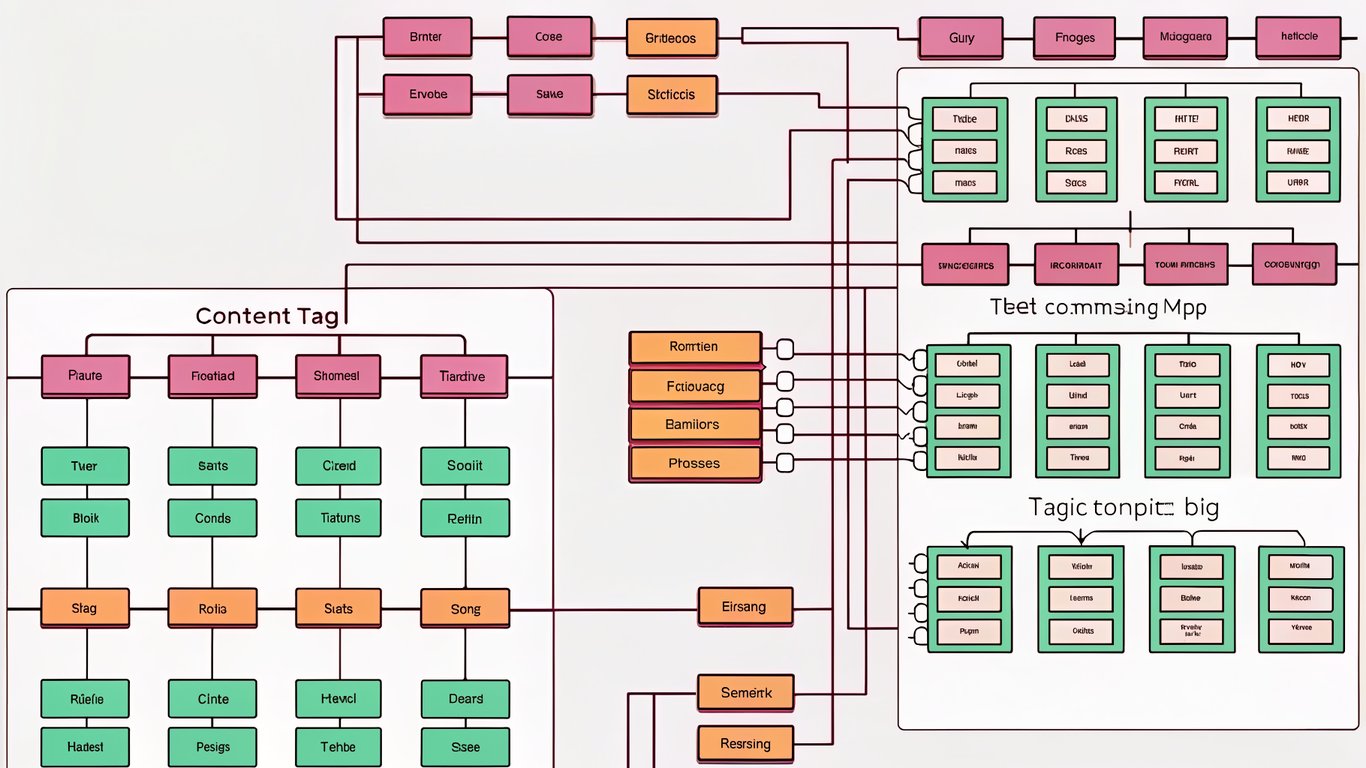
Merge duplicates first. Combine 'AI,' 'artificial intelligence,' and 'A.I.' into one canonical tag. WordPress plugins can help with bulk merging, or you can use database queries if you're comfortable with SQL.
Delete orphaned tags that only appear once or twice. They're not helping anyone discover content.
Automating Tag Management: Tools, Plugins, and Workflows
Manual tagging doesn't scale. Once you're publishing dozens of articles weekly, you need automation to maintain consistency.
AI-Powered Auto-Tagging: What Works in 2026
AI tagging tools have improved significantly. They analyze your content and suggest relevant tags based on your existing taxonomy. The accuracy varies, but good systems get it right 70-80% of the time.
The key is training the system on your specific tag structure. Generic AI taggers will suggest tags you don't use. The best approach combines AI suggestions with human review, at least initially.
Essential WordPress Plugins for Tag Automation
Several WordPress plugins handle tag automation. Look for tools that offer tag suggestions based on content analysis, bulk tag management for cleaning up existing content, and tag usage analytics to identify problems.
Some plugins integrate with your editorial workflow, suggesting tags as writers create content. Others focus on maintenance, helping you identify and merge duplicate tags or find orphaned content.
Bulk Tag Management and Migration Tools
When you're reorganizing thousands of tags, you need bulk operations. Most tag management plugins support CSV import/export, letting you edit tags in a spreadsheet and reimport them.
For complex migrations, database queries give you more control. You can merge tags, update tag slugs, or reassign content in bulk. Just back up your database first.
Step-by-Step Implementation Guide
Fixing your tag system takes time, but you can do it systematically over 6-8 weeks without disrupting your publishing schedule.
Phase 1: Audit Your Current Tag System (Week 1)
Export all your tags with usage counts. Identify duplicates, orphans, and inconsistencies. Review your most-used tags to see if they're actually useful or just popular because writers default to them.
Check your analytics. Which tag pages get traffic? Which ones help readers discover content? You might be surprised to find that some of your most-used tags generate zero engagement.
Phase 2: Design Your New Tag Architecture (Week 2)
Map out your ideal tag structure. Define your naming conventions. Create your governance rules. Get buy-in from your editorial team because they'll need to follow these standards.
Build a master tag list that writers can reference. Include definitions for ambiguous tags so everyone uses them consistently.
Phase 3: Clean Up and Consolidate (Week 3-4)
Start merging duplicates and deleting orphans. Set up redirects for any tag pages that had traffic, so you don't lose SEO value.
Communicate changes to your team. If you're renaming or consolidating tags they use regularly, they need to know.
Phase 4: Implement Automation Tools (Week 5-6)
Install and configure your chosen automation plugins. Train them on your tag taxonomy. Test the suggestions on a few articles before rolling out to your whole team.
Set up monitoring to catch new problems early. You want alerts when someone creates a duplicate tag or when tag usage patterns change significantly.
Phase 5: Train Your Team and Document Processes (Week 7)
Create quick reference guides for your writers. They need to know which tags to use, how to request new tags, and what the automation tools will do.
Document everything. Your tag strategy, naming conventions, governance rules, and maintenance procedures should all be written down somewhere your team can access.
Measuring Success: Tag Performance Metrics
You can't improve what you don't measure. Track how your tag system performs and adjust based on real data.
Key Performance Indicators for Tag Strategy
Monitor tag page traffic and engagement. Are readers actually using your tag pages to discover content? Track click-through rates from tag pages to articles.
Watch your tag count over time. It should stabilize or decrease slightly as you maintain discipline. If it keeps growing, your governance isn't working.
Measure tag consistency. What percentage of new articles use existing tags versus creating new ones? You want that ratio heavily weighted toward existing tags.
Quarterly Tag Strategy Review
Every quarter, review your tag performance. Identify tags that aren't pulling their weight. Look for new topics that deserve tags. Check whether your naming conventions are being followed.
This doesn't need to take long. A few hours every three months keeps your system healthy and prevents the chaos from creeping back in.
Download Your Complete Tag Strategy Template Package
The templates included with this guide give you everything you need to implement a professional tag strategy. You'll get spreadsheets for auditing your current tags, decision trees for evaluating new tags, naming convention style guides, and implementation checklists.
What's Included in Your Free Template Package
- Tag audit spreadsheet with formulas for identifying duplicates and orphans
- Decision tree flowchart for evaluating new tag requests
- Naming convention style guide template
- 6-week implementation timeline with task checklists
- Tag governance policy template
- Quarterly review framework
- Analytics tracking setup guide
How to Customize the Templates for Your Publication
These templates work for most publications, but you'll want to adapt them to your specific needs. A news site will emphasize different aspects than a tutorial blog or product review site.
Start with the audit template to understand your current situation. Then customize the governance policies based on your team size and publishing volume. Smaller teams can use simpler approval processes, while larger organizations might need more formal workflows.
The key is actually using these templates, not just downloading them. Set aside time to work through each phase systematically. Your content tags will thank you for it.