
If you've ever installed a WordPress SEO plugin and stared at that empty focus keyword field, you're not alone. That little box can feel intimidating, especially when you're not sure what to put there or why it matters.
Focus keywords are the foundation of your WordPress SEO strategy. They tell search engines what your content is about and help the right people find your site. But here's the thing: choosing the wrong focus keyword can waste months of effort, while picking the right one can transform your traffic.
What Are Focus Keywords?
A focus keyword is the main search term you want a specific page or post to rank for in search engines. When you're writing about homemade pizza recipes, your focus keyword might be something like "easy homemade pizza dough" rather than just "pizza."
Think of it as the central theme of your content. Popular WordPress SEO plugins like Yoast SEO and Rank Math use this focus keyword to analyze your content and give you optimization suggestions. They'll check if you've used it in your title, headings, and throughout your text in a natural way.

Why Focus Keywords Matter for Your WordPress Site
Without a clear focus keyword, you're basically throwing content into the void and hoping someone finds it. Search engines need context to understand what your page offers, and focus keywords provide that context.
Here's what happens when you properly use focus keywords:
- Search engines can accurately categorize your content
- Your pages appear for relevant searches that match user intent
- You avoid competing with yourself by targeting different keywords on different pages
- Your content strategy becomes more organized and purposeful
The difference between ranking on page one versus page five often comes down to keyword selection. A well-chosen focus keyword with moderate competition can bring steady traffic, while a poorly chosen one might never rank at all.
Focus Keywords vs. Regular Keywords
You'll use many keywords throughout your content, but only one (or sometimes two) should be your focus keyword. The focus keyword is your primary target, the main phrase you're optimizing for. Regular keywords are supporting terms that add context and help you rank for related searches.
For example, if your focus keyword is "WordPress security tips," your regular keywords might include "protect WordPress site," "security plugins," and "prevent hacking." These related terms strengthen your content without diluting your main focus.
Preparing for Keyword Research: Essential Tools and Setup
Before you can find focus keywords effectively, you need the right tools in your arsenal. The good news? You don't need to spend a fortune to get started.
Best WordPress SEO Plugins for Focus Keywords
Your SEO plugin is where you'll actually enter and optimize your focus keywords. The three most popular options each have their strengths:
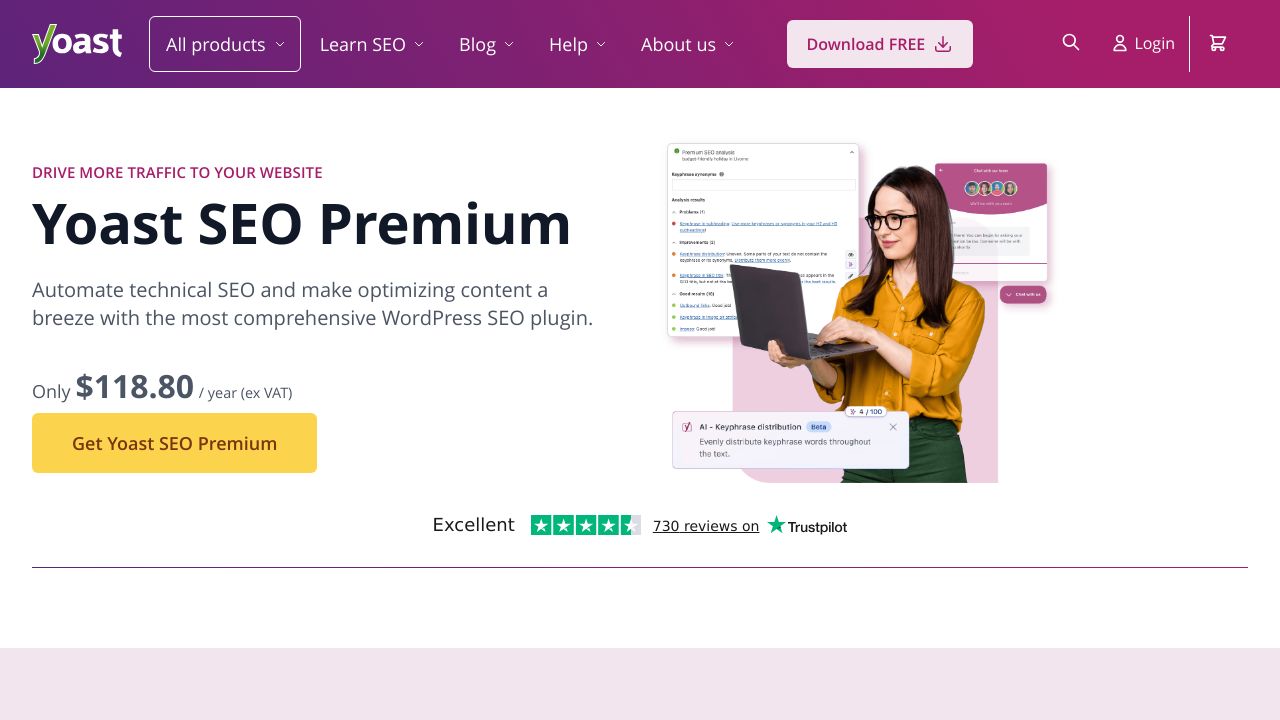
Yoast SEO is probably the most well-known WordPress SEO plugin. It gives you a dedicated field for your focus keyphrase and provides real-time feedback on how well you've optimized your content. The free version handles focus keywords just fine for most users.
Rank Math has gained popularity because it offers more features in its free version, including the ability to optimize for multiple focus keywords on a single page. It also provides more detailed SEO analysis.
All in One SEO Pack is another solid choice that's been around for years. It's slightly less feature-rich than the other two but works well for straightforward keyword optimization.
Free Keyword Research Tools You Need
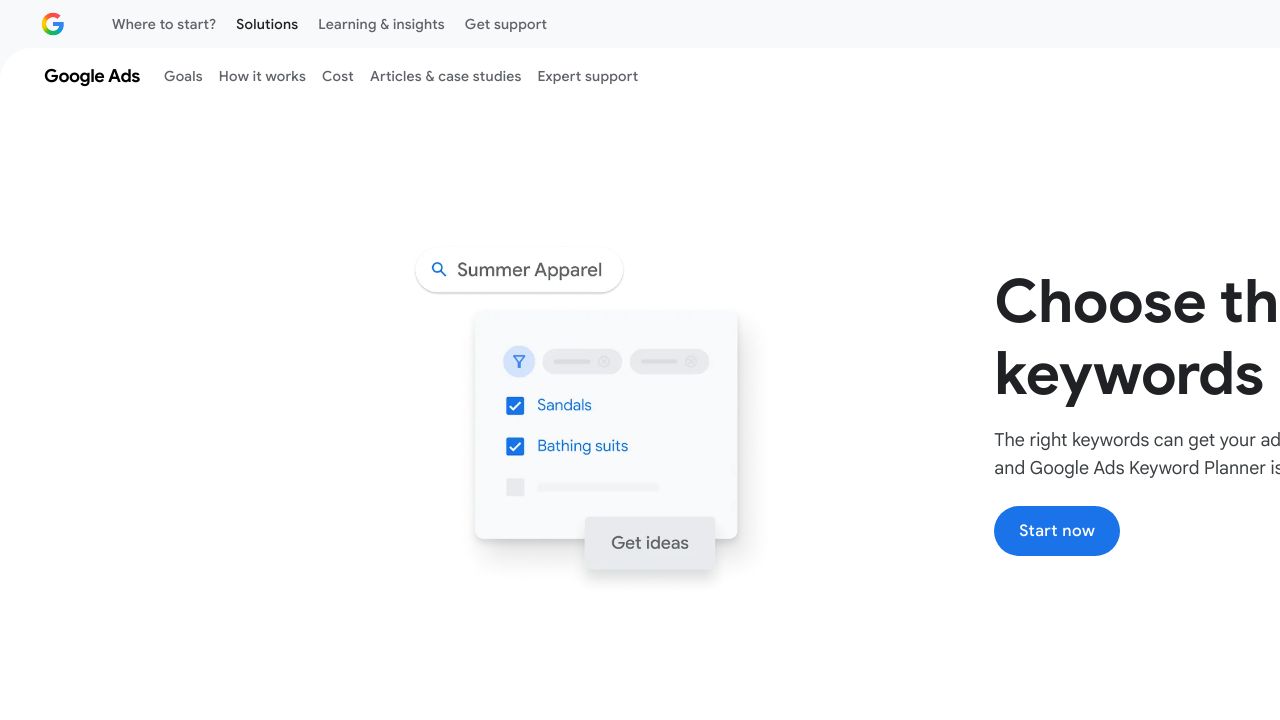
You can find excellent focus keywords without spending a dime. Google Keyword Planner is free if you have a Google Ads account (you don't need to run ads). It shows search volume and competition levels for any keyword you're considering.
Google Search Console is essential because it shows you which keywords people are already using to find your site. This data is gold for identifying opportunities you might be missing.
Other free tools worth using include Google's autocomplete suggestions (just start typing in the search bar), the "People also ask" boxes in search results, and related searches at the bottom of Google's results pages.
Premium Tools Worth Considering
If you're serious about SEO, premium tools can save you hours of work. SEMrush and Ahrefs are the industry standards. They show you exactly which keywords your competitors rank for, how difficult it'll be to rank for specific terms, and suggest related keywords you might not have considered.
These tools aren't cheap, but they provide data that's hard to get elsewhere. If you're running a business website, the investment often pays for itself in improved rankings.
Setting Up Google Search Console for Your WordPress Site
Connecting your WordPress site to Google Search Console takes about 10 minutes and gives you invaluable keyword data. Here's the basic process:
- Go to Google Search Console and add your website as a property
- Verify ownership using one of several methods (the HTML tag method works well with most SEO plugins)
- Wait a few days for data to start appearing
- Check the Performance report to see which queries bring people to your site
Most WordPress SEO plugins make verification simple by providing a field where you can paste your verification code.
Step-by-Step: How to Find Focus Keywords for Your WordPress Content
Now we get to the practical part. Finding the right focus keywords isn't guesswork; it's a systematic process you can repeat for every piece of content you create.
Step 1: Understand Your Audience and Content Goals
Before you touch any keyword tool, ask yourself: who am I writing for, and what do they need? A local bakery targeting customers in Seattle has different keyword needs than a national baking supply company.
Think about where your audience is in their journey. Are they just learning about a problem? Comparing solutions? Ready to buy? Each stage requires different keywords.
Step 2: Brainstorm Seed Keywords
Seed keywords are your starting point. Write down 5-10 broad terms related to your topic. If you're writing about WordPress backup solutions, your seed keywords might include "WordPress backup," "backup plugin," "website backup," and "restore WordPress site."
Don't overthink this step. You're just creating a foundation to build on.

Step 3: Use Keyword Research Tools to Expand Your List
Take your seed keywords and plug them into Google Keyword Planner or your preferred tool. You'll get dozens or even hundreds of related keyword ideas. Look for variations that match your content's specific angle.
Pay attention to question-based keywords ("how to backup WordPress site") and long-tail variations ("best automatic WordPress backup plugin"). These often have less competition and more specific intent.
Step 4: Analyze Search Volume and Competition
This is where many people get stuck. You want keywords with enough search volume to be worth targeting, but not so much competition that you'll never rank.
For newer WordPress sites, look for keywords with monthly search volumes between 100 and 1,000. Yes, that seems low, but these keywords are often easier to rank for and can bring highly targeted traffic. As your site gains authority, you can target more competitive terms.
Step 5: Check Competitor Keywords
Look at the top-ranking pages for your potential focus keywords. What are they doing well? What gaps can you fill? If every top result is a 3,000-word comprehensive guide, your 500-word post probably won't compete.
Tools like SEMrush let you enter a competitor's URL and see all the keywords they rank for. This can reveal opportunities you hadn't considered.
Step 6: Evaluate User Intent
User intent is crucial. Someone searching "WordPress" has very different needs than someone searching "how to install WordPress on Bluehost." The first is informational and vague; the second is specific and action-oriented.
Match your focus keyword to your content type. Product pages need commercial keywords. Blog posts typically target informational keywords. Service pages work well with transactional keywords.
Step 7: Select Your Primary Focus Keyword
After all this research, pick the one keyword that best matches your content and has the right balance of search volume, competition, and intent. It should feel natural to write about and align perfectly with what your page offers.
If you're torn between two options, choose the more specific one. It's better to rank well for a focused keyword than to rank poorly for a broad one.
Finding Focus Keywords for Different Content Types
Not all content needs the same keyword strategy. Your approach should change based on what you're creating.
Focus Keywords for Blog Posts
Blog posts typically target informational keywords. People are looking to learn something, solve a problem, or understand a concept. Keywords often include "how to," "what is," "guide," or "tips."
For blog content, long-tail keywords work particularly well. Instead of targeting "SEO," you might target "SEO tips for small business websites" or "how to improve WordPress SEO without plugins."
Focus Keywords for Product and Service Pages
Product and service pages need commercial or transactional keywords. These include terms like "buy," "best," "review," "pricing," or specific product names.
Someone searching "best WordPress hosting for small business" is probably closer to making a purchase decision than someone searching "what is web hosting." Your product pages should target these higher-intent keywords.
Focus Keywords for Local WordPress Sites
Local businesses need location-based keywords. Add your city, neighborhood, or region to your focus keywords. "Coffee shop" becomes "coffee shop downtown Portland" or "best coffee in Pearl District."
These location modifiers dramatically reduce competition and bring in people who can actually visit your business.
Long-Tail vs. Short-Tail Focus Keywords
Short-tail keywords are one or two words ("WordPress themes"). Long-tail keywords are longer phrases ("free responsive WordPress themes for photographers").
Long-tail keywords typically have lower search volume but higher conversion rates and less competition. They're perfect for newer sites or very specific content. Short-tail keywords bring more traffic but are harder to rank for and often have less clear intent.
Implementing Focus Keywords in WordPress
Finding the right focus keyword is only half the battle. You need to implement it correctly in your WordPress site.
Adding Focus Keywords in Yoast SEO
When you're editing a post or page with Yoast SEO installed, scroll down to the Yoast SEO meta box below your content editor. You'll see a field labeled "Focus keyphrase." Type your chosen keyword there.
Yoast will immediately analyze your content and show you a traffic light system (red, orange, green) indicating how well you've optimized for that keyword. Follow the suggestions, but don't obsess over getting everything green. Readability matters more than perfect optimization scores.
Adding Focus Keywords in Rank Math
Rank Math works similarly but offers more flexibility. In the Rank Math meta box, you'll find the focus keyword field. The free version lets you add up to five focus keywords per post, which can be useful for closely related terms.
Rank Math provides a score out of 100 and specific recommendations for improvement. It's generally more detailed than Yoast in its analysis.
Where to Place Your Focus Keywords
Your focus keyword should appear in several key locations:
- Page title (preferably near the beginning)
- URL slug
- First paragraph of your content
- At least one heading (H2 or H3)
- Meta description
- Image alt text (where it makes sense)
- Throughout the content naturally
The exact number of times you use it matters less than using it naturally. If your content is 500 words, using your focus keyword 3-5 times is probably fine. For 2,000 words, you might use it 8-12 times.
Optimizing for Focus Keywords Without Keyword Stuffing
Keyword stuffing (cramming your keyword into every sentence) will hurt your rankings, not help them. Search engines are smart enough to recognize when you're trying to manipulate them.
Write for humans first. Use your focus keyword where it fits naturally, and use synonyms and related terms throughout your content. If you have to awkwardly force your keyword into a sentence, don't do it.
Tracking and Measuring Focus Keyword Performance
After you publish content with your focus keywords, you need to track how they're performing. This data tells you what's working and what needs adjustment.
Using Google Search Console to Track Keyword Rankings
Google Search Console's Performance report shows you which queries bring people to your site, how many impressions and clicks each gets, and your average position in search results.
Filter by specific pages to see which keywords are working for each piece of content. You might discover you're ranking for keywords you didn't even target, which can inform future content decisions.
Tracking Focus Keywords with Google Analytics 4
Google Analytics 4 doesn't show keyword data directly (that's what Search Console is for), but it shows you how people behave after they arrive from search. Are they bouncing immediately? Spending time on your page? Converting?
This behavioral data helps you understand if you're targeting the right keywords. High bounce rates might mean your keyword doesn't match your content's actual value.
Monitoring Focus Keywords with MonsterInsights
MonsterInsights is a WordPress plugin that connects your site to Google Analytics and displays the data right in your WordPress dashboard. It can show you which Yoast focus keyphrases are driving the most traffic, making it easier to see what's working without leaving WordPress.
When to Update or Change Your Focus Keywords
Sometimes you need to change your focus keyword strategy. If a page isn't ranking after several months, the keyword might be too competitive or not match user intent. If you're ranking well but getting no clicks, your keyword might not be what people actually want.
Search Console data showing you rank for different keywords than you targeted is a sign you should update your focus keyword to match what's actually working.
Common Mistakes to Avoid When Finding Focus Keywords
Even experienced WordPress users make keyword mistakes. Here are the most common ones to avoid.
Targeting Keywords That Are Too Competitive
A brand new WordPress site probably won't rank for "WordPress" or "SEO" anytime soon. These keywords are dominated by massive sites with years of authority.
Start with less competitive long-tail keywords. Build authority over time. Then gradually target more competitive terms as your site grows stronger.
Ignoring Search Intent
Choosing a keyword just because it has high search volume is a mistake if the intent doesn't match your content. Someone searching "WordPress" might want the software, the company, news about WordPress, or something else entirely.
Always check what's currently ranking for your target keyword. If all the top results are product pages and you're writing a blog post, you're fighting an uphill battle. Understanding search intent is essential for matching your content to what users actually want.
Using the Same Focus Keyword on Multiple Pages
This is called keyword cannibalization, and it confuses search engines. If you have three pages all targeting "WordPress security," Google doesn't know which one to rank. They might all rank poorly as a result.
Each page should have its own unique focus keyword. If you find overlap, either consolidate the pages or differentiate the keywords ("WordPress security plugins" vs. "WordPress security best practices").
Neglecting Long-Tail Keyword Opportunities
Many WordPress site owners chase high-volume keywords and ignore long-tail variations. This is backwards for most sites. Long-tail keywords like "how to backup WordPress site to Dropbox automatically" might only get 50 searches per month, but they're much easier to rank for and attract people with very specific needs.
A collection of well-ranking long-tail keywords often brings more traffic than one competitive short-tail keyword you can't crack.
Building Your WordPress Keyword Strategy
Finding focus keywords isn't a one-time task. It's an ongoing process that gets easier with practice.
Creating a Keyword Research Workflow
Develop a repeatable system for keyword research. Before writing any new content, spend 20-30 minutes researching keywords. Keep a spreadsheet of potential focus keywords organized by topic, search volume, and competition level.
Review your Search Console data monthly to identify new opportunities. You'll often find you're ranking on page two or three for keywords you didn't target. These are perfect candidates for new content or updating existing pages.
Next Steps for WordPress SEO Success
Focus keywords are just one piece of WordPress SEO. Once you've got your keyword strategy working, focus on creating genuinely helpful content, building quality backlinks, improving your site speed, and ensuring your technical SEO is solid.
The sites that rank well don't just optimize for keywords. They provide real value to their visitors. Use focus keywords as a guide, but never sacrifice quality content for keyword optimization. When you help people solve their problems, rankings tend to follow. For a complete overview of optimization strategies, explore our WordPress SEO guide.