
Search is changing faster than most people realize. AI overviews are eating up screen real estate. Zero-click searches are becoming the norm. And the old playbook of stuffing keywords and building backlinks? It's not enough anymore.
But here's what hasn't changed: if you have the right tools, you can still win visibility across Google, YouTube, and even AI-generated results. The catch is that choosing the wrong WordPress SEO plugin can waste your time, slow down your site, or leave you with a bloated tech stack that nobody on your team actually uses.
I've tested dozens of these plugins over the years, and the gap between the best and the rest is wider than you'd think. Some are perfect for solo bloggers who need simple guidance. Others are built for agencies managing 50+ client sites. Most people end up with the wrong tool because they don't understand what they actually need.
The Changing SEO Landscape in 2025
Google's Search Generative Experience is fundamentally reshaping how people find content. Traditional organic results are getting pushed down the page. AI-generated summaries are answering questions before users even click through to your site.
This doesn't mean SEO is dead. It means you need tools that help you optimize for both traditional search and AI-driven discovery. Your content needs to be structured in ways that AI can easily parse and cite. Schema markup isn't optional anymore; it's essential.
The best WordPress SEO tools in 2025 understand this shift. They're not just checking keyword density or suggesting meta descriptions. They're helping you structure content for featured snippets, optimize for voice search, and ensure your site can be properly understood by AI systems.
How We Evaluated These Tools
We didn't just install these plugins and poke around for an hour. Each tool was evaluated based on real-world usage across different site types: personal blogs, small business sites, and agency client portfolios.
Here's what we looked at:
- Feature completeness: Does it cover technical SEO, on-page optimization, and content analysis?
- Performance impact: How much does it slow down your site?
- Ease of use: Can a beginner figure it out without a manual?
- Pricing structure: Is it actually affordable for your use case?
- Support quality: What happens when something breaks?
- Scalability: Will it grow with your needs or become a bottleneck?
We also paid attention to things most reviews ignore: how often the plugin conflicts with other tools, whether it leaves database bloat when you uninstall it, and if the company behind it seems likely to still exist in two years.
Understanding Your Needs: Solo Blogger vs. Small Team vs. Agency
Not everyone needs the same features. A solo blogger optimizing 50 posts doesn't need the same tools as an agency managing 200 client sites.
Solo bloggers typically need simple content optimization, basic technical SEO, and clear guidance without overwhelming options. You're probably managing everything yourself and don't want to spend hours configuring settings.
Small teams (2-10 people) need collaboration features, consistent workflows, and tools that multiple people can use without stepping on each other's toes. You're probably managing multiple sites or a high-volume content calendar.
Agencies need white-label options, bulk management capabilities, client reporting, and tools that won't embarrass you when clients look under the hood. You're juggling dozens of sites with different requirements and need efficiency at scale.
The 10 Best WordPress SEO Tools Compared
1. Yoast SEO: The Industry Standard for Content Optimization
Yoast SEO is probably the first plugin most people hear about, and there's a reason for that. It's been around since 2010 and has over 5 million active installations. The free version covers most of what solo bloggers need: content analysis, readability scoring, XML sitemaps, and basic schema markup.
The content analysis feature is where Yoast shines. As you write, it gives you real-time feedback on keyword usage, sentence length, paragraph structure, and readability. The traffic light system (red, orange, green) makes it easy to see what needs improvement without getting overwhelmed by technical jargon.
The premium version adds internal linking suggestions, redirect management, and multiple keyword optimization. It's not cheap at around $99 per year for a single site, but it's worth it if you're serious about content optimization and don't want to think too hard about technical SEO.
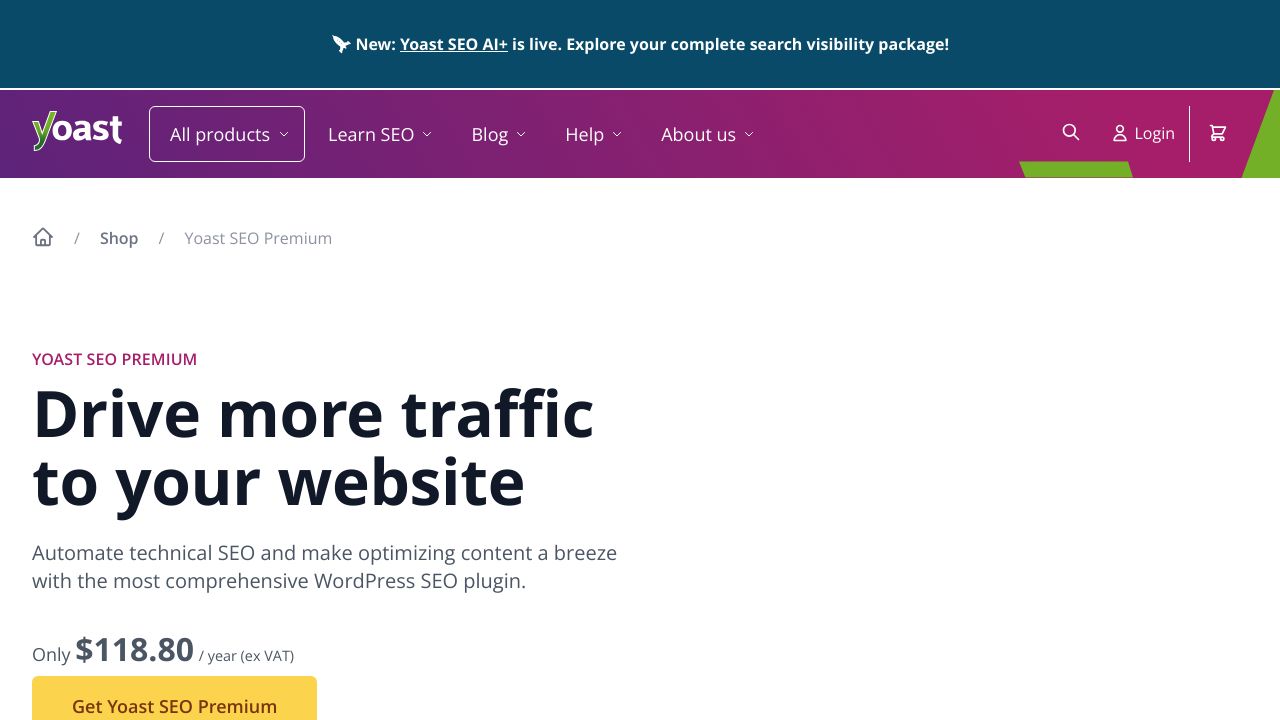
Best for: Solo bloggers and small teams who want proven, reliable content optimization with excellent documentation and support.
2. Rank Math: The Feature-Rich Free Alternative
Rank Math is what happens when developers look at Yoast and think, "We can do better." The free version includes features that Yoast locks behind a paywall: advanced schema markup, keyword tracking, Google Search Console integration, and redirects.
The interface is more modern than Yoast's, and the setup wizard actually makes sense. You can optimize for multiple keywords even in the free version, which is huge if you're targeting semantic variations. The schema markup options are particularly impressive, with support for 20+ schema types out of the box.
The pro version starts at around $59 per year and adds AI-powered content suggestions, advanced analytics, and local SEO features. It's a better value than Yoast Premium for most people, especially if you're managing multiple sites.
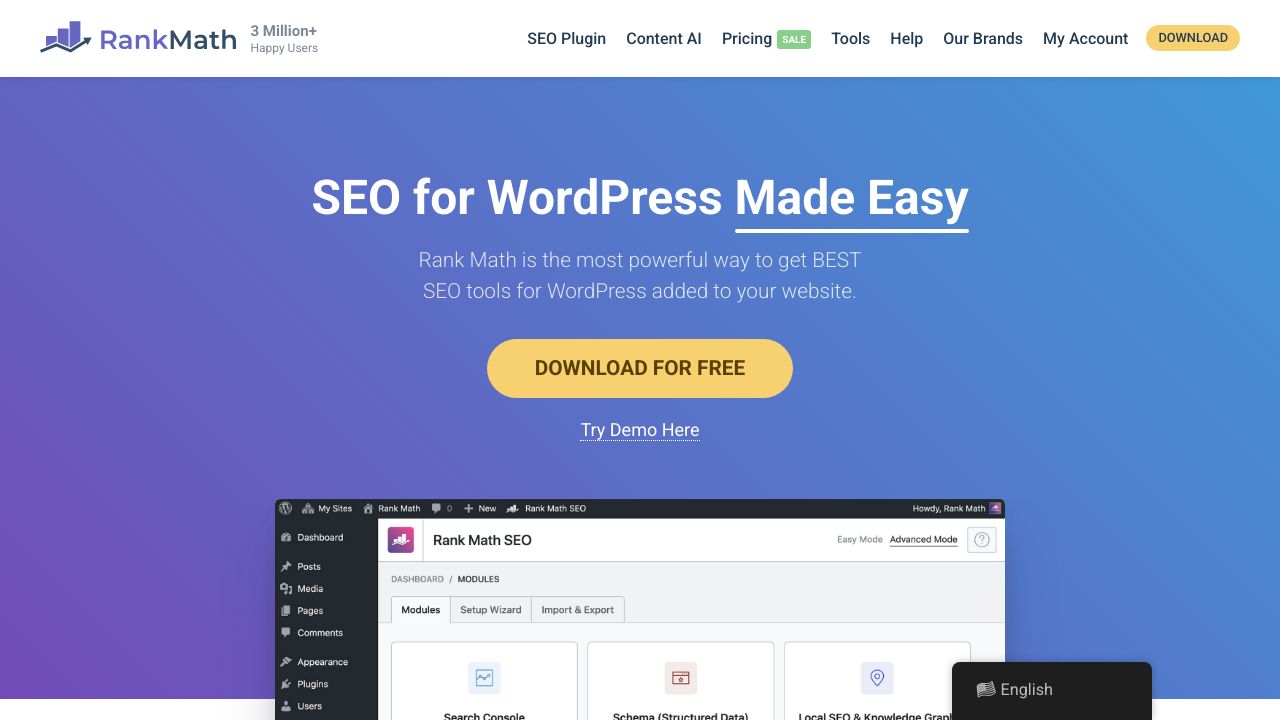
Best for: Budget-conscious users who want premium features without premium pricing, and teams that need to scale affordably.
3. All in One SEO (AIOSEO): AI-Powered SEO for WordPress
All in One SEO has been downloaded over 100 million times, making it one of the most popular WordPress plugins ever. The recent addition of AI-powered features sets it apart from competitors still relying on basic keyword analysis.
The TruSEO score gives you a single number that represents your content's optimization level, similar to Yoast's traffic lights but more granular. The AI title and description generator can save hours of work, though you'll still want to review and tweak the suggestions.
What makes AIOSEO particularly valuable for agencies is the smart schema markup that automatically adapts based on your content type. It also includes WooCommerce SEO features that most other plugins charge extra for.
Best for: Agencies managing multiple client sites who need AI assistance and comprehensive features without a steep learning curve.
4. SEMrush SEO Writing Assistant: Enterprise-Grade Integration
If you're already using SEMrush for keyword research and competitive analysis, the SEO Writing Assistant plugin brings that data directly into your WordPress editor. It's not a standalone SEO plugin; it's an extension of SEMrush's enterprise platform.
The real-time content optimization pulls data from top-ranking pages for your target keywords and suggests improvements based on what's actually working in your niche. You get recommendations for semantic keywords, readability improvements, and tone adjustments.
The downside is that you need a SEMrush subscription, which starts at around $139.95 per month. That's a tough sell for solo bloggers, but for agencies already paying for SEMrush, the WordPress integration is a no-brainer.
Best for: Agencies and enterprise teams already invested in the SEMrush ecosystem who want seamless integration between research and content creation.
5. Squirrly SEO: AI-Driven Suggestions for Beginners
Squirrly SEO takes a different approach than most plugins. Instead of overwhelming you with options, it acts more like an AI assistant that guides you through optimization step by step.
The focus keyword research happens inside WordPress, so you don't need to switch between tools. The AI analyzes your content and suggests improvements in plain English, not SEO jargon. It's particularly good at helping beginners understand why certain changes matter.
The automated optimization features can handle a lot of technical SEO tasks without manual intervention. This is great for solo bloggers who want results without becoming SEO experts, but it might feel limiting for advanced users who want granular control.
Best for: Complete beginners who want AI-powered guidance and don't mind trading some control for simplicity.
6. The SEO Framework: Lightweight and Developer-Friendly
The SEO Framework is what you get when developers build an SEO plugin for themselves. It's fast, clean, and doesn't try to do everything. The entire plugin is designed around performance and code quality.
There's no bloated interface with dozens of tabs and settings. Everything is streamlined and accessible through WordPress's native interface. The plugin automatically handles most technical SEO without requiring configuration, which is either liberating or frustrating depending on your perspective.
The free version covers all the essentials. The premium extensions add features like local SEO, AMP support, and advanced redirects, but most users won't need them. If site speed is your top priority and you understand SEO fundamentals, this is probably your best option.
Best for: Developers and performance-focused users who want a lightweight plugin that doesn't slow down their site.
7. SmartCrawl: The WPMU DEV All-in-One Solution
SmartCrawl is part of the WPMU DEV suite, which means it's designed to work seamlessly with their other tools for backups, security, and performance. The automated scanning feature crawls your site regularly and alerts you to SEO issues before they become problems.
The reporting features are more comprehensive than most standalone plugins. You get detailed insights into crawl errors, broken links, and optimization opportunities. The white-label reporting makes it easy to share progress with clients without exposing the underlying tools.
The catch is that SmartCrawl is only available as part of WPMU DEV's membership, which starts at around $49 per month. That's expensive if you only need SEO, but it's a good value if you're already using their other services.
Best for: Agencies already using WPMU DEV who want integrated SEO, security, and performance tools in one ecosystem.
8. SEOPress: Privacy-Focused SEO Without Footprints
SEOPress is built for agencies that need white-label capabilities. Unlike Yoast or Rank Math, it doesn't leave any branding footprints in your site's code or admin interface. Your clients will never know you're using a third-party plugin.
The feature set is comprehensive: content analysis, schema markup, redirects, Google Analytics integration, and local SEO. The interface is clean and doesn't overwhelm users with options they'll never use. The free version is surprisingly capable, but the pro version (around $49 per year) adds features most agencies will want.
SEOPress also takes privacy seriously. It doesn't send your data to external servers for analysis, which matters if you're working with clients in regulated industries or regions with strict data protection laws.
Best for: Agencies that need white-label capabilities and privacy-conscious users who don't want their data leaving their server.
9. Slim SEO: Automated SEO for Hands-Off Optimization
Slim SEO takes automation to the extreme. Install it, and it handles meta tags, schema markup, sitemaps, and image optimization automatically. There's almost no configuration required.
This is perfect for solo bloggers who want SEO handled but don't want to think about it. The plugin is incredibly lightweight and won't slow down your site. But the lack of customization options means it's not suitable for anyone who wants granular control over their SEO.
The free version covers most needs. The pro version adds features like redirects and breadcrumbs, but honestly, most users won't need them. If you want a set-and-forget solution that just works, this is it.
Best for: Solo bloggers who want automated SEO without configuration or ongoing maintenance.
10. Link Whisper: Internal Linking Automation Specialist
Link Whisper isn't a full SEO plugin. It does one thing: internal linking. But it does it better than any other tool on the market.
The AI scans your content and suggests relevant internal links as you write. It also analyzes your existing content and identifies orphaned pages that need more internal links. For content-heavy sites with hundreds or thousands of posts, this saves an enormous amount of time.
The pricing is around $77 per year for a single site, which seems steep for a specialized tool. But if you're managing a large content library or running an agency with multiple content-heavy clients, the time savings justify the cost.
Best for: Content-heavy sites and agencies that need to scale internal linking without manual work.
Side-by-Side Comparison: Features, Pricing, and Performance
Looking at features in isolation doesn't tell the whole story. What matters is how these tools perform in real-world scenarios and whether they're worth the investment for your specific situation.
Feature Comparison Matrix
Tool | Content Analysis | Schema Markup | Free Version | Best For |
|---|---|---|---|---|
Yoast SEO | Excellent | Basic (Premium: Advanced) | Yes | Solo bloggers |
Rank Math | Excellent | Advanced | Yes | Budget users |
AIOSEO | Good (AI-powered) | Advanced | Yes | Agencies |
SEMrush Plugin | Excellent | Limited | No | Enterprise |
Squirrly SEO | Good (AI-guided) | Basic | Limited | Beginners |
The SEO Framework | Minimal | Automatic | Yes | Developers |
SmartCrawl | Good | Good | Yes | WPMU DEV users |
SEOPress | Excellent | Advanced | Yes | White-label needs |
Slim SEO | Automatic | Automatic | Yes | Hands-off users |
Link Whisper | N/A | N/A | No | Internal linking |
Pricing Breakdown by User Type
For solo bloggers on a tight budget, Rank Math's free version offers the best value. You get features that other plugins charge for, and the interface is intuitive enough that you won't need to hire help. If you can afford $59 per year, Rank Math Pro is probably the best investment you can make.
Small teams should look at Yoast Premium (around $99/year) or SEOPress Pro (around $49/year). Both offer collaboration features and enough power to handle growing content needs without breaking the bank. The choice comes down to whether you prefer Yoast's established ecosystem or SEOPress's cleaner interface.
Agencies need to think about cost per site. AIOSEO and SEOPress both offer agency plans that make sense when you're managing 10+ client sites. If you're already paying for SEMrush, the Writing Assistant plugin adds value without additional per-site costs.
Performance Impact Analysis
Not all plugins are created equal when it comes to performance. Some add significant overhead that can slow down your site, especially on shared hosting.
The SEO Framework and Slim SEO are the lightest options, adding minimal database queries and page load time. Yoast and Rank Math are heavier but still reasonable for most sites. AIOSEO sits somewhere in the middle.
The real performance killers are plugins that make external API calls on every page load or store excessive data in your database. Most of the tools on this list are well-optimized, but it's worth testing with a plugin like Query Monitor to see the actual impact on your specific setup.
Usage Scenarios: Matching Tools to Your Workflow
Best WordPress SEO Tools for Solo Bloggers
If you're running a personal blog or small niche site, you don't need enterprise features. You need clear guidance, minimal configuration, and tools that don't require a manual to understand.
Top pick: Rank Math (free version). You get content analysis, schema markup, and Google Search Console integration without paying anything. The interface makes sense, and the setup wizard actually helps instead of confusing you.
Runner-up: Yoast SEO (free version). It's more established, has better documentation, and the content analysis is slightly more beginner-friendly. The premium version is worth considering once you're making money from your blog.
For hands-off users: Slim SEO. Install it and forget about it. It handles the technical stuff automatically while you focus on creating content.
Optimal Solutions for Small Teams (2-10 People)
Small teams need consistency. When multiple people are creating content, you need tools that enforce standards without requiring constant oversight.
Top pick: Yoast Premium. The workflow features, internal linking suggestions, and redirect management justify the cost when you're managing a team. Everyone gets the same guidance, and the content quality stays consistent.
Budget alternative: Rank Math Pro. At $59 per year, it's nearly half the price of Yoast Premium and includes most of the same features. The role manager lets you control what team members can access.
For content-heavy teams: Add Link Whisper to whatever base plugin you choose. The time savings on internal linking alone will pay for itself within a few months.
Enterprise and Agency-Grade Tools
Agencies need white-label options, bulk management, and tools that won't embarrass you when clients look under the hood.
Top pick: SEOPress Pro. The white-label features are comprehensive, the pricing scales well, and clients never know you're using a plugin. The agency plan makes sense once you're managing 10+ sites.
For SEMrush users: The SEO Writing Assistant plugin is a no-brainer if you're already paying for SEMrush. The integration between research and content creation saves hours of work.
For WPMU DEV users: SmartCrawl integrates perfectly with their other tools. If you're already using their platform for hosting, backups, and security, adding SEO makes sense.
Integration and Workflow Optimization
Combining WordPress SEO Tools with External Platforms
Your WordPress SEO plugin shouldn't exist in isolation. The best workflows connect your plugin with Google Search Console, Google Analytics, and whatever keyword research tools you're using.
Most modern plugins include Search Console integration, which lets you see actual search performance data inside WordPress. This is huge because you can identify which pages need optimization without switching between tools.
If you're using Ahrefs or SEMrush for keyword research, export your target keywords and import them into your SEO plugin. This creates a single source of truth for what you're trying to rank for.
Avoiding Plugin Conflicts and Redundancies
Never run two full SEO plugins at the same time. They'll conflict, create duplicate meta tags, and probably break something. Pick one base plugin and stick with it.
Specialized plugins like Link Whisper can work alongside your main SEO plugin because they handle different functions. But don't install multiple plugins that all try to manage meta descriptions or generate sitemaps.
Watch out for theme conflicts too. Some WordPress themes include built-in SEO features that clash with plugins. Disable the theme's SEO options if you're using a dedicated plugin.
Making Your Final Decision
Choosing the right WordPress SEO tool comes down to understanding what you actually need versus what sounds impressive in a feature list.
If you're a solo blogger, start with Rank Math's free version. It gives you everything you need without overwhelming you with options. Upgrade to Pro when you're ready for advanced features.
If you're a small team, Yoast Premium or Rank Math Pro will serve you well. The choice comes down to whether you value Yoast's established ecosystem or Rank Math's better pricing.
If you're an agency, SEOPress Pro offers the best white-label experience. AIOSEO is a solid alternative if you want more AI-powered features.
The best WordPress SEO tools in 2025 aren't necessarily the ones with the most features. They're the ones that fit your workflow, don't slow down your site, and actually help you rank better. Pick one, learn it thoroughly, and focus on creating content that deserves to rank.