
If you've been publishing blog posts on WordPress for a while, you've probably noticed something frustrating. Individual articles rank for a bit, then fade. Traffic plateaus. Google doesn't seem to recognize you as an authority, even when you're writing great content.
That's where content clusters come in.
Instead of treating each post as a standalone piece, content clusters organize your content around central topics. Think of it like building a library instead of scattering books randomly across town. When search engines see this organized structure, they start viewing your site differently.
What Are Content Clusters?
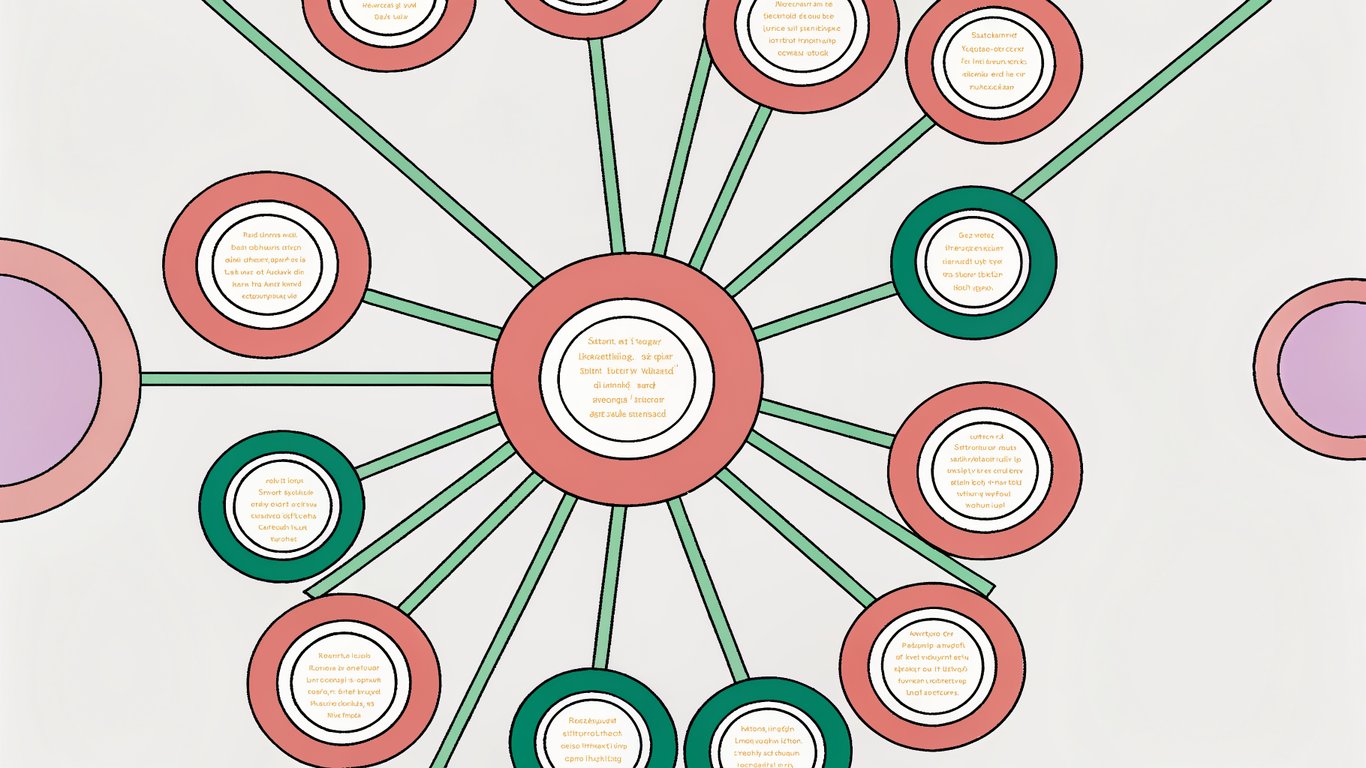
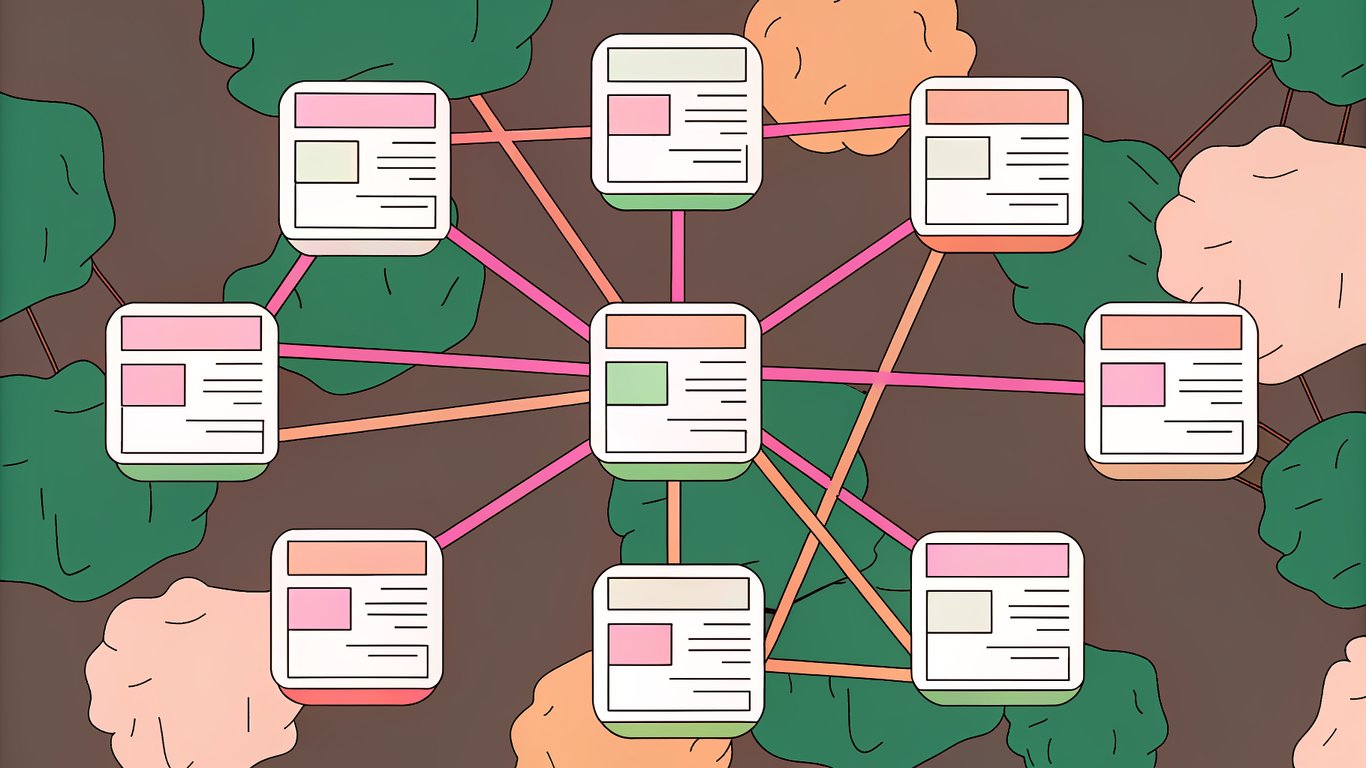
A content cluster is a collection of interlinked articles organized around one main topic. At the center sits a pillar page, which provides a comprehensive overview of the broad topic. Surrounding it are cluster articles that dive deep into specific subtopics.
Here's a simple example: If you run a fitness blog, your pillar page might cover "Strength Training for Beginners." Your cluster articles would then explore specific aspects like "How to Do a Proper Squat," "Best Home Gym Equipment Under $500," and "Creating Your First Workout Split."
Each cluster article links back to the pillar page. The pillar page links out to all cluster articles. This creates what SEO folks call a hub-and-spoke model, where everything connects in a logical, hierarchical way.
The Topical Authority Advantage
Google's algorithms have gotten smarter about understanding topics, not just keywords. When you build content clusters, you're essentially telling search engines: "We know this topic inside and out."
This matters because Google wants to rank sites that demonstrate genuine expertise. A single article about email marketing might be good. But 15 interconnected articles covering email marketing from every angle? That signals authority.
The result is often better rankings across your entire cluster, not just individual pages. Your pillar page gains strength from the cluster articles supporting it. The cluster articles benefit from being connected to a comprehensive resource.
Content Clusters vs. Traditional SEO Strategies
Old-school SEO focused on individual keywords. You'd find a keyword, write an article, optimize it, and move on. The problem? This creates a disorganized mess of content with no clear structure.
Content clusters flip this approach. Instead of starting with keywords, you start with topics. Instead of isolated articles, you build interconnected content ecosystems. The keyword research still happens, but it serves the larger topical strategy.

This shift reflects how people actually search. Someone researching email marketing doesn't just want one answer. They want to understand automation, deliverability, list building, and analytics. Content clusters give them that complete picture.
Why WordPress Is Ideal for Content Clusters
WordPress wasn't specifically designed for content clusters, but it's surprisingly well-suited for them. The category and tag system lets you organize content logically. Custom taxonomies give you even more flexibility if you need it. For a complete guide, check out our WordPress SEO optimization guide.
The plugin ecosystem is where WordPress really shines. Tools like Yoast SEO and Rank Math help with on-page optimization. Link Whisper can automate internal linking across your clusters. These tools make managing complex content structures much easier.
Plus, WordPress's block editor (Gutenberg) lets you create reusable templates for pillar pages and cluster articles. This keeps your formatting consistent without starting from scratch each time.
Planning Your Content Cluster Strategy
Most people jump straight into writing. That's a mistake. The planning phase determines whether your content cluster actually works or becomes another pile of disconnected articles.
Identifying Your Core Pillar Topics
Start by listing the main topics your business or blog covers. These should be broad enough to support multiple subtopics, but specific enough to be relevant to your audience.
Ask yourself: What do my customers or readers need to understand? What topics align with my products or services? Where do I have genuine expertise?
For a WordPress development agency, pillar topics might include "WordPress Security," "WordPress Performance Optimization," and "Custom WordPress Development." Each of these can support dozens of cluster articles.
Conducting Cluster-Focused Keyword Research
Once you've identified your pillar topics, it's time to find the specific keywords and subtopics that'll make up your cluster. Tools like Ahrefs and SEMrush work well for this, though free alternatives like Google's Keyword Planner can get you started.
Enter your pillar topic and look for related questions, long-tail variations, and subtopics. You're looking for keywords that are specific enough for individual articles but clearly related to your main topic.
Don't just chase search volume. A cluster article targeting 100 monthly searches can still be valuable if it comprehensively covers an important subtopic and strengthens your overall topical authority.
Mapping Your Content Cluster Architecture
This is where you visualize the structure. I usually create a simple spreadsheet or mind map showing the pillar page in the center with cluster articles branching out.
For each cluster article, note the target keyword, how it relates to the pillar topic, and which other cluster articles it might link to. This planning prevents you from accidentally creating duplicate content or missing important connections.
Some people use tools like MindMeister or even just pen and paper. The format doesn't matter as much as having a clear visual reference.
Setting Up WordPress for Content Clusters
Before you start writing, you'll want to configure WordPress to support your cluster strategy. This setup work pays off when you're managing multiple clusters with dozens of articles.
Essential WordPress Plugins for Content Clusters
At minimum, you'll want an SEO plugin. Yoast SEO and Rank Math both offer features specifically useful for content clusters, including internal linking suggestions and content analysis.
For internal linking, Link Whisper is probably the most popular option. It suggests relevant internal links as you write and helps you identify orphaned content that isn't connected to your cluster structure.
Consider adding a table of contents plugin like Easy Table of Contents for your pillar pages. These long-form pages benefit from clear navigation.
Creating a Custom Taxonomy Structure
WordPress categories work fine for basic cluster organization. Create a category for each pillar topic, then assign cluster articles to the appropriate category.
Tags can help you cross-reference articles that touch on multiple topics. Just don't go overboard. Too many tags creates confusion rather than clarity.
If you're managing multiple complex clusters, you might want custom taxonomies. This requires a bit of code or a plugin like Custom Post Type UI, but it gives you more control over how content is organized.
Creating Your Pillar Content
Your pillar page is the foundation of the entire cluster. It needs to be comprehensive without being overwhelming, and it needs to clearly guide readers to the specific information they're looking for.
Pillar Page Structure and Format
Most effective pillar pages run between 3,000 and 5,000 words. That's long enough to cover the topic thoroughly but not so long that readers get lost.
Start with a clear introduction that explains what the page covers and who it's for. Then use a table of contents to let readers jump to specific sections. Each major section should cover one aspect of your pillar topic at a high level.
Within each section, link out to your cluster articles where readers can get more detailed information. These links should feel natural, not forced. You're essentially saying, "Here's the overview, and if you want to go deeper on this specific aspect, check out this article."
Writing Comprehensive Pillar Content
The challenge with pillar pages is balancing breadth and depth. You want to cover all the major subtopics, but you don't want to duplicate what your cluster articles will say in detail.
Think of your pillar page as the 30,000-foot view. Explain concepts, provide context, and show how different aspects relate to each other. Save the step-by-step tutorials and detailed examples for your cluster articles.
Use plenty of subheadings to break up the content. Visual elements like images, diagrams, or even simple bullet lists help readers scan and find what they need.
Developing Supporting Cluster Content
Cluster articles are where you get specific. Each one should thoroughly cover a single subtopic related to your pillar page.
Prioritizing Cluster Content Creation
You probably can't write all your cluster articles at once. Start with the subtopics that have the highest search volume or the most direct connection to your business goals.
I usually recommend creating at least 5-7 cluster articles before publishing your pillar page. This gives you enough supporting content to demonstrate topical coverage. You can always add more cluster articles later.
Writing Focused Cluster Articles
Each cluster article should go deep on its specific topic. If your pillar page mentions "WordPress security best practices" in a paragraph, your cluster article might be a 2,000-word guide covering firewall plugins, login security, file permissions, and regular updates.
The key is staying focused. Don't try to cover the entire pillar topic in each cluster article. Trust that readers will click through to other articles if they want more information on related subtopics.
Implementing Strategic Internal Linking
Internal linking is what actually creates the cluster structure. Without proper links, you just have a collection of articles on similar topics.
Internal Linking Best Practices for Content Clusters
Every cluster article should link back to the pillar page at least once, usually near the beginning or end. Use descriptive anchor text that includes your target keyword naturally.
Your pillar page should link to all cluster articles in relevant sections. Don't just dump all the links at the end. Weave them into the content where they make sense contextually.
Cluster articles can also link to each other when relevant. If your article about WordPress security plugins mentions backup strategies, link to your cluster article about WordPress backups.
Using WordPress Plugins for Internal Linking
Link Whisper scans your content and suggests relevant internal links based on keyword matching. It's not perfect, but it catches opportunities you might miss manually.
The plugin also shows you orphaned posts (articles with no internal links pointing to them) and helps you build a more connected site structure over time.
That said, don't rely entirely on automation. Review suggested links to make sure they actually make sense in context. A forced internal link is worse than no link at all.
Maintaining and Optimizing Your Content Clusters
Building the cluster is just the start. The real value comes from maintaining and expanding it over time.
Monitoring Content Cluster Performance
Use Google Search Console to track how your cluster articles and pillar pages rank for their target keywords. Look for patterns. Are certain cluster articles driving traffic to the pillar page? Is the pillar page ranking for broader terms?
Google Analytics shows you how users navigate between articles in your cluster. If people aren't clicking from cluster articles to the pillar page, your internal links might not be compelling enough.
Updating and Refreshing Existing Content
Content clusters aren't set-it-and-forget-it. Industries change, new information emerges, and search intent evolves.
Set a schedule to review your pillar pages every 6-12 months. Update statistics, add new sections for emerging subtopics, and refresh examples. When you update the pillar page, check if any cluster articles need updates too.
This ongoing maintenance signals to search engines that your content stays current and relevant.
Expanding Clusters with New Content
As you monitor performance, you'll spot opportunities for new cluster articles. Maybe a particular section of your pillar page gets lots of engagement. That's a signal to create a dedicated cluster article on that subtopic.
Search Console might show you ranking for keywords you didn't specifically target. Create cluster articles optimized for those terms to capture more traffic.
Growing your clusters gradually is often more effective than trying to create everything at once. It gives you time to see what resonates with your audience and adjust your strategy.
Making Content Clusters Work for Your WordPress Site
Content clusters aren't a magic solution that instantly boosts your rankings. They're a long-term strategy that builds topical authority gradually.
Start with one cluster. Pick a topic you know well and that matters to your business. Build out the pillar page and 5-7 cluster articles. Get the internal linking right. Then watch how it performs over a few months.
You'll probably see some cluster articles rank faster than others. That's normal. The real benefit comes when Google starts recognizing your site as an authority on the entire topic, not just individual keywords.
Once you've got one cluster working, you can replicate the process for other topics. Over time, you'll build a site that demonstrates comprehensive expertise across your niche. That's when content clusters really start paying off.