

You've probably experienced this: scrambling at the last minute to figure out what to post, forgetting important deadlines, or publishing content that doesn't align with your overall strategy. It's exhausting, and honestly, it's not sustainable.
A content calendar changes everything. It's not just about staying organized (though that's a huge benefit). It's about creating a system that helps you publish consistently, collaborate effectively, and actually achieve your marketing goals.
What is a Content Calendar?
A content calendar is a planning document that organizes what content you'll publish, when you'll publish it, and where it'll appear. Think of it as your content roadmap.
It can be as simple as a spreadsheet with dates and topics, or as complex as a project management system with workflows, assignments, and approval processes. The format doesn't matter nearly as much as having one in the first place.

Benefits of Using a Content Calendar
The advantages go way beyond just knowing what to post next Tuesday. Here's what you'll gain:
- Consistency: You'll publish regularly instead of sporadically, which builds audience trust and improves your search rankings
- Time savings: Planning in batches is far more efficient than deciding what to create each day
- Better collaboration: Your team knows who's responsible for what and when things are due
- Strategic alignment: You can see how individual pieces fit into your bigger marketing goals
- Reduced stress: No more panic-posting or missing important dates
I've seen teams cut their content planning time in half just by implementing a basic calendar system.
Who Needs a Content Calendar?
Pretty much everyone creating content regularly. Solo bloggers use them to stay on track. Social media managers rely on them to coordinate posts across multiple platforms. Marketing teams use them to align campaigns across channels.
If you're publishing more than once a week, you probably need one. If you're working with a team, you definitely need one.
Step 1: Define Your Content Goals and Strategy
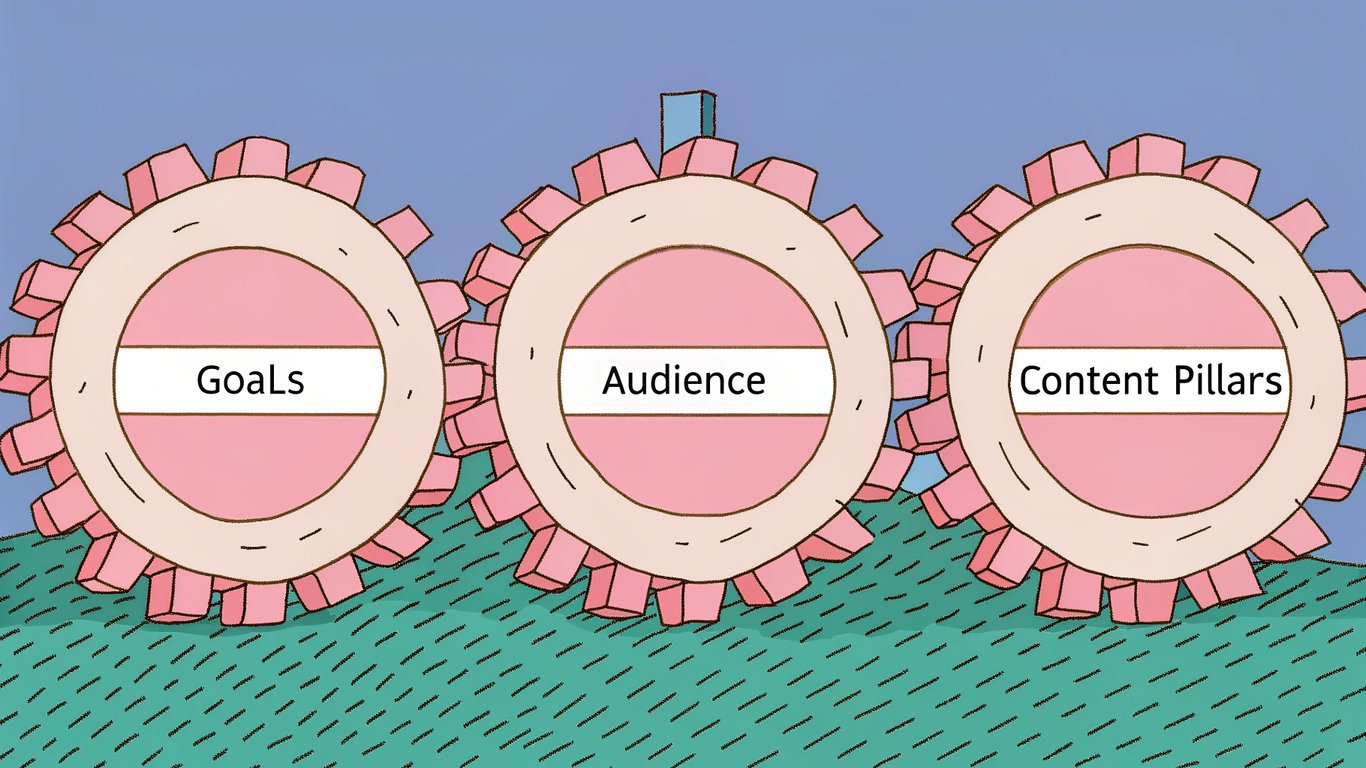
Before you create content calendar templates or start scheduling posts, you need to know what you're trying to accomplish. Otherwise, you're just organizing chaos.
Set Clear Content Objectives
Your content should support specific business goals. Are you trying to increase brand awareness? Generate leads? Drive sales? Improve customer retention?
Write down 2-3 primary objectives. Be specific. Instead of "get more traffic," try "increase organic search traffic by 30% in six months" or "generate 50 qualified leads per month through content downloads."
Identify Your Target Audience
You can't create effective content without knowing who you're creating it for. Develop audience personas that include demographics, pain points, goals, and content preferences.
Ask yourself: What questions do they have? What problems are they trying to solve? Where do they consume content? What format do they prefer?
Establish Content Pillars
Content pillars are the 3-5 core themes that align with your brand and resonate with your audience. They give your content focus and prevent you from wandering off-topic.
For example, a fitness brand might have pillars like workout routines, nutrition advice, recovery techniques, and mindset coaching. Every piece of content should fit under one of these umbrellas.
Conduct Keyword and Competitor Research
Look at what topics your competitors are covering and what's ranking well in search results. Tools like Ahrefs or SEMrush can show you keyword opportunities and content gaps.
But don't just copy what others are doing. Find angles they're missing or topics they haven't covered thoroughly. That's where you'll stand out.
Step 2: Choose Your Content Calendar Format and Tools
The best content calendar is the one you'll actually use. Don't overcomplicate this.
Content Calendar Format Options
You've got several options, each with tradeoffs:
- Spreadsheets: Simple, flexible, and free. Great for solo creators or small teams
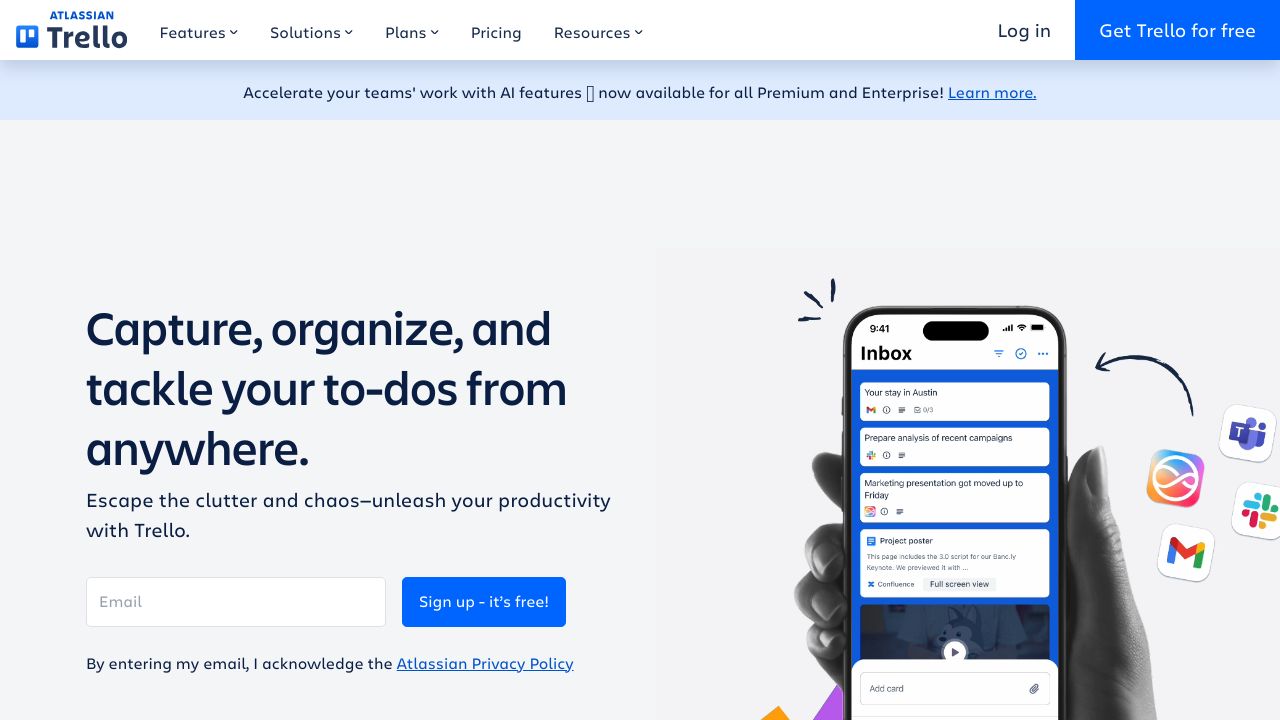
- Project management tools: Better for collaboration and workflow management. Think Trello, Asana, or Monday.com
- Dedicated content calendar software: Built specifically for content planning with features like social media integration
- Physical planners: Some people still prefer paper, and that's fine if it works for you
Best Tools and Templates for 2026
Google Sheets remains popular because it's free, shareable, and customizable. You can find dozens of free templates online to get started quickly.
For teams, Trello offers a visual board system that many find intuitive. Asana provides more robust project management features if you need detailed workflows.
Specialized tools like CoSchedule integrate with your blog and social platforms, which can save time if you're managing multiple channels.
Essential Elements to Include
At minimum, your calendar should track:
- Publish date and time
- Content title or topic
- Content type (blog post, video, social post, etc.)
- Platform or channel
- Status (idea, in progress, review, scheduled, published)
- Author or owner
- Target keywords
- Promotional plan
You can add more fields as needed, but start simple. You can always expand later.
Step 3: Plan Your Content Mix and Posting Frequency
Now comes the fun part: deciding what to create and when to publish it.
Determine Your Publishing Frequency
Be realistic about what you can sustain. It's better to publish one quality piece per week consistently than to burn out trying to post daily.
Consider your resources, your audience's expectations, and what your competitors are doing. If everyone in your industry posts daily on social media, you probably should too. But for blog content, weekly or bi-weekly might be perfectly fine.
Create a Balanced Content Mix
The 80/20 rule works well here: 80% of your content should educate, inform, or entertain your audience. Only 20% should be directly promotional.
Mix up your content types too. Combine how-to guides, industry news, case studies, opinion pieces, and curated content. Variety keeps your audience engaged and attracts different segments.
Map Content to the Calendar Year
Start by marking major dates: holidays, industry events, product launches, seasonal trends. These anchor points help you plan relevant, timely content.
For example, if you're in retail, you'd plan content around Black Friday, back-to-school season, and holiday shopping. A B2B company might focus on industry conferences or fiscal year planning periods.
Plan for Multiple Channels
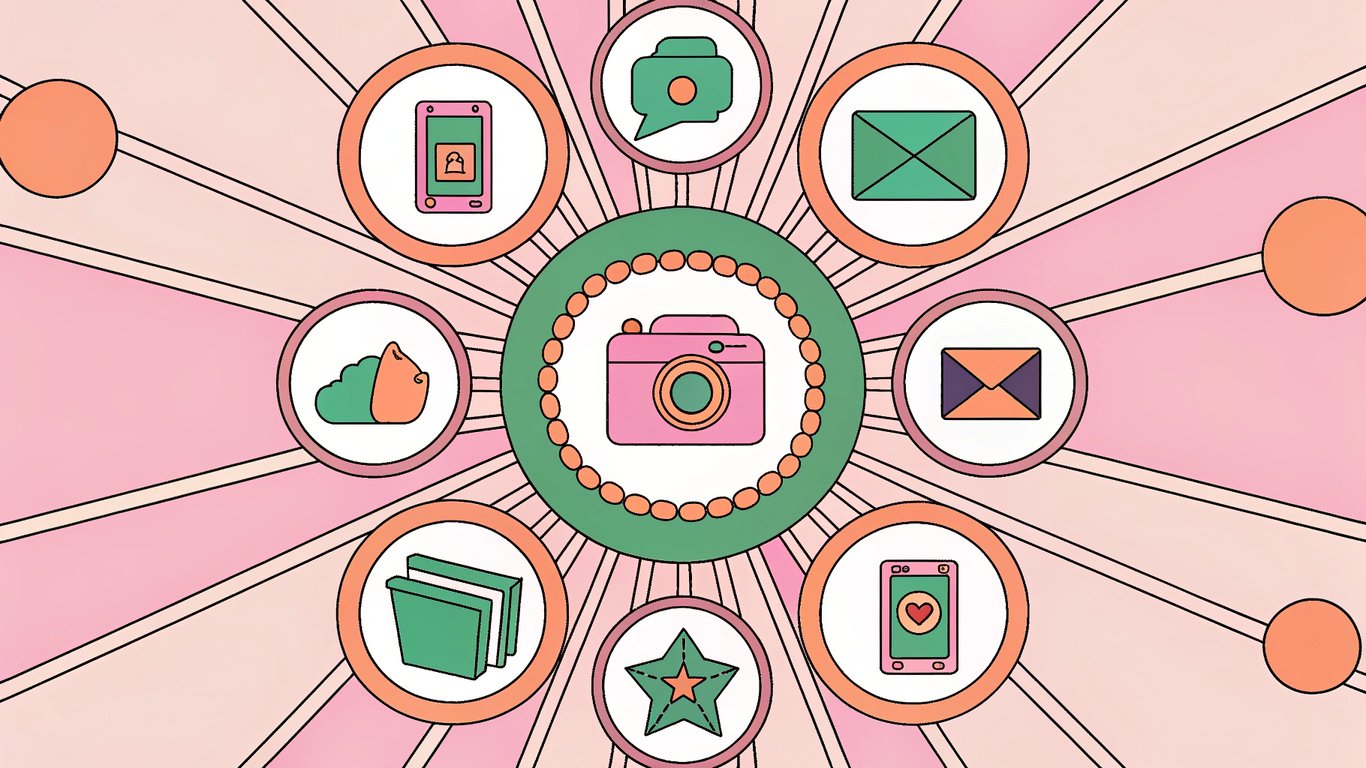
Your blog post can become a series of social media posts, an email newsletter, and a video. Plan how you'll repurpose content across channels to maximize your effort.
Just make sure you're adapting the content for each platform, not just copying and pasting. What works on LinkedIn won't necessarily work on Instagram.
Step 4: Build and Populate Your Content Calendar
Time to actually create content calendar structure and fill it with ideas.
Set Up Your Calendar Template
If you're using a spreadsheet, create columns for each essential element we discussed earlier. Add color coding for different content types or statuses to make it easier to scan.
Set up different views if your tool supports it: a monthly overview, a weekly detail view, and maybe a list view sorted by status or author.
Brainstorm and Schedule Content Ideas
Block out time for a brainstorming session. Generate way more ideas than you need, then prioritize based on your goals, keyword research, and audience needs.
Start by filling in your anchor content around those key dates. Then fill the gaps with evergreen topics that support your content pillars.
Assign Responsibilities and Deadlines
For each piece of content, assign an owner and set deadlines for each stage: first draft, review, revisions, final approval, and publication.
Build in buffer time. If you need a blog post published on Monday, don't schedule the final review for Sunday night. Give yourself breathing room for unexpected delays.
Build in Flexibility and Buffer Time
Don't schedule every single day. Leave some open slots for trending topics, breaking news, or last-minute opportunities.
I usually keep about 20% of my calendar flexible. It gives you room to be responsive without derailing your entire plan.
Step 5: Implement Your Content Calendar Workflow
A calendar is useless if nobody follows it. You need systems to make it work.
Establish a Content Creation Process
Define clear stages: ideation, research, drafting, editing, approval, scheduling, and promotion. Everyone should know what happens at each stage and who's responsible.
Document this process. It doesn't need to be fancy, just clear enough that a new team member could follow it.
Schedule Regular Planning Sessions
Set up recurring meetings to review and update your calendar. Weekly check-ins keep everyone aligned on immediate priorities. Monthly sessions let you plan ahead and adjust strategy. Quarterly reviews help you evaluate what's working and what isn't.
Use Automation and Scheduling Tools
Tools like Buffer or Hootsuite let you schedule social media posts in advance. Most blogging platforms have built-in scheduling features too.
Automation saves time and ensures content goes out even when you're busy with other things.
Step 6: Monitor, Measure, and Optimize Your Calendar
Your calendar should evolve based on what's actually working.
Track Content Performance Metrics
Add a column to your calendar for performance data. Track metrics that align with your goals: page views, engagement rate, conversions, shares, whatever matters most.
Review this data regularly. You'll start to see patterns in what resonates with your audience.
Conduct Regular Content Audits
Every quarter, review your published content. What performed well? What flopped? Are there gaps in your coverage? Topics you're over-covering?
Use these insights to refine your content mix and topics for the next quarter.
Adjust Your Strategy Based on Data
If video content consistently outperforms written posts, create more videos. If your audience engages more on certain days, adjust your publishing schedule.
Don't be afraid to kill content types that aren't working. Your time is valuable.
Common Mistakes to Avoid and Pro Tips
I've made plenty of content calendar mistakes over the years. Here's what to watch out for.
Top Content Calendar Mistakes
- Over-planning: Scheduling six months out in detail is usually a waste. Things change
- Being too rigid: Your calendar should guide you, not constrain you
- Ignoring analytics: If you're not tracking performance, you're flying blind
- Poor communication: Make sure everyone knows how to access and update the calendar
- Forgetting promotion: Creating content is only half the battle. Plan how you'll promote it too
Expert Tips for Content Calendar Success
Batch similar tasks together. Write multiple blog posts in one session, create social graphics in another. It's more efficient than switching contexts constantly.
Build a content bank of evergreen pieces you can publish during slow periods or when you're short on time. These are your safety net.
Repurpose ruthlessly. One well-researched blog post can become a dozen social posts, an email, a video script, and an infographic. This approach works especially well when you've built your content around strong content pillars that give you a clear framework for repurposing.
How to Stay Consistent Long-Term
Start small. It's better to commit to one post per week and stick to it than to plan daily posts and burn out in a month.
Make calendar maintenance a habit. Spend 30 minutes every Friday reviewing next week and planning the week after. It becomes automatic.
Celebrate wins. When you hit a milestone or a piece of content performs well, acknowledge it. It keeps you motivated.
Start Building Your Content Calendar Today
You don't need a perfect system to get started. You just need to begin.
Pick a simple tool (a Google Sheet works fine), define your goals, and start filling in the next two weeks. That's it. You can refine and expand as you go. Organizing your calendar around topic clusters helps ensure each piece of content supports your broader strategy.
The hardest part is usually just making the decision to create content calendar structure. Once you have something in place, even a basic version, you'll immediately feel more organized and in control. For guidance on how often to fill those calendar slots, see our guide on blog publishing frequency.
Your future self will thank you for starting today instead of waiting for the perfect moment. Because the perfect moment doesn't exist, but the benefits of having a content calendar definitely do. And if maintaining a consistent publishing schedule feels overwhelming, WordPress AI autoblogging can help you keep your calendar full without burning out.