

Most marketing teams are stuck doing the same manual tasks over and over. You're probably copying content between tools, chasing down approvals, and wondering why it takes three weeks to publish a single blog post.
A content pipeline changes that. It's basically a system that moves your content from idea to published post without you having to babysit every step. Think of it like an assembly line, but for blog posts instead of cars.
What Actually Is a Content Pipeline?
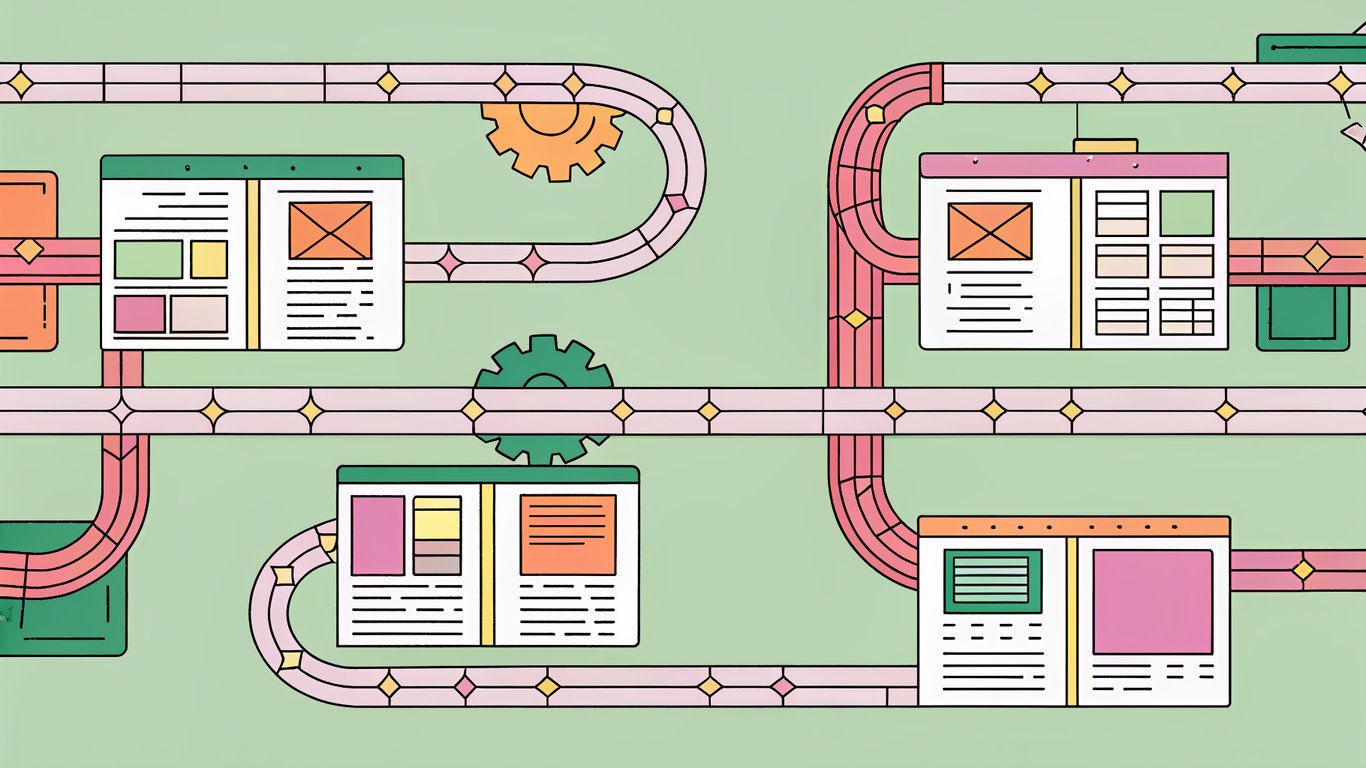
A content pipeline has five main stages: ideation (coming up with ideas), creation (writing the thing), editing (making it not terrible), publishing (getting it live), and distribution (making sure people actually see it). Each stage should flow into the next without someone manually moving files around or sending reminder emails.
The difference between a good pipeline and a bad one? Automation. When you automate the boring stuff, your team can focus on the creative work that actually matters.
The Real Benefits of Automation
Here's what happens when you build a proper content pipeline:
- Speed: You'll publish content faster because nobody's waiting around for approvals or manually scheduling posts
- Fewer mistakes: Automated checks catch typos and broken links before they go live
- Scalability: You can handle 50 posts a month as easily as 5 without hiring more people
- Time savings: Your team stops wasting hours on administrative tasks
Where Most Pipelines Get Stuck
The biggest bottlenecks are usually in the handoffs. Someone finishes writing, then the draft sits in their inbox for a week waiting for an editor. Or the editor approves it, but nobody remembers to actually publish it.
AI tools can help with these gaps. They can automatically notify the next person in line, suggest edits, or even schedule publication without human intervention.
Mapping Your Current Workflow
Before you automate anything, you need to know what you're actually doing now. Grab a notebook and write down every single step your content goes through, from the moment someone says "hey, we should write about this" to when it's live on your site.
Document Everything (Yes, Everything)
Talk to everyone who touches content. Ask your writers how they get assignments. Ask your editors where drafts come from. Ask whoever publishes posts what their process looks like. You'll probably discover steps you didn't even know existed.
Pay attention to where things slow down. If drafts sit in someone's inbox for days, that's a problem you can solve with automation.
Define Clear Stages and Owners
Break your workflow into distinct stages. Each stage should have one person responsible for it. When a piece moves from writing to editing, there should be a clear handoff point, not a vague "someone will look at it eventually."
This clarity makes automation way easier. You can't automate a process if nobody knows who's supposed to do what.
Visualize Your Pipeline
Use a tool like Notion, Trello, or Asana to create a visual flowchart. Seeing your pipeline laid out makes it obvious where you can add automation.

Your flowchart doesn't need to be fancy. Boxes and arrows work fine. The point is to see the whole system at once.
Set Metrics That Actually Matter
Decide how you'll measure success. Common metrics include time from idea to publication, number of posts published per month, and engagement rates. Pick three or four that align with your business goals.
Track these before you automate anything. That way you'll know if your new pipeline actually works better.
Using AI for Ideas and Planning
Coming up with content ideas is hard. AI makes it easier by analyzing trends, suggesting topics, and identifying gaps in your existing content.

AI-Powered Topic Research
Tools like ChatGPT and Claude can generate topic ideas based on your industry and audience. You can also use SEO platforms to find what people are actually searching for.
The trick is being specific with your prompts. Don't just ask for "blog ideas." Tell the AI who your audience is, what problems they're trying to solve, and what topics you've already covered.
Building Your Content Calendar
Once you have ideas, you need to organize them. AI can help prioritize topics based on search volume, competition, and relevance to your audience. Then you can plug those into a calendar tool to create a publishing schedule.
A good calendar balances different content types and topics. You don't want to publish five posts about the same thing in one week.
Automating Keyword Research
Connect your AI tools with SEO platforms to automatically identify target keywords for each piece. This saves hours of manual research and ensures you're writing about things people actually care about.
Creating AI-Assisted Content
AI writing tools can speed up content creation, but they're not magic. You still need human oversight to make sure the output is actually good.
Picking the Right AI Writing Tools
Popular options include ChatGPT, Jasper, Copy.ai, and eesel AI. Each has different strengths. Some integrate directly with WordPress, which can save you time copying and pasting.

Test a few before committing. The best tool is the one your team will actually use.
Building Content Briefs and Templates
Create standardized prompts that include your brand voice, target audience, and key points to cover. This ensures AI-generated content stays on-brand and consistent.
Your templates should be detailed. The more context you give the AI, the better the output.
Human-AI Collaboration
Use AI for first drafts, outlines, and research. Then have humans refine, fact-check, and add personality. AI is good at structure and speed. Humans are good at nuance and creativity.
Automating Editing and Quality Control
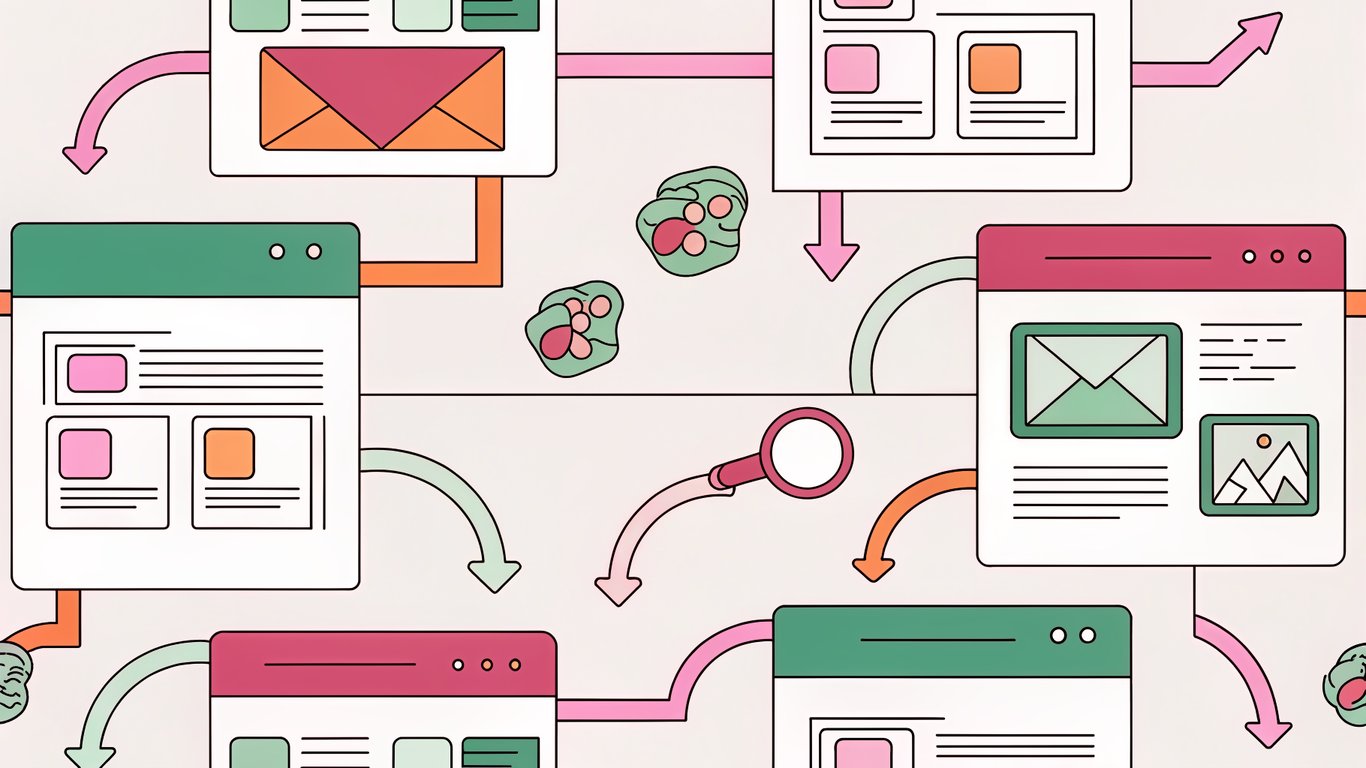
Editing is where many pipelines slow down. Automation can help catch obvious errors and route content to the right reviewers.
AI Grammar and Style Tools
Tools like Grammarly and Hemingway catch typos, awkward phrasing, and readability issues. They're not perfect, but they catch stuff humans miss.
Setting Up Review Workflows
WordPress plugins can create approval chains that automatically notify the next person when a draft is ready. No more chasing people down for feedback.
SEO Optimization Checks
Plugins like Yoast and Rank Math are among the best free SEO plugins for WordPress that automatically check your content for SEO issues. They'll flag missing meta descriptions, keyword stuffing, and other problems before you publish.
Publishing and Distribution Automation
Once content is approved, it should publish itself. No manual intervention required.
WordPress Scheduling
WordPress has built-in scheduling. Set a publish date and time, and it'll go live automatically. Advanced plugins add features like recurring posts and conditional publishing.
Social Media Automation
Connect WordPress to social platforms using tools like Buffer, Hootsuite, or Jetpack Publicize. When you publish a post, it automatically shares to your social accounts.
Email Newsletter Integration
Set up automatic email notifications using Mailchimp, ConvertKit, or WordPress newsletter plugins. Your subscribers get notified whenever you publish without you lifting a finger.
Keeping Content Fresh with Automated Updates
Publishing isn't the end. Old content needs updates to stay relevant and maintain search rankings.
Content Audit Schedules
Create automated reminders to review older posts. Set up a system that flags content that's six months old or hasn't been updated in a while.
AI-Powered Refresh Suggestions
AI tools can scan your content for outdated information, broken links, and opportunities to add new sections. They can't do the updates for you, but they can tell you what needs attention.
Performance-Based Updates
Integrate Google Analytics and Search Console data to identify underperforming content. Set up triggers that add these posts to your update queue automatically.
Essential Tools for Your Pipeline
You don't need every tool out there. Start with these basics and add more as you need them.
WordPress Plugins You Actually Need
- Editorial Calendar for visualizing your publishing schedule
- Edit Flow for managing workflow and custom statuses
- An SEO plugin like Yoast or Rank Math
- A backup plugin (because things break)
Automation Platforms
Tools like Zapier, Make, and Activepieces connect your different tools together. They're the glue that makes your pipeline actually work.
Start simple. Connect WordPress to your social media accounts. Then add more connections as you get comfortable.
Your Implementation Roadmap
Don't try to automate everything at once. Roll out your pipeline in phases.
Weeks 1-2: Foundation
Map your current workflow, pick your tools, and get buy-in from your team. This is mostly planning and documentation.
Weeks 3-4: Integration
Install plugins, connect APIs, and run test content through your new pipeline. Fix what breaks (something will break).
Weeks 5-6: Optimization
Train your team, gather feedback, and refine your workflows. The first version won't be perfect, and that's fine.
Avoiding Common Mistakes
Here's what trips people up when building content pipelines.
Don't Automate Away Quality
Automation should speed things up, not replace human judgment. Always have someone review AI-generated content before it goes live. Your brand voice matters more than publishing speed.
Back Up Everything
Automated systems can fail. Have backups of your content and a plan for when things go wrong. Regular WordPress backups are non-negotiable.
Start Small, Scale Gradually
Automate one stage at a time. Get that working smoothly before moving to the next. Trying to automate everything at once usually ends in chaos.
Building a content pipeline takes work upfront, but it pays off quickly. You'll publish more content, with fewer errors, in less time. Your team will spend less time on administrative tasks and more time on creative work that actually moves the needle.
The key is starting simple and adding complexity as you go. Map your workflow, pick a few tools, automate one stage, and build from there. You don't need a perfect system on day one. You just need something better than what you have now.