

WordPress tags seem harmless enough. You add a few keywords to your posts, and suddenly you've got a way to organize content. But here's what most site owners don't realize: every tag you create generates a new archive page that Google needs to crawl. And if you're not careful, those pages can become a serious WordPress SEO liability.
I've seen WordPress sites with thousands of tags, each one creating a separate URL that dilutes crawl budget and confuses search engines about what the site actually covers. The good news? When you manage tags strategically, they can actually strengthen your topical authority and help Google understand your content better.
The Difference Between Categories and Tags
Categories and tags aren't interchangeable, even though WordPress lets you use them however you want. Categories are hierarchical. They're meant to create your site's main structure, like chapters in a book. You might have 5-10 categories that represent your core topics.
Tags are non-hierarchical and flexible. They're supposed to describe specific details within your content. Think of them as index entries that connect related posts across different categories. A post about 'WordPress security' might live in your 'Tutorials' category but have tags like 'plugins,' 'malware,' and 'backups.'
The problem starts when people treat tags like categories, creating broad tags that overlap with their category structure. Or worse, they create a new tag for every minor topic variation, ending up with 'WordPress SEO,' 'WordPress SEO tips,' 'WordPress SEO guide,' and 'WordPress SEO optimization' as separate tags.

How Tags Create Archive Pages and Affect Crawl Budget
Every tag generates its own archive page at a URL like yoursite.com/tag/tag-name/. Google's crawlers discover these pages through your internal links and sitemap. If you've got 500 tags, that's 500 additional pages Google needs to crawl, evaluate, and potentially index.
Crawl budget matters more than most people think. Google allocates a certain amount of resources to crawling your site based on factors like site authority, update frequency, and server performance. When crawlers waste time on thin tag pages with just one or two posts, they might miss your important content pages.
This becomes especially problematic for larger sites. If you're publishing daily and have accumulated hundreds of low-value tag pages over the years, you're essentially asking Google to wade through a swamp to find your good content.

The Indexation Problem: When Tags Hurt SEO
Tag pages often create thin content issues. A tag used on only one post generates an archive page that's basically just a title and a single post excerpt. Google sees this as low-quality content that doesn't deserve to rank.
Duplicate content is another common problem. Your tag archives might show the same post excerpts that appear on category pages, your homepage, and other tag pages. While Google won't penalize you for this type of duplication, it does create confusion about which page should rank for relevant queries.
I've checked sites in Google Search Console where tag pages were getting impressions but zero clicks. They're showing up in search results, stealing potential visibility from better pages, but not actually driving any traffic. That's wasted opportunity.
Topic Signals and Semantic SEO Benefits
When you optimize tags properly, they help search engines understand your content relationships. If you consistently tag posts about 'email marketing' and those posts link to each other through tag archives, you're building topical clusters that signal expertise in that area.
This semantic connection matters for modern SEO. Google doesn't just look at individual pages anymore. It evaluates your entire site's topical coverage and how well you demonstrate depth in specific subject areas. Strategic tag optimization reinforces these topical authority signals without creating the indexation problems that come from tag bloat.
Auditing Your Current Tag Structure
You can't fix what you don't measure. Before making any changes, you need a clear picture of your current tag situation. Most WordPress sites have way more tags than they realize, and many of those tags are doing absolutely nothing for SEO.
Analyzing Tag Count and Distribution
Start in your WordPress admin dashboard. Go to Posts > Tags and you'll see your total tag count. If you're over 100 tags, you probably have optimization opportunities. Over 200? You've almost certainly got problems.
Look at the 'Count' column to see how many posts use each tag. Sort by count to identify your most-used tags (these are probably fine) and your least-used tags (these are your first cleanup targets). You want to see a distribution where your core topic tags have 10+ posts, while you have very few tags with only 1-2 posts.
Identifying Underutilized and Single-Use Tags
Single-use tags are almost always a waste. They create archive pages with minimal content and no real SEO value. Filter your tags to find ones used on only one or two posts. These are prime candidates for deletion or consolidation.
I typically recommend a minimum threshold of 5 posts per tag. Below that, the tag probably isn't serving a useful organizational purpose and the archive page won't have enough content to be valuable. There are exceptions for strategic tags you plan to build out, but most single-use tags are just clutter.
Checking Tag Pages in Google Search Console
Google Search Console shows you exactly how your tag pages are performing. Go to the Pages report and filter for URLs containing '/tag/' to see which tag pages are indexed. Check their impressions and clicks over the past few months.
You'll probably find that most tag pages get very few impressions and even fewer clicks. That's a sign they're not adding value in search results. The Coverage report will also show you if Google is crawling but not indexing certain tag pages, which might indicate quality issues.
Using Screaming Frog or Similar Tools
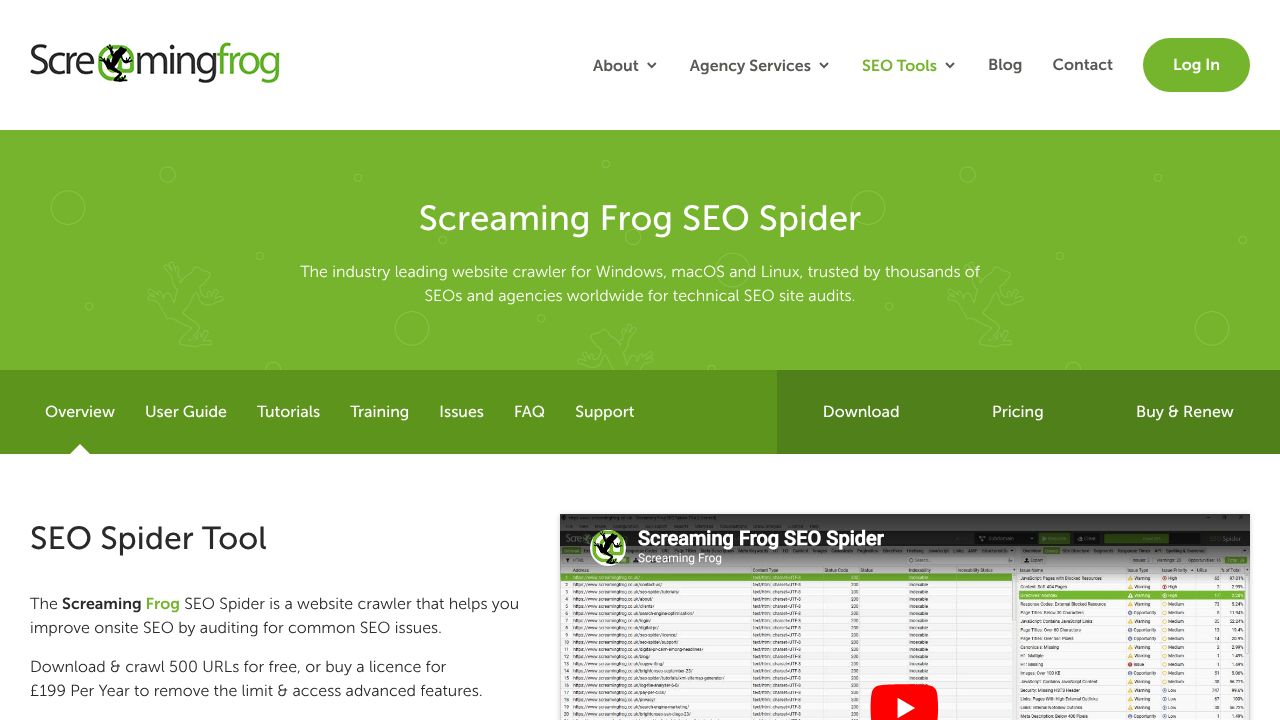
Screaming Frog SEO Spider can crawl your entire site and identify all your tag pages in one go. You'll see duplicate content issues, thin content pages, and crawl depth problems related to tags.
Export the tag URLs and analyze them in a spreadsheet. Look for patterns like similar tag names that should be merged, tags with identical content, or tags that are too specific to ever accumulate enough posts. This technical audit gives you the data you need to make informed cleanup decisions.
Strategic Tag Optimization Best Practices
Once you understand your current situation, it's time to implement a strategic approach to tag optimization. This isn't about following rigid rules but creating a system that works for your specific site and content strategy.
Establishing Tag Usage Guidelines
Create clear guidelines for when to add new tags. I recommend requiring at least 3-5 existing posts that would use a tag before creating it. This prevents the impulse to create hyper-specific tags that'll never get reused.
Develop naming conventions too. Use lowercase, avoid special characters, and keep tags concise. 'content marketing' is better than 'Content Marketing Tips & Strategies.' Consistency makes your tag system more maintainable and prevents duplicate tags with slight variations.
The Optimal Number of Tags Per Post
There's no magic number, but 3-5 tags per post hits a sweet spot for most sites. Fewer than 3 and you're probably missing useful connections. More than 7 and you're likely over-tagging, which dilutes the signal about what your post is actually about.
Think about tags as the key topics someone might search for to find related content on your site. If you're writing about WordPress security plugins, relevant tags might be 'security,' 'plugins,' and 'malware protection.' You don't need tags for every minor point mentioned in the post.
Consolidating and Merging Similar Tags
Look for tags that are essentially synonyms or slight variations. 'social media marketing' and 'social media' probably don't both need to exist. Pick the broader, more commonly used term and merge the others into it.
In WordPress, you can't directly merge tags, but you can reassign posts. Go to Posts > Tags, hover over the tag you want to eliminate, and click Edit. Note which posts use it, then delete the tag and add the preferred tag to those posts instead. If the old tag URL had any backlinks or traffic, set up a 301 redirect to the new tag page.
Deleting Low-Value Tags Safely
Before deleting tags, check if their archive pages have any backlinks or organic traffic. Use Google Search Console or your analytics to verify. If a tag page is getting traffic, consider whether you should enhance it rather than delete it.
For tags with no traffic or backlinks, deletion is straightforward. Just remove them from WordPress. The archive pages will return 404 errors, which is fine for pages that never had value. If you're concerned about crawl errors, you can redirect deleted tag pages to your main blog page or a relevant category.
Technical Implementation: Controlling Tag Indexation
The technical side of tag optimization involves controlling which tag pages get indexed and how search engines interact with them. This is where SEO plugins become essential tools for WordPress site owners.
Using Yoast SEO for Tag Optimization
Yoast SEO gives you granular control over tag indexation. Go to SEO > Search Appearance > Taxonomies and you'll find settings for tags. Many SEO experts recommend setting tags to 'noindex' by default, which tells search engines not to include tag pages in search results.
This approach works well if your tag pages are thin or duplicate your category structure. You still get the internal linking and organizational benefits of tags without the indexation problems. For individual high-value tag pages, you can override the default setting and allow indexation.
Rank Math SEO Plugin Configuration
Rank Math offers similar functionality with a slightly different interface. Navigate to Rank Math > Titles & Meta > Taxonomies to configure tag settings. You can set default meta descriptions, control indexation, and customize how tag pages appear in search results.
One advantage of Rank Math is its built-in content analysis for tag archive pages. If you decide to index certain tag pages, you can optimize them just like regular posts, with focus keywords and readability checks.
Implementing Noindex Tags Strategically
The noindex approach isn't all-or-nothing. You might noindex most tag pages while allowing your 10-15 most important tags to be indexed. This selective strategy focuses your crawl budget on pages that actually deserve to rank.
Consider indexing tags that have substantial unique content, cover important topics for your site, and have enough posts to create valuable archive pages. Noindex everything else. You can always change this later as tags accumulate more posts.
Managing Tags in XML Sitemaps
Your XML sitemap tells search engines which pages you consider important. Most SEO plugins let you exclude tag pages from your sitemap entirely. If you've noindexed your tags, excluding them from the sitemap reinforces that signal.
For tags you want indexed, include them in the sitemap but consider setting a lower priority than your main content pages. This helps search engines understand your site hierarchy and focus on your most important pages first.
Enhancing Tag Pages for Better SEO Performance
If you decide to index certain tag pages, you need to transform them from generic archive pages into valuable resources. Default WordPress tag pages are pretty bare, but with some customization, they can become legitimate landing pages.
Adding Custom Descriptions to Tag Archives
WordPress lets you add descriptions to tags, but most themes don't display them by default. When you edit a tag, you'll see a Description field. Write 2-3 paragraphs explaining what the tag covers and why someone would want to explore these posts.
This custom content appears at the top of the tag archive page, giving it unique text that helps with both SEO and user experience. It transforms a thin archive page into something more substantial. Make sure your theme actually displays tag descriptions, or you'll need to modify your template files.
Creating Tag Landing Pages for High-Value Topics
For your most important topics, consider creating dedicated landing pages instead of relying on tag archives. Build a proper page with comprehensive content, then manually link to relevant posts. This gives you complete control over the content and presentation.
You can still keep the tag for organizational purposes but noindex the archive page. The landing page becomes your indexed resource while the tag continues to connect related posts behind the scenes. This approach works especially well for pillar topics that deserve more than a basic archive page.
Monitoring and Maintaining Tag Performance
Tag optimization isn't a one-time project. As you publish new content and your site evolves, you need ongoing monitoring to prevent tag bloat from creeping back in.
Setting Up Google Search Console Monitoring
Create a custom filter in Search Console to track tag page performance separately. Monitor impressions, clicks, and average position for your indexed tag pages. If you see declining performance or pages that never get clicks, those are candidates for noindexing.
The Coverage report shows you indexation status. If Google is trying to index tag pages you've noindexed, that's normal. But if you see errors or warnings specifically related to tags, investigate whether there's a technical issue with your implementation.
Regular Tag Audits and Cleanup Schedule
Schedule a tag audit every 6 months. Review your tag list, identify new single-use tags that have accumulated, and merge or delete as needed. This prevents the gradual tag bloat that happens when multiple authors add tags without oversight.
During these audits, also look for opportunities to enhance high-performing tags. If a tag has grown to 20+ posts and is getting search traffic, maybe it deserves a custom description or even a dedicated landing page.
Advanced Tag Optimization Strategies
Once you've mastered the basics, there are more sophisticated approaches to maximize the SEO value of your tag system.
Implementing Tag-Based Internal Linking
Use tags to automatically generate contextual internal links within your posts. Plugins can display related posts based on shared tags, creating natural link networks that strengthen topical authority. This works better than random related post widgets because the connections are based on actual topic relationships.
You can also manually reference tag pages in your content when it makes sense. If you're writing about email marketing and mention several related strategies, linking to your 'email marketing' tag page gives readers a hub to explore more content on that topic.
Creating Tag Clusters for Content Hubs
Organize your tags into thematic clusters that support pillar page strategies. For example, if you have a pillar page about 'WordPress Security,' create a cluster of related tags like 'security plugins,' 'malware removal,' 'SSL certificates,' and 'backup solutions.' All posts with these tags support your main pillar topic.
This clustered approach helps search engines understand your topical depth and how different pieces of content relate to your core expertise areas. It's a more strategic way to think about tags than just adding whatever seems relevant to each post.
Tag optimization might seem like a minor technical detail, but it has real impact on how efficiently search engines crawl your site and how well they understand your content. The key is finding the balance between organizational utility and SEO performance. Too few tags and you miss opportunities for topical clustering. Too many and you create indexation problems that waste crawl budget.
Start with an audit to understand your current situation, then implement strategic guidelines to prevent future problems. Use your SEO plugin to control indexation, and regularly monitor performance to catch issues early. With this systematic approach, tags become a genuine SEO asset rather than a liability.