
Your best-performing article from last year might be quietly losing traffic right now. You probably won't notice until it's dropped 50% or more.
This isn't speculation. Content decay happens on virtually every website that publishes regularly. That post ranking #2 for your money keyword? It's competing against time, fresh competitor content, and shifting search behavior every single day.
The Real Cost of Stale Content
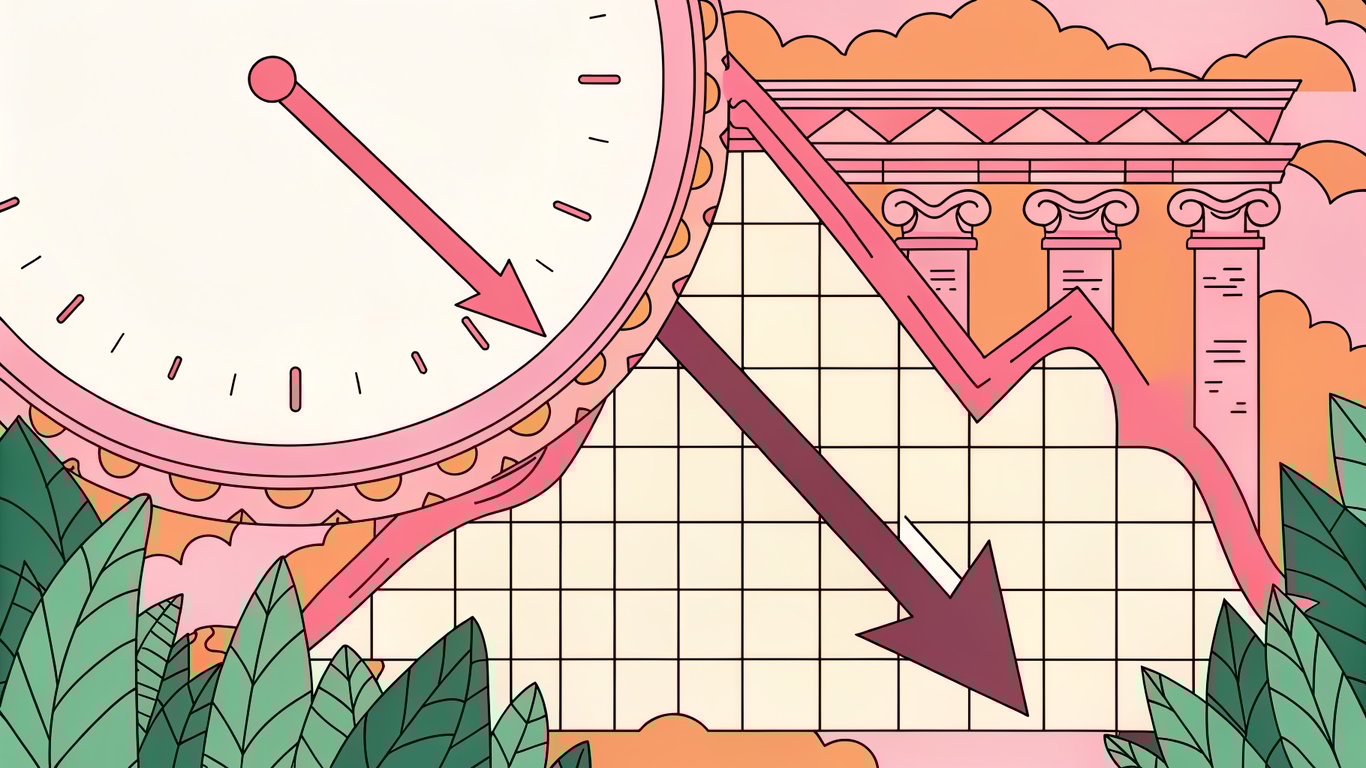
Here's what typically happens: a page starts losing impressions in search results. Then clicks drop. Rankings slip from position 3 to 7, then to page two. Before you know it, a piece that brought 500 visitors monthly is down to 50.
Search engines prioritize fresh, relevant information because that's what users want. When your content shows outdated statistics, broken links, or deprecated information, it signals that you're not maintaining your site. Google notices.
But content freshness isn't just about appeasing algorithms. Your readers can tell when they've landed on something stale. Screenshots from 2022, references to discontinued products, or advice that no longer applies creates a trust problem that goes beyond SEO.
What This Guide Will Cover
We're going to walk through a practical framework for maintaining content freshness without burning out your team. You'll learn which signals actually matter, how to prioritize what needs updating, and how to automate the boring parts if you're running WordPress.
This isn't about changing dates on every post or doing superficial updates. It's about building a sustainable system that keeps your content competitive.
Understanding Content Freshness Signals: What to Track
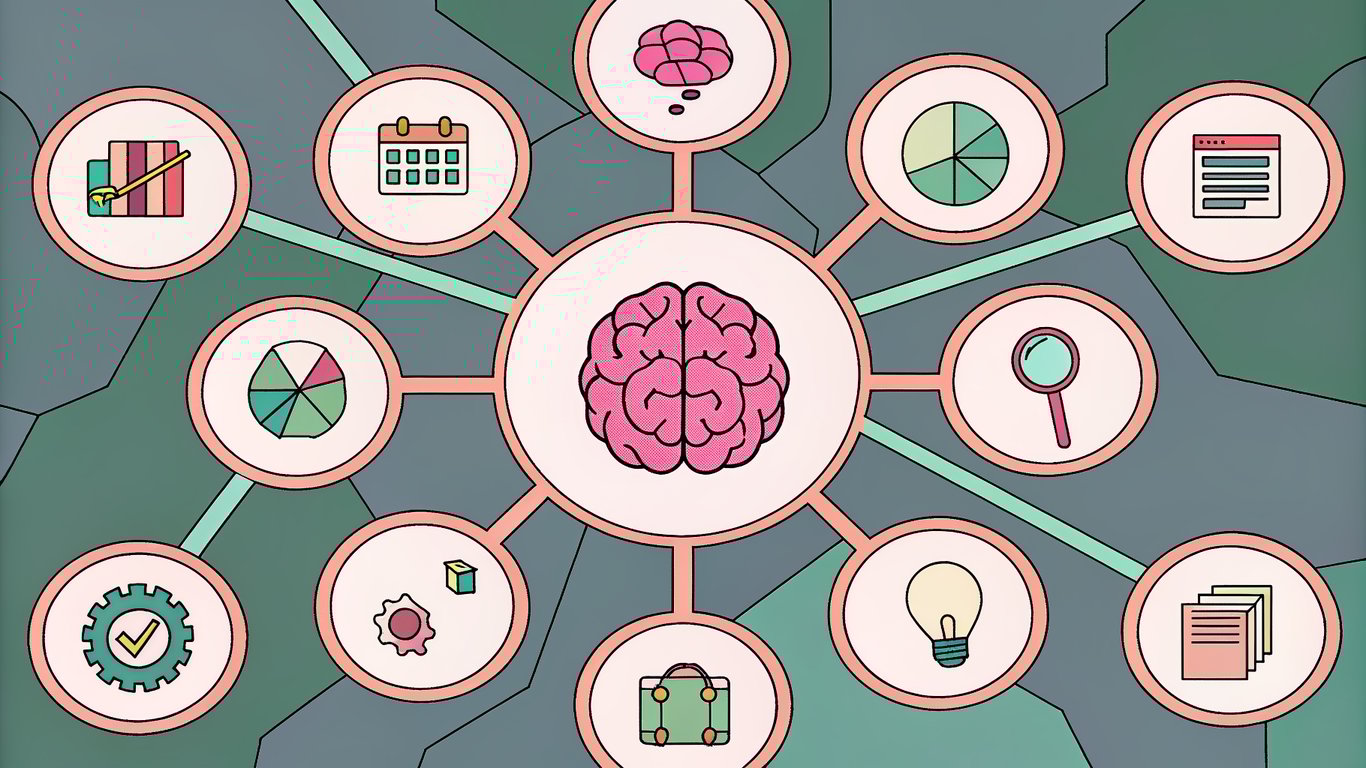
You can't fix what you don't measure. The first step is knowing which signals actually indicate your content needs attention.
Traffic and Engagement Metrics
Start with Google Analytics. Look for pages where organic traffic has declined 20% or more over the past three to six months. That's your first red flag.
But traffic alone doesn't tell the whole story. Check bounce rate and time on page too. If people are leaving faster than they used to, something's wrong. Maybe your content doesn't match current search intent anymore, or competitors have published better alternatives.
Conversion rate changes matter even more if you're tracking them. A page that used to convert at 3% but now sits at 1% needs investigation, even if traffic looks stable.
Search Performance Indicators
Google Search Console shows you what's happening before traffic tanks. Watch for declining impressions on your target keywords. That means you're showing up less often in search results.
Click-through rate drops are another warning sign. If impressions stay steady but clicks fall, your title and description probably need refreshing. Or maybe competitors have snagged featured snippets you used to own.
Ranking drops are obvious but often come too late. By the time you've fallen from position 3 to 8, you've already lost significant traffic. That's why monitoring impressions and CTR matters more.
Content Age and Relevance Signals
Some signals don't require analytics at all. Just read your content. Are you citing statistics from 2021? That's a problem. Broken links? Definitely needs fixing. References to products or services that don't exist anymore? Time for an update.
Industry standards change too. What was best practice two years ago might be outdated now. If you're writing about SEO, social media, or any fast-moving field, annual reviews are probably necessary.
Competitive Intelligence Signals
Set up alerts for your main keywords. When competitors publish new comprehensive guides on topics you cover, that's your signal to review and potentially refresh your content.
Search intent shifts happen gradually. The queries people use to find information evolve. What started as informational searches might become transactional. Your content needs to evolve with them.
Technical Freshness Indicators
Your sitemap's lastmod dates tell search engines when content was updated. If everything shows the same old dates, crawlers might visit less frequently.
Check your crawl stats in Search Console. Pages that used to get crawled weekly but now only monthly might be losing priority in Google's eyes.
Establishing Your Content Refresh Cadence: A Priority Framework
You can't update everything at once. You need a system for deciding what gets attention first.
Content Audit: Categorizing Your Existing Content
Export all your posts from WordPress. Add columns for current monthly traffic, keyword rankings, last update date, and content type. This spreadsheet becomes your command center.
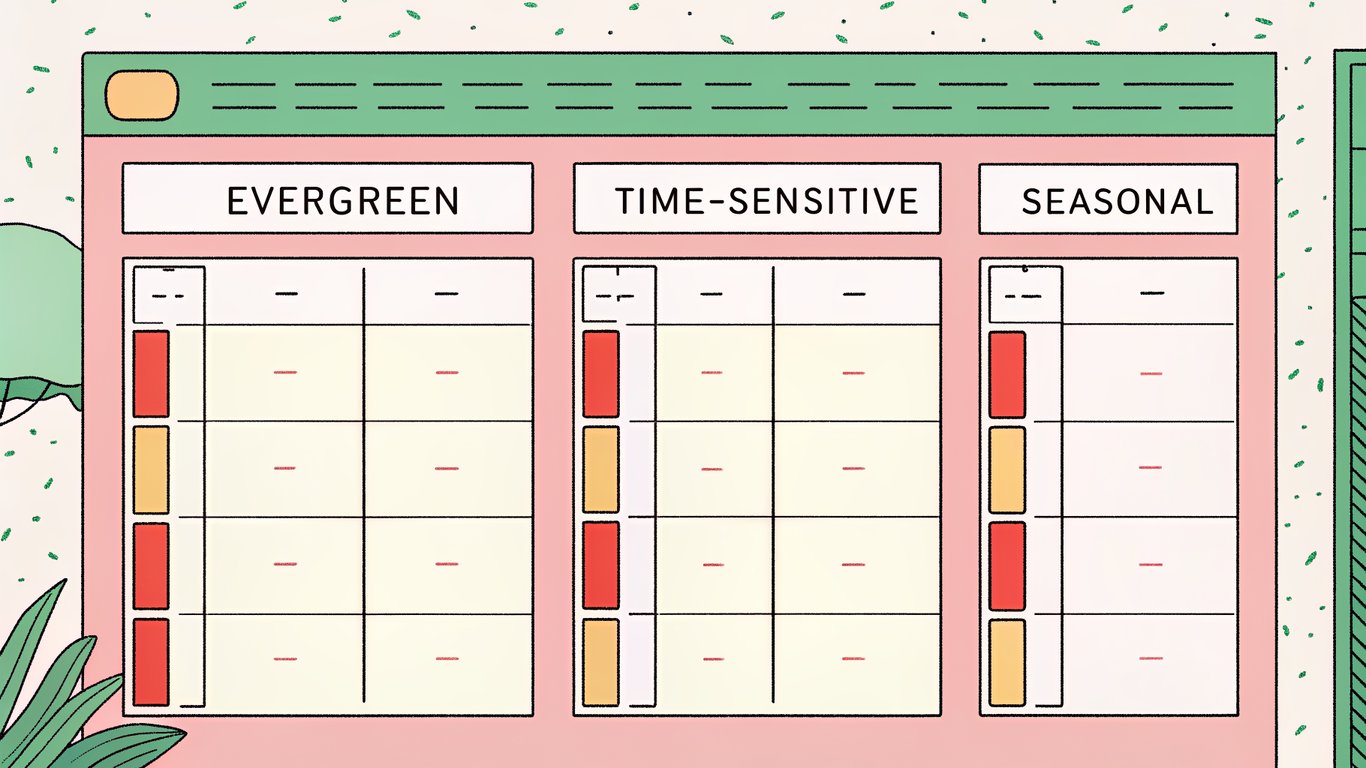
Categorize each piece as evergreen, time-sensitive, or seasonal. Evergreen content about fundamental topics needs less frequent updates. Time-sensitive pieces about trends or news decay faster. Seasonal content needs annual refreshes before peak season.
Priority Matrix: What to Refresh First
High traffic plus declining performance equals top priority. These pages already prove they can rank and convert. A refresh could recover significant traffic quickly.
Next, look at pages ranking positions 5-10 for valuable keywords. Small improvements might push them to page one, where click-through rates jump dramatically.
Low-effort, high-impact updates come third. Pages that just need updated stats, new examples, or fixed links should get batched together for quick wins.
Refresh Frequency Guidelines by Content Type
Here's a reasonable starting framework:
- High-performing evergreen content: Review quarterly, update as needed
- Declining pages: Immediate attention, then monitor monthly
- Seasonal content: Refresh 2-3 months before peak season
- News and trends: Update when significant developments occur
- Product comparisons: Review when new versions launch
- Tutorial content: Check annually or when tools update
These aren't rigid rules. Your specific niche might require different cadences. Fast-moving industries need more frequent updates.
Building Your Content Refresh Calendar
Don't try to refresh 50 posts next month. Start with 5-10 high-priority pieces. Schedule them across the month so you're not overwhelming your team.
Block time specifically for refreshes. If you only work on them when you have spare time, they'll never happen. Treat content maintenance like you treat content creation.
Resource Allocation: Balancing New vs. Refreshed Content
Most content teams should probably spend 20-30% of their time on refreshes. If you're only creating new content, you're letting existing assets decay. If you're only refreshing, you're not expanding your keyword coverage.
The exact ratio depends on your site's maturity. Newer sites with less than 100 posts should focus more on creation. Established sites with hundreds of posts need more maintenance.
The Content Refresh Process: What and How to Update
Knowing what to update matters as much as knowing when. Different situations call for different levels of effort.
Quick Wins: Low-Effort, High-Impact Updates
Start here because you can knock out several posts in an hour:
- Update the published date to current year
- Replace old statistics with recent data
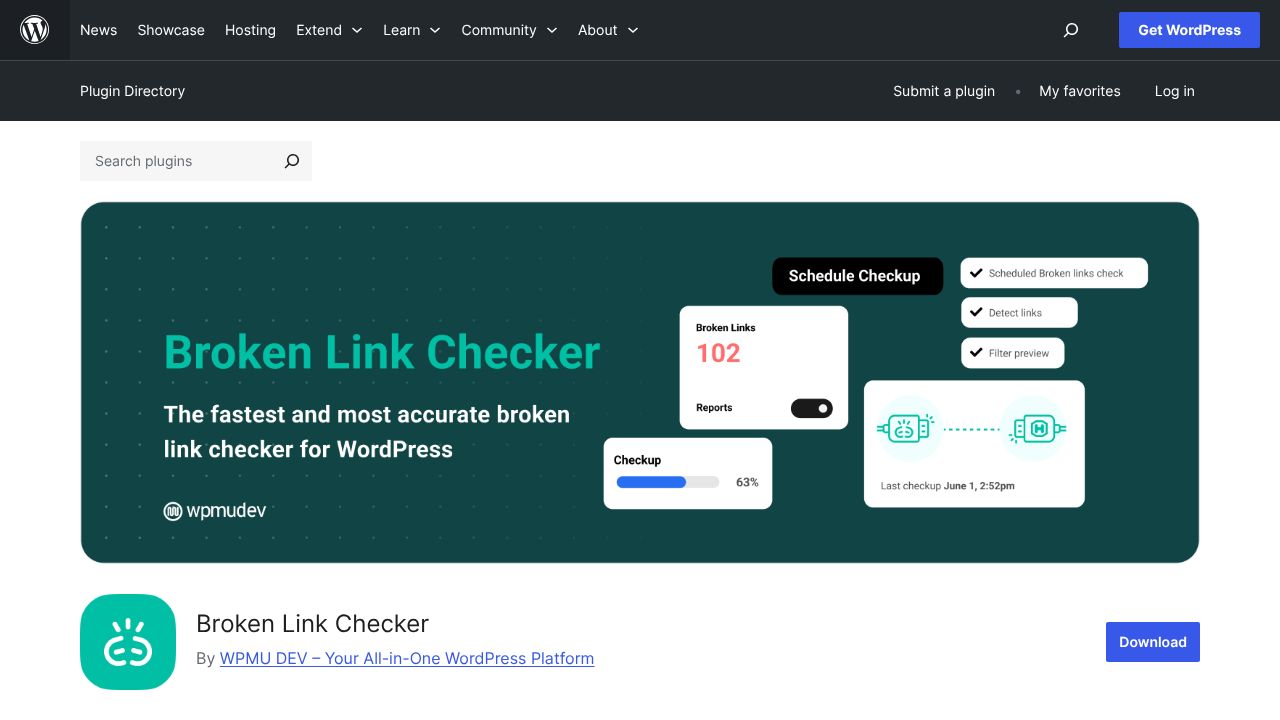
- Fix broken links using tools like Broken Link Checker
- Add 1-2 recent examples or case studies
- Refresh meta descriptions with current year and updated value propositions
- Update screenshots if UI has changed significantly
These changes signal freshness to both readers and search engines without requiring deep rewrites.
Medium-Depth Refreshes
When quick fixes aren't enough, go deeper. Look for thin sections that could use expansion. If you originally wrote 200 words on a subtopic, maybe it deserves 500 now that you understand it better.
Add new subsections for topics that didn't exist when you first published. If you wrote about social media marketing in 2023, you probably need to add sections about newer platforms or features.
Internal linking opportunities multiply as your site grows. Link to newer related content you've published since the original post went live.
Comprehensive Content Overhauls
Sometimes a refresh isn't enough. You need to rebuild from scratch while keeping the same URL.
This makes sense when search intent has fundamentally shifted, when your original structure was poor, or when competitors have set a new standard you need to match.
Consider merging multiple thin posts into one comprehensive guide. Or split an oversized 5,000-word post into a series if it's trying to cover too much ground.
Technical Optimization During Refresh
While you're updating content, fix technical issues too. Compress images you uploaded years ago when you weren't thinking about page speed. Add alt text you skipped originally.
Check mobile experience. What looked fine on desktop in 2022 might be terrible on phones now. Test it.
Add schema markup if you haven't already. FAQ schema, HowTo schema, or Article schema can help you capture featured snippets.
Signaling Freshness to Search Engines
Update your published date if you've made substantial changes. Don't just change the date for minor tweaks, but significant refreshes deserve new dates.
Make sure your sitemap includes lastmod dates and they're accurate. Most WordPress SEO plugins handle this automatically, but verify it's working.
After major updates, request reindexing through Search Console. This tells Google to recrawl the page sooner rather than waiting for the next scheduled crawl.
WordPress Automation Options: Tools and Workflows
Manual tracking gets overwhelming fast. Automation helps you stay on top of content freshness without constant vigilance.
Content Audit and Monitoring Plugins
WordPress plugins can track content age and flag posts that haven't been updated recently. While specific plugin recommendations change frequently, look for tools that integrate with your analytics and create dashboards showing content health.
Some plugins will automatically add notices to your admin dashboard when posts reach certain age thresholds. This keeps maintenance visible instead of forgotten.
Analytics Integration and Dashboard Setup
Connect Google Analytics and Search Console to your WordPress dashboard. Several plugins make this easier, giving you performance data without leaving your CMS.
Set up custom reports that show declining traffic trends. You want to catch problems early, not after traffic has already crashed.
Automated Content Review Workflows
Create scheduled reminders for content reviews. Your editorial calendar should include refresh tasks, not just new content deadlines.
Some teams use project management tools like Trello or Asana to track refresh status. Cards move from "needs review" to "in progress" to "updated" as work gets done.
Bulk Update and Management Tools
When you need to update dates or metadata across multiple posts, bulk editing saves hours. WordPress has basic bulk edit functionality built in, but plugins can extend this for more complex operations.
Managing redirects becomes important when you merge or restructure content. Plugins like Redirection help you track and implement 301 redirects without touching code.
AI-Assisted Content Refresh Tools
AI tools can help identify outdated sections by comparing your content against current information. They can suggest where statistics need updating or where new developments should be mentioned.
But don't let AI rewrite entire sections without human oversight. The goal is efficiency, not replacing editorial judgment. Use AI to flag issues and draft updates, then edit for accuracy and voice.
Custom Automation with Zapier and WordPress APIs
Advanced users can build workflows that automatically create tasks when content performance drops. Zapier can connect your analytics to project management tools, creating refresh tasks without manual monitoring.
For example, you could set up a workflow that checks Search Console weekly and creates Asana tasks for any page that's lost 30% of impressions. This catches decay early.
Measuring Success: Tracking Your Content Freshness Strategy
You need to know if your refresh efforts are actually working. Otherwise, you're just guessing.
Key Performance Indicators to Monitor
Track traffic recovery rates for refreshed content. Compare the 30 days before update to 30 days after. Did traffic stabilize? Increase? Keep declining?
Ranking improvements matter too. If you refreshed a page ranking #8 and it moved to #4, that's measurable success even if traffic hasn't caught up yet.
Watch engagement metrics. Time on page and bounce rate should improve if your refresh made content more relevant and useful.
Before and After Analysis
Document baseline metrics before you update anything. Screenshot your rankings, note your traffic numbers, record your conversion rate.
Wait at least 30 days after publishing updates before judging results. Search engines need time to recrawl and reassess your content.
Building Your Content Freshness Dashboard
Create a centralized view of content health. Google Data Studio (now Looker Studio) can pull data from Analytics and Search Console into one dashboard.
Include metrics like total refreshes completed, average traffic change post-refresh, and number of pages flagged for updates. This gives you a bird's-eye view of your maintenance efforts.
Iterating Your Strategy Based on Results
After three months of refreshes, analyze what's working. Are quick updates delivering enough ROI, or do you need deeper rewrites? Are certain content types responding better to refreshes than others?
Adjust your cadence based on results. If quarterly reviews aren't catching decay fast enough, move to monthly for high-value content.
Common Pitfalls and How to Avoid Them
Even with good intentions, content freshness strategies can backfire. Here's what to watch out for.
Over-Refreshing: When Updates Hurt More Than Help
Updating content every week just to update it confuses search engines. They can't tell if your page is actually fresh or if you're just gaming the system.
Only update when you have something meaningful to add or fix. Changing a few words and updating the date isn't a refresh, it's manipulation.
Superficial Updates That Don't Move the Needle
Simply changing "2024" to "2026" in your title doesn't constitute a real refresh. If the underlying content is still outdated, readers will notice and bounce.
Meaningful refreshes add value. New information, better examples, improved structure, or updated data. If you wouldn't find the changes useful as a reader, don't publish them.
Neglecting URL Structure and Redirect Management
When you merge posts or restructure content, handle redirects properly. Broken links kill user experience and waste the link equity you've built.
Keep the same URL when refreshing individual posts. Changing URLs means starting over with rankings and losing any backlinks pointing to the old version.
Ignoring User Intent Shifts
Sometimes your content doesn't need a refresh. It needs a complete rethink because what people want has changed.
Check current search results for your target keywords. If the top results look completely different from your content in format or focus, updating statistics won't help. You need to match current intent.
Building a Sustainable Content Freshness System
Content freshness isn't a one-time project. It's an ongoing practice that becomes part of how you operate.
Your 30-Day Action Plan
Here's how to get started:
- Week 1: Export all posts, add performance data, categorize by type
- Week 2: Identify 10 high-priority pages using the priority matrix
- Week 3: Refresh 5 pages with quick wins, 3 with medium-depth updates
- Week 4: Set up monitoring tools and create your refresh calendar for next quarter
This gives you momentum without overwhelming your schedule. You'll have real results to show and a system in place to continue.
Scaling Your Efforts as Your Site Grows
As you publish more content, you'll need more systematic approaches. Consider dedicating specific team members to content maintenance rather than treating it as everyone's side project.
Automation becomes more valuable at scale. What you can handle manually with 50 posts becomes impossible with 500.
Future-Proofing Your Content Strategy
Build freshness thinking into your creation process. When you publish new content, add a note about when it should be reviewed. Include sources for statistics so future updates are easier.
Write with longevity in mind. Avoid overly specific references to current events unless necessary. Structure content so sections can be updated independently without rewriting everything.
The sites that win long-term aren't necessarily the ones publishing the most content. They're the ones maintaining what they've already built while strategically adding new pieces. That's how you turn content into a compounding asset instead of a depreciating one.