

You've probably spent countless hours creating new blog posts, hoping each one will be the traffic breakthrough you need. But here's something most content marketers miss: your existing content is sitting there, already indexed, already ranking somewhere, just waiting to be optimized.
Updating old blog posts isn't just maintenance work. It's one of the most efficient ways to boost your SEO without starting from scratch.
The ROI of Content Updates vs. New Content
Creating a new blog post from scratch typically takes 4-8 hours when you factor in research, writing, editing, and optimization. Updating an existing post? You're looking at 1-3 hours for most updates.
The difference in results can be dramatic. A new post starts at zero - no authority, no backlinks, no ranking history. An updated post already has domain authority behind it, existing backlinks pointing to it, and a ranking position you can improve from.

Think about it this way: if you have a post ranking on page 2 for a valuable keyword, you're already 80% of the way there. A few strategic updates could push it to page 1, where the real traffic lives.
When to Update vs. When to Retire Content
Not every old post deserves a refresh. Some content should just be retired or redirected. Here's how to decide:
Update these posts: Content ranking on pages 2-3, posts with declining but still decent traffic, articles on evergreen topics that need freshening, and posts with high impressions but low click-through rates in Search Console.
Retire or redirect these: Posts about discontinued products or outdated practices, content with zero traffic for 12+ months, topics that are no longer relevant to your business, and thin content that can't be meaningfully expanded.

How This Checklist Works
This guide breaks down how to update old blog content into five phases: audit and prioritization, SEO optimization, readability enhancement, conversion optimization, and promotion. Each phase has specific, actionable steps you can implement immediately.
You don't need to do everything at once. Start with the SEO basics, then layer in readability and conversion improvements as time allows.
Phase 1: Audit and Prioritize Your Content for Updates
Before you start updating randomly, you need a system for identifying which posts will give you the biggest return on your time investment.
Finding Update-Worthy Posts in Google Analytics and Search Console
Open Google Search Console and navigate to the Performance report. Filter for pages with average position between 11-30. These are your page 2 and 3 rankings - the low-hanging fruit that could jump to page 1 with some optimization.
Next, look for pages with high impressions but low CTR. If you're getting 1,000 impressions per month but only a 2% click-through rate, your title and meta description probably need work.
In Google Analytics, create a custom report showing pages with declining traffic over the past 6-12 months. These posts might be losing relevance or getting outranked by fresher content.
Creating Your Content Update Priority Matrix
Score each potential update candidate on these factors:
- Current traffic: Higher traffic = higher priority (even if declining)
- Keyword opportunity: Close to page 1 rankings = quick wins
- Conversion potential: Commercial intent keywords deserve attention first
- Update effort: Posts needing minor updates should come before complete rewrites
A post ranking #12 for a high-value keyword with 500 monthly visits beats a post ranking #45 with 50 visits, even if the second one is easier to update.
Setting Baseline Metrics Before You Start
Document these metrics before making any changes:
- Current keyword rankings for target terms
- Monthly organic traffic (last 30 days)
- Average time on page and bounce rate
- Conversion rate if applicable
- Number of backlinks pointing to the post
Screenshot your Search Console data. You'll want to compare these numbers 30, 60, and 90 days after your update.
Phase 2: SEO Optimization Checklist with Before/After Examples
This is where the real SEO improvements happen. Each of these tactics can move the needle on rankings.
Keyword Research and Intent Alignment
Search intent changes over time. A keyword that was informational three years ago might now have commercial intent. Check the current top 10 results for your target keyword and see what type of content is ranking.
Use tools like Ahrefs or Semrush to find new keyword opportunities related to your topic. Look for terms with decent search volume that you're not currently targeting.
Before: A post targeting "email marketing tips" with generic advice from 2020.
After: Same post now targets "email marketing tips 2025" and includes related terms like "email automation strategies," "newsletter best practices," and "email deliverability optimization."
Title Tag and Meta Description Refresh
Your title tag is probably the single most important element for CTR. If it's boring or outdated, people won't click even if you rank well.
Include your primary keyword near the beginning, add a number or year if relevant, and create curiosity without being clickbait.
Before: "Tips for Better Email Marketing" (CTR: 2.1%)
After: "17 Email Marketing Tips That Increased Our Open Rates 40%" (CTR: 4.8%)
For meta descriptions, focus on the benefit or outcome. Tell people exactly what they'll learn or achieve by reading your post.
Header Structure and Keyword Placement
Many old posts have terrible header structure. You'll see H3s before H2s, or no subheadings at all in 2,000-word posts.
Create a logical hierarchy with one H1, clear H2s for main sections, and H3s for subsections. Include semantic keywords naturally in your headers without keyword stuffing.
Before: Generic headers like "Getting Started," "Tips and Tricks," "Conclusion"
After: Descriptive headers like "How to Segment Your Email List by Behavior," "Automation Workflows That Convert Cold Subscribers," "A/B Testing Your Subject Lines"
Content Depth and Freshness Signals
Google loves fresh, comprehensive content. If your post is 800 words and the top-ranking competitors are 2,500 words, you've got work to do.
Add new sections covering angles you missed originally. Update statistics with current data. Include recent developments in your industry. Remove outdated information that's no longer accurate.
Before: 900-word post with statistics from 2019, no mention of recent platform changes
After: 2,200-word post with current statistics, new section on recent algorithm updates, expanded examples
Internal Linking Strategy
Your old posts probably aren't linked to your newer content. That's a missed opportunity for both SEO and user experience.
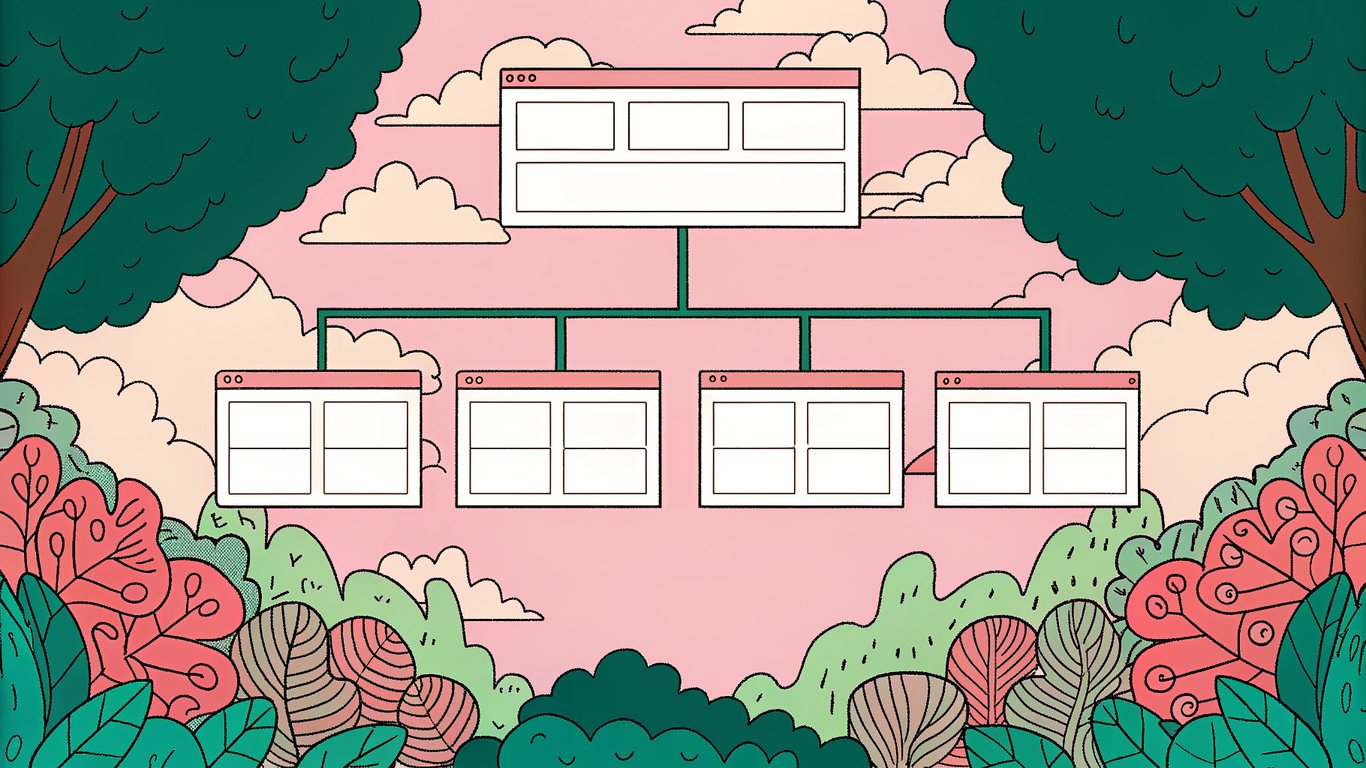
Add 3-5 contextual internal links to related posts. Use descriptive anchor text that includes relevant keywords. Link to both older authority posts and newer content that needs a boost.
Also check if any of your internal links are broken or pointing to redirected URLs. Fix those immediately.
Image Optimization and Visual Updates
Old blog posts often have terrible image optimization. Huge file sizes, missing alt text, generic stock photos that add no value.
Compress all images without losing quality. Add descriptive alt text that includes relevant keywords naturally. Replace outdated screenshots with current versions. Consider adding new visuals like custom graphics or charts.
Technical SEO Quick Wins
Run through this technical checklist:
- Check for broken external links and update or remove them
- Verify the post loads quickly on mobile (under 3 seconds)
- Ensure the URL structure is clean and keyword-rich
- Add schema markup if appropriate (FAQ, How-To, Article)
- Check that the post is mobile-responsive
Use tools like Google PageSpeed Insights to identify specific technical issues.

Phase 3: Readability Enhancement Checklist
SEO gets people to your post. Readability keeps them there and encourages engagement.
Sentence and Paragraph Structure Overhaul
Old blog posts often have massive walls of text. Nobody reads those anymore.
Break up any paragraph longer than 4-5 sentences. Vary your sentence length dramatically. Mix short, punchy statements with longer explanatory sentences.
Before: Dense 8-sentence paragraphs with complex sentence structures throughout
After: Mix of 1-4 sentence paragraphs with varied rhythm and white space
Adding Formatting for Scannability
Most people scan before they read. Make that easy for them.
Use bullet points for lists of items. Bold key phrases and important takeaways. Add numbered lists for step-by-step processes. Include plenty of white space between sections.
Before: Long paragraphs listing features in sentence form with no visual breaks
After: Bulleted lists with bolded key terms and clear visual hierarchy
Simplifying Complex Language
You probably wrote your old posts trying to sound smart. That's not helpful.
Replace jargon with plain language where possible. Break complex concepts into simpler explanations. Use analogies and examples to clarify technical points.
Run your content through a readability checker. Aim for an 8th-grade reading level for most topics.
Visual Content Integration
Text-only posts feel outdated. Modern readers expect visual elements.
Add screenshots showing exactly what you're describing. Create simple charts or graphs to visualize data. Embed relevant videos if they add value. Use custom graphics to break up long sections.
Creating a Compelling Introduction
Your old intro probably starts with something like "In this post, we'll cover..." That's boring.
Start with a relatable problem or surprising fact. Hook readers immediately. Tell them what they'll achieve by reading, not just what you'll cover.
Before: "In this article, we'll discuss email marketing best practices and how to improve your campaigns."
After: "Your email open rates are probably terrible. The average is around 20%, but you're competing with 100+ other emails in your subscribers' inboxes. Here's how to stand out."
Phase 4: Conversion Optimization Checklist
Traffic without conversions is just vanity metrics. Let's fix that.
Strategic CTA Placement and Optimization
Most old posts either have no CTAs or have them in the wrong places.
Add a relevant CTA after your introduction (for engaged readers), in the middle of your content (contextual), and at the end (for those who read everything). Match your CTA to the content's intent.
Before: Generic "Subscribe to our newsletter" at the bottom
After: Specific offer like "Download our email template library" placed contextually within the content
Lead Magnet Integration
Content upgrades convert way better than generic newsletter signups.
Create a downloadable checklist, template, or resource directly related to your post topic. Offer it in exchange for an email address. Place it prominently within the content where it's most relevant.
Trust Signals and Social Proof
Old posts often lack credibility indicators.
Add relevant statistics from reputable sources. Include case study results if you have them. Mention specific brands or companies you've worked with (if appropriate). Link to authoritative external sources.
Product or Service Integration Without Being Salesy
You can mention your products without being pushy.
Reference your solution naturally when it's genuinely relevant to the topic. Focus on how it solves the specific problem you're discussing. Don't force it if it doesn't fit.
Reducing Friction Points
Check for anything that might stop someone from converting:
- Remove outdated offers or promotions
- Fix broken forms or signup buttons
- Simplify the conversion path (fewer steps = better)
- Make sure CTAs are mobile-friendly
- Remove distracting elements that compete with your main CTA
Phase 5: Publishing and Promotion Strategy
You've done the work. Now make sure it gets noticed.
Should You Change the Publication Date?
This is controversial, but here's what seems to work: keep the original publication date but add a "Last Updated" date prominently at the top of your post.
This shows freshness without losing the authority that comes with older content. Use schema markup to tell search engines about both dates.
Republishing and Redistribution Tactics
Don't just update and forget. Treat it like new content.
Share on social media with a note about the updates. Send to your email list highlighting what's new. Mention it in relevant online communities if appropriate. Just don't spam the same content repeatedly.
Notifying Google of Major Updates
Help Google discover your updated content faster.
Submit the URL through Search Console's URL Inspection tool. Update your XML sitemap and resubmit it. Add internal links from other posts to signal the update.
Building New Backlinks to Updated Content
If your post has significantly improved, reach out to sites that linked to similar content.
Let them know you've updated your post with new information. Suggest they might want to link to the improved version. Focus on sites that linked to competitors' content on the same topic.
Measuring Success: Tracking Your Content Update Results
You need to know if your updates actually worked.
Key Metrics to Monitor at 30, 60, and 90 Days
Track these metrics at regular intervals:
| Metric | What to Look For | Timeline |
|---|---|---|
| Keyword Rankings | Movement toward page 1 | 30-60 days |
| Organic Traffic | Increase in sessions | 60-90 days |
| Engagement | Lower bounce rate, higher time on page | 30 days |
| Conversions | More leads or sales | 60-90 days |
Don't expect overnight results. SEO improvements typically take 4-12 weeks to show up in rankings.
When to Update Again
Content isn't a one-time update. Create a maintenance schedule.
Review high-performing posts every 6-12 months. Update statistics annually. Refresh examples and screenshots as needed. Add new sections when industry changes warrant it.
Scaling Your Content Update Process
Once you've proven the ROI, systematize it.
Create a monthly schedule for content updates. Assign specific posts to team members. Use a spreadsheet to track which posts have been updated and when. Set up automated alerts for posts that need attention.
Your Complete Content Update Checklist
Here's everything in one place. Use this checklist every time you update old blog content.
Pre-Update Audit Checklist
- Document current keyword rankings
- Record baseline traffic metrics
- Screenshot Search Console performance
- Note current conversion rate
- Check existing backlink profile
SEO Optimization Checklist
- Research new keyword opportunities
- Update title tag for better CTR
- Rewrite meta description
- Optimize header structure (H1-H3)
- Add semantic keywords naturally
- Expand thin content sections
- Update statistics and data
- Add 3-5 internal links
- Optimize all images and alt text
- Fix broken links
- Check mobile responsiveness
- Add schema markup if applicable
Readability Enhancement Checklist
- Break up long paragraphs
- Vary sentence length
- Add bullet points and numbered lists
- Bold key takeaways
- Simplify complex language
- Add visual elements (images, charts)
- Rewrite introduction for better hook
- Improve scannability with formatting
Conversion Optimization Checklist
- Add relevant CTAs in 3 locations
- Create content-specific lead magnet
- Include trust signals and statistics
- Mention products/services naturally
- Remove outdated offers
- Test all forms and buttons
- Simplify conversion path
- Ensure mobile-friendly CTAs
Post-Update Launch Checklist
- Add 'Last Updated' date
- Submit URL to Search Console
- Update XML sitemap
- Share on social media
- Send to email subscribers
- Add internal links from other posts
- Reach out for new backlinks
- Set calendar reminder for next review
Updating old blog posts isn't glamorous work, but it's one of the most effective SEO strategies you can implement. Start with your best-performing posts that have slipped in rankings. Make the improvements systematically. Track your results. Then scale the process across your entire content library.
You've already done the hard work of creating the content. Now make it work harder for you.