
You check your analytics one morning and notice something weird. That blog post you published six months ago, the one that was crushing it and bringing in hundreds of visitors every week, is now barely getting any traffic at all.
You didn't change anything. Google didn't announce a major algorithm update. Your competitors didn't suddenly publish something better (at least, you don't think they did).
So what happened?
The Reality of Aging Content
Here's the uncomfortable truth: even your best-performing content naturally loses momentum over time. It's not a reflection of your writing skills or SEO knowledge. It's just how the web works.
Think about it. The internet changes constantly. New competitors publish fresh content. Search algorithms evolve. User expectations shift. And your once-perfect article slowly becomes less relevant, less visible, and less valuable to search engines.

This phenomenon affects individual pages first, but if you've got multiple pieces experiencing this decline, it can slowly erode your site's overall SEO performance. The good news? Content decay is fixable. But first, you need to understand what you're dealing with.
Why This Matters in 2026
In 2026, freshness isn't just a nice-to-have ranking factor. It's become a trust signal. AI-powered search interfaces and answer engines are more likely to cite sources that look current, accurate, and well-maintained.
Your old content doesn't fail because it's bad. It fails because it looks risky to these systems. Would you trust medical advice from 2019? Or marketing strategies from before the pandemic? Probably not.
There's also a practical problem: the web literally decays. According to Ahrefs' large-scale link rot study updated in February 2024, 66.5% of links eventually break or disappear. That's not just a minor inconvenience; it's a signal to search engines that your content isn't being maintained.
What is Content Decay?
Content Decay Defined
So what is SEO content decay exactly? It's the gradual decline in your content's performance over time. We're talking about drops in organic traffic, search rankings, engagement rates, and overall relevance.
Content decay typically shows up as a slow drop in impressions, a flattening of clicks, or rankings sliding from page one to "basically invisible." It's not dramatic. It's not sudden. It's a quiet erosion that happens while you're focused on creating new content.
The key word here is gradual. If your traffic drops 50% overnight, that's probably an algorithm update or a technical issue. Content decay is more like watching your traffic chart slowly trend downward over weeks or months.
Content Decay vs. Content Failure
Let's clear up a common confusion. Content decay is different from content that never performed in the first place.
If you publish a blog post and it gets zero traffic from day one, that's not decay. That's a targeting problem, a quality issue, or maybe just bad keyword research. Content failure happens at launch.
Content decay, on the other hand, happens to successful content. It's the article that ranked on page one for six months and then slowly slipped to page two. It's the guide that brought in 500 visitors a month and now brings in 50.
This distinction matters because the fix is different. Failed content might need a complete rewrite or retirement. Decaying content just needs a refresh.
Types of Content Most Vulnerable to Decay
Not all content decays at the same rate. Some types are basically ticking time bombs:
- Statistics-heavy posts: That "50 Marketing Statistics for 2024" article? It's already outdated
- How-to guides for software: Interface changes make screenshots and instructions obsolete fast
- Product reviews: New versions, discontinued products, and changing prices kill relevance
- News-related content: Anything tied to current events has a short shelf life
- Best-of lists: "Best Tools for 2023" becomes irrelevant the moment the calendar flips
Meanwhile, some content types hold up better. Foundational concepts, historical analysis, and truly evergreen educational content can maintain relevance for years. But even these aren't immune to decay; they just decay slower.
The Content Lifecycle
Most content follows a predictable lifecycle. You publish it, and if you've done your job right, it starts gaining traction. Maybe it takes a few weeks to get indexed and start ranking. Then it hits its peak, that sweet spot where it's ranking well and driving consistent traffic.
But peaks don't last forever. Eventually, the decline begins. Sometimes it's gradual. Sometimes it's triggered by a specific event like an algorithm update or a competitor publishing something better.
The question isn't whether your content will decay. It's when, and how fast.
Why Content Decay Happens
Outdated Information and Statistics
This is probably the most obvious cause. You cite a statistic from 2022, and now it's 2026. That data isn't just old; it's potentially misleading.
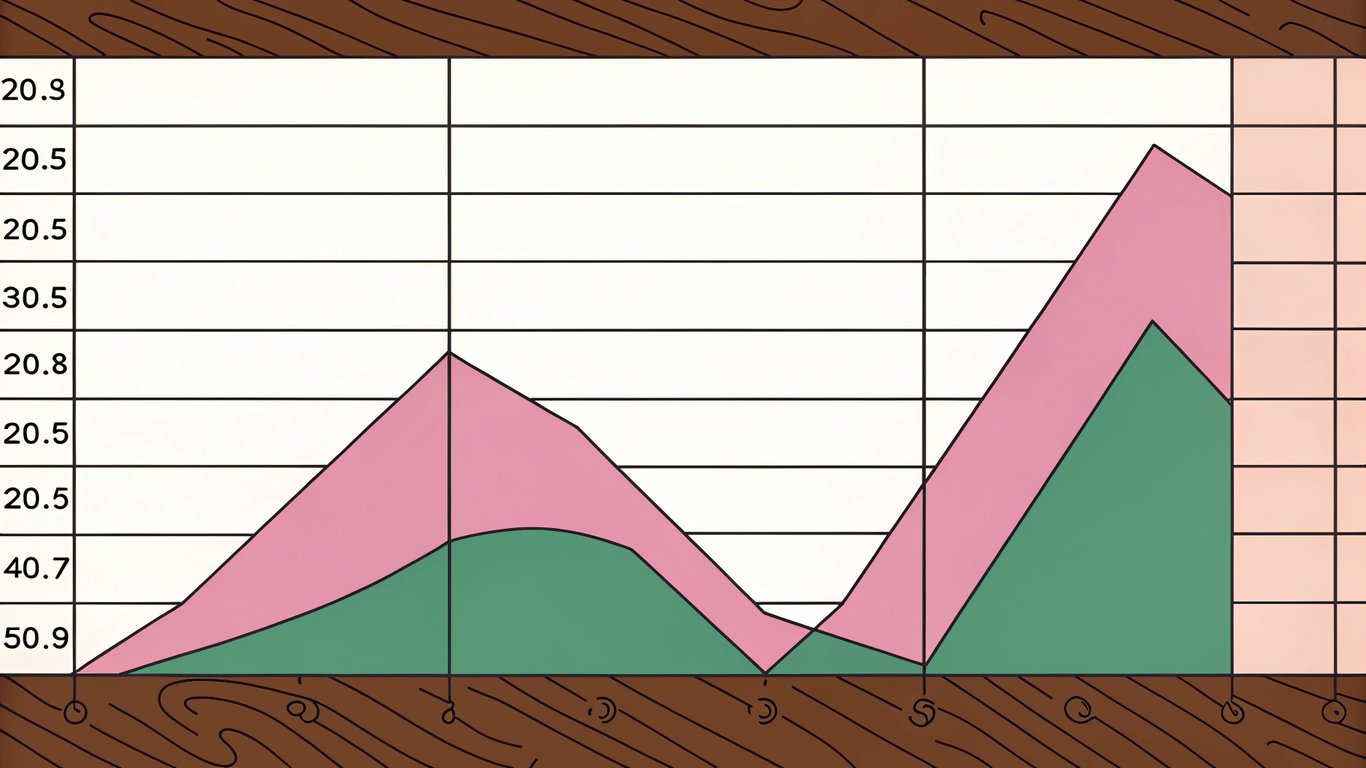
Search engines are getting better at detecting stale information. They can see when your examples reference discontinued products, when your screenshots show old interfaces, and when your data points are years out of date.
Users notice too. Nothing kills trust faster than landing on a "current guide" that references tools or strategies that don't exist anymore.
Algorithm Updates and Ranking Shifts
Google updates its algorithm constantly. Most updates are minor, but they add up. What worked to rank content in 2023 might not work in 2026.
Maybe Google started prioritizing different ranking factors. Maybe they changed how they interpret search intent. Maybe they started favoring longer, more comprehensive content. Your old post didn't get worse; the rules just changed.
Increased Competition
When you published your article, maybe there were only five decent pieces of content on that topic. Now there are fifty. Some of them are probably better than yours, more comprehensive, more recent, or just better optimized.
Your content didn't change, but the competitive landscape did. And in SEO, standing still means falling behind.
Changing Search Intent
Here's something that catches people off guard: what users want when they search for a keyword can evolve over time.
Maybe you wrote a beginner's guide to a topic, but now most people searching that keyword are looking for advanced strategies. Or maybe you created a comprehensive long-form guide, but now users prefer quick, actionable tips.
Search intent isn't static. Your content needs to evolve with it.
Technical Issues and Link Rot
Remember that 66.5% link rot statistic? That's not just about external sites disappearing. It's about your content becoming less functional over time.
Broken links signal neglect. Outdated images look unprofessional. Slow page speed (which can degrade as you add more content to your site) hurts user experience. These technical issues compound the decay problem.
Freshness as a Trust Signal
In 2026, freshness isn't just about having the latest information. It's about demonstrating that you're actively maintaining your content, that you care about accuracy, and that you're a reliable source.
AI-powered search interfaces need to trust their sources. A well-maintained, recently updated article signals reliability. An article that hasn't been touched in three years? That's a risk they'd rather avoid.
Warning Signs: How to Identify Content Decay
Declining Organic Traffic Patterns
The most obvious sign is a downward trend in your traffic charts. But you need to distinguish between different types of drops.
A gradual decline over several months is classic content decay. Your traffic slowly bleeds away as rankings slip and competitors gain ground. A sudden drop is more likely an algorithm update, a technical issue, or a major competitor launching.
Look at your Google Analytics data. Filter by individual pages. Which ones peaked months ago and have been trending down ever since? Those are your decay candidates.
Dropping Search Rankings
Traffic is a lagging indicator. Rankings tell you what's happening before the traffic completely disappears.
If you were ranking in positions 1-3 and you've slipped to positions 8-10, that's decay in progress. You haven't fallen off the cliff yet, but you're getting close. Once you hit page two, traffic drops dramatically.
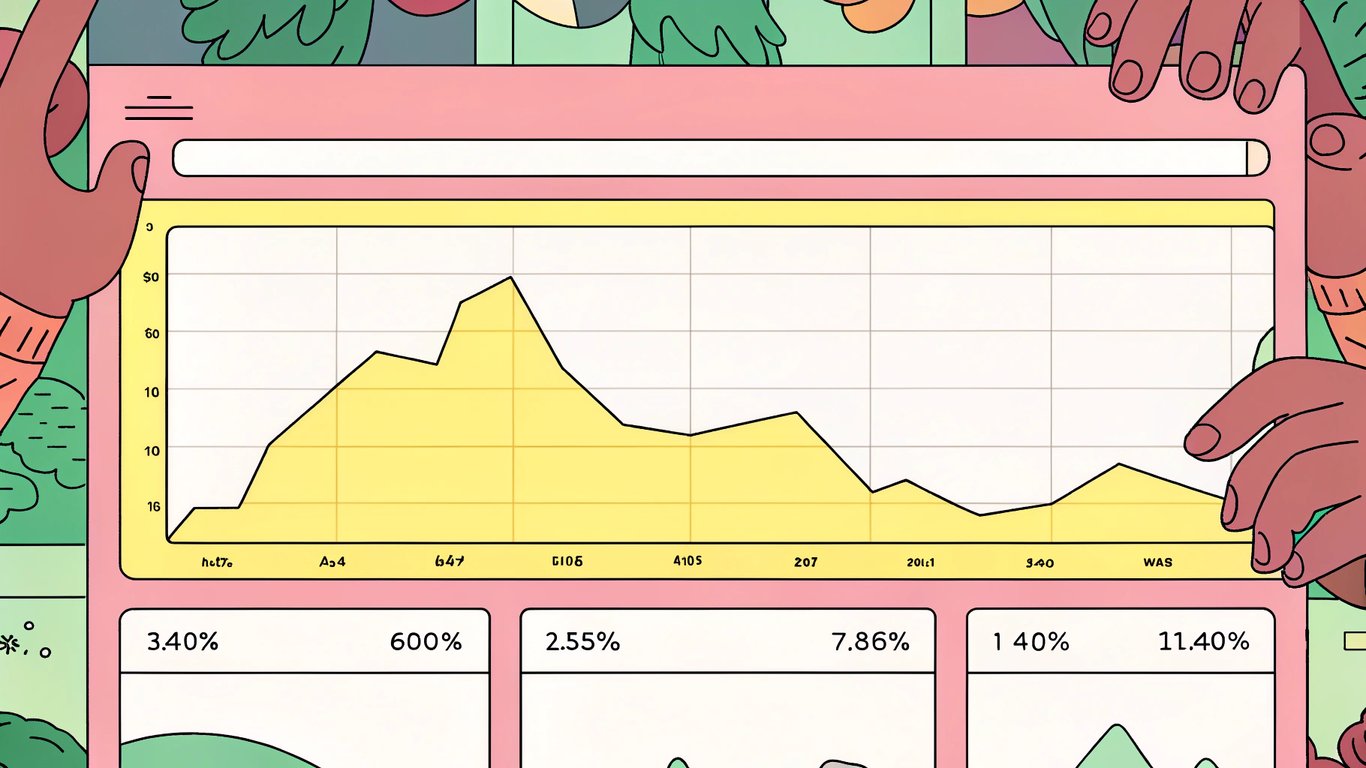
Track your keyword positions over time. Most SEO tools can show you historical ranking data. Look for that slow, steady decline.
Decreasing Impressions and Click-Through Rates
Google Search Console is your best friend for detecting early decay. Look at the Performance report and filter by individual pages.
Declining impressions mean you're showing up in search results less often. That's a ranking problem. Declining click-through rates mean people are seeing your result but choosing competitors instead. That's a relevance or presentation problem.
Both are warning signs that your content is losing its edge.
Reduced Engagement Metrics
Sometimes the traffic numbers look okay, but the quality of that traffic has declined. Check your engagement metrics:
- Time on page dropping
- Bounce rate increasing
- Scroll depth decreasing
- Social shares declining
- Comments or interactions disappearing
These signals suggest that even when people do find your content, they're not finding it valuable anymore. That's decay affecting user experience, not just rankings.
Falling Backlink Quality
Over time, you might lose backlinks. Sites redesign and remove old links. Domains expire. Content gets deleted. This natural link decay reduces your page's authority.
Check your backlink profile periodically. Are you losing more links than you're gaining? That's another decay indicator.
Tools for Detecting Content Decay
You don't need expensive tools to spot decay, but they help. Here's what to use:
- Google Analytics: Track traffic trends by page
- Google Search Console: Monitor impressions, clicks, and rankings
- SEO platforms: Tools like Ahrefs, SEMrush, or Moz can track rankings and backlinks over time
- Content audit tools: Some platforms can automatically flag declining content
The key is regular monitoring. Set up a monthly or quarterly review process so you catch decay early.
The Impact of Content Decay on Your Website
Lost Revenue and Conversion Opportunities
Declining traffic means fewer potential customers seeing your offers. If that blog post was driving 1,000 visitors a month and converting at 2%, that's 20 conversions. Drop to 100 visitors and you're down to 2 conversions.
The business impact of content decay is real and measurable. It's not just about vanity metrics; it's about actual revenue.
Erosion of Domain Authority
One decaying page won't tank your entire site. But if you've got dozens of pages experiencing decay simultaneously, that's a different story.
Search engines look at your site holistically. A site full of outdated, declining content sends a signal that you're not maintaining your property. That can affect how new content performs too.
Wasted Content Investment
You spent time, money, and effort creating that content. Maybe you hired a writer. Maybe you spent hours researching and writing it yourself. Letting it decay means that investment is slowly evaporating.
The frustrating part? Refreshing old content is usually way more efficient than creating new content from scratch. But most people ignore their existing content and keep chasing new topics.
Competitive Disadvantage
While your content decays, your competitors are probably refreshing theirs. Or publishing new, better content. Either way, you're falling behind.
In competitive niches, standing still means losing ground. Content decay accelerates that process.
How to Fix Content Decay
Content Audit: Identifying What Needs Attention
You can't fix everything at once. Start with a content audit to prioritize your refresh efforts.
Export your Google Analytics data and identify pages that used to perform well but have declined. Look for pages that still get some traffic (they're worth saving) but are trending downward.
Prioritize based on business impact. Which pages drive the most conversions? Which keywords are most valuable? Start there.
Update Statistics and Information
This is the low-hanging fruit. Go through your content and update any outdated information. Replace old statistics with current data. Update examples that reference discontinued products or obsolete strategies.
Check every link. Fix broken ones. Replace links to outdated resources with current alternatives. This alone can make a significant difference.
Improve Content Depth and Quality
Sometimes decay happens because your content was good but not great. Look at what's ranking now. Is it longer? More detailed? Better structured?
Add new sections that address questions you missed the first time. Expand thin sections with more detail. Include additional examples or case studies. Make your content the most comprehensive resource on the topic.
Optimize for Current Search Intent
Search your target keyword and look at what's ranking now. Has the intent shifted? Are people looking for something different than when you first published?
Maybe you need to adjust your angle. Maybe you need to add or remove sections. Maybe you need to change your format entirely. Align your content with what users actually want today, not what they wanted two years ago.
Fix Technical Issues
Run your page through technical SEO checks. Is it loading slowly? Are images optimized? Is the mobile experience good? Are there any crawl errors?
Technical problems compound over time. Your page might have been fast when you published it, but site-wide changes could have slowed it down. Fix these issues as part of your refresh.
Refresh Meta Data and On-Page SEO
Update your title tags and meta descriptions to reflect current information. If your title says "2023 Guide," change it to "2026 Guide." Make sure your headings are optimized and your internal linking is strong.
Sometimes a simple meta data refresh can improve click-through rates and signal freshness to search engines.
Update Publication Dates Strategically
This is controversial, but here's the reality: updating your publication date can signal freshness to both users and search engines. But only do this if you've made substantial updates.
Don't just change the date and call it done. That's deceptive and won't work long-term. Make real improvements, then update the date to reflect that the content has been refreshed.
Republish and Repromote
Once you've refreshed your content, treat it like a new publication. Share it on social media. Send it to your email list. Reach out to sites that linked to the old version and let them know you've updated it.
Refreshed content deserves a second launch. Don't just update it and hope search engines notice.
Preventing Content Decay
Create a Content Maintenance Schedule
Don't wait for decay to happen. Build maintenance into your content strategy from the start.
Set up a schedule to review your top-performing content quarterly or semi-annually. Different content types need different refresh frequencies. Statistics-heavy posts might need quarterly updates. Evergreen guides might only need annual reviews.
Build Evergreen Content Strategically
When creating new content, think about longevity. Can you structure this to minimize future updates? Can you separate time-sensitive information into clearly marked sections?
Evergreen content isn't immune to decay, but it decays slower. Balance your content mix between timely topics and foundational resources.
Monitor Performance Continuously
Set up alerts in your analytics tools to notify you when traffic drops significantly. Create dashboards that make it easy to spot declining content at a glance.
The earlier you catch decay, the easier it is to fix. Don't wait until your traffic has completely disappeared.
Plan for Updates During Creation
When you're creating content, think about future updates. Use a structure that makes it easy to add new sections. Keep a list of sources so you can quickly find updated statistics later.
Some writers even leave notes in their drafts about sections that will need regular updates. Make your future self's job easier.
Balance Fresh vs. Evergreen Content
You need both timely content and evergreen resources. Timely content captures current interest but decays fast. Evergreen content builds long-term value but might not drive immediate traffic.
A balanced content strategy minimizes the overall impact of decay on your site. You're not putting all your eggs in the rapidly-decaying basket.
Treating Content as a Living Asset
Content decay isn't a failure. It's a natural part of the content lifecycle. The real failure is ignoring it.
Your content is an asset, not a one-time expense. Understanding content optimization helps you protect that investment. Like any asset, it requires maintenance. You wouldn't buy a car and never change the oil. Don't publish content and never update it.
The good news? Refreshing existing content is often more efficient than creating new content from scratch. You've already done the hard work of research, writing, and initial optimization. Updates are just maintenance.
Start small. Pick your top five declining pages and refresh them this month. Track the results. You'll probably see traffic recover faster than you'd get from publishing five brand new posts.
Content decay is destroying rankings faster than most algorithm updates. But unlike algorithm updates, you have complete control over fixing it. The question is whether you'll take action before your best content fades into obscurity. AI autoblogging tools can help you monitor content performance and identify decay patterns automatically.