

If you've been running a WordPress site for more than a few months, you probably have content scattered everywhere. Some posts perform well, others collect digital dust, and you're not entirely sure which is which.
That's where a content audit template comes in.
What is a Content Audit?
A content audit is basically a health check for your website. It's a systematic review of everything you've published to see what's working, what's not, and what needs attention. Think of it like going through your closet and deciding what to keep, what to donate, and what needs mending.

The audit looks at your content from multiple angles: performance metrics, quality standards, SEO effectiveness, and alignment with your current goals. You're not just counting pages. You're evaluating whether each piece of content still serves a purpose.
Why WordPress Sites Need Content Audit Templates
WordPress makes publishing ridiculously easy. That's great until you realize you've got 200 blog posts and no clear picture of their collective impact.
Without a template, auditing content becomes overwhelming. You'll probably start strong, analyze a few posts, then abandon the project halfway through. A wordpress content audit template gives you a consistent framework to track the same data points across all your content. It turns a chaotic process into something manageable.
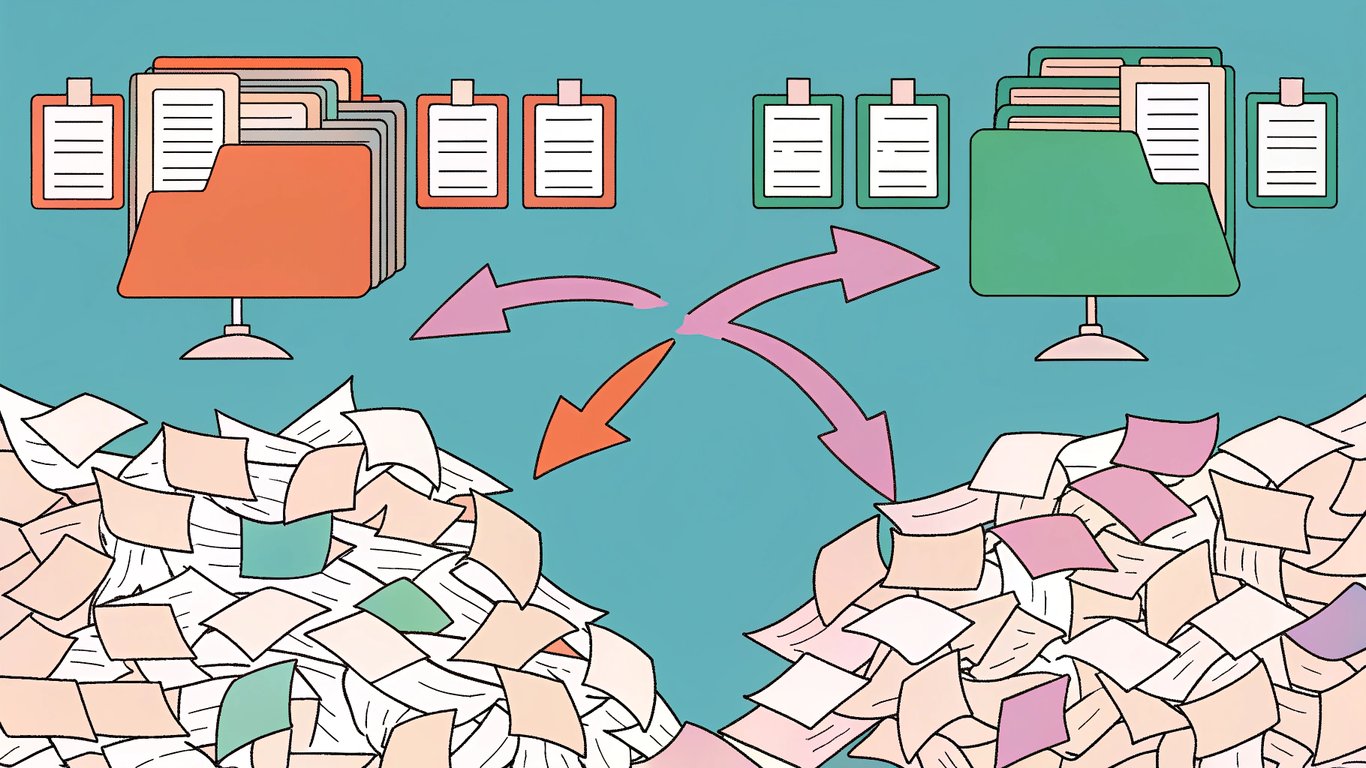
Templates also help you spot patterns. Maybe all your posts from 2022 have terrible bounce rates. Or perhaps your how-to guides consistently outperform your opinion pieces. You won't see these trends without organized data.
The Evolution of Content Audits in 2026
Content audits aren't new, but they've become more critical recently. Google's algorithm updates have gotten pickier about content quality. The search engine now prioritizes helpful, experience-based content over keyword-stuffed articles.
Mobile-first indexing means your content needs to work perfectly on phones. AI-driven tools can now analyze content at scale, making it easier to identify issues but also raising the bar for what counts as quality content.
In 2026, a content audit isn't just about finding broken links. It's about ensuring your content demonstrates expertise, provides genuine value, and aligns with how people actually search today.
What a WordPress Content Audit Template Includes
Content Inventory Components
The foundation of any audit template is the inventory. This is where you list every piece of content on your site with key identifying information.
Most templates track these basic data points:
- Full URL of each page or post
- Page title and H1 heading
- Meta description
- Word count
- Publication date and last update date
- Author name
- Content type (blog post, landing page, product page, etc.)
- Primary category or topic
- Target keyword or search intent
This inventory gives you a complete picture of what you're working with. You might discover duplicate content, outdated information, or gaps in your coverage.
Performance Metrics to Track
Data without context doesn't help much. Your template should include performance metrics that show how each piece of content actually performs.
Common metrics include:
- Organic traffic over the past 3-6 months
- Current search rankings for target keywords
- Number of backlinks pointing to the page
- Average time on page
- Bounce rate
- Conversion rate (if applicable)
- Social shares or engagement
- Internal links pointing to the page
You can pull most of this data from Google Analytics, Google Search Console, and various SEO tools. The key is tracking the same metrics consistently across all content.
Quality Assessment Criteria
Numbers tell part of the story. Quality assessment adds the human element.
Your template should include space to evaluate:
- Accuracy: Is the information still correct and up-to-date?
- Relevance: Does this content still align with your audience's needs?
- Readability: Is the writing clear and easy to understand?
- Brand alignment: Does the tone and messaging match your current brand?
- User value: Would someone actually find this helpful?
- Completeness: Does it thoroughly cover the topic?
- Visual quality: Are images, videos, or graphics still relevant and working?
These assessments are somewhat subjective, but they're crucial. A post might get decent traffic while still being outdated or poorly written.
Action Items and Recommendations
The final component is the decision framework. After analyzing each piece of content, you need to decide what to do with it.
Most templates use these categories:
- Keep: Content is performing well and still relevant
- Update: Good foundation but needs refreshing or expansion
- Consolidate: Merge with similar content to create something stronger
- Redirect: Content is outdated but has backlinks or traffic
- Delete: No value, no traffic, and no potential for improvement
Your template should include a column for the recommended action and notes explaining why you made that choice.
Types of WordPress Content Audit Templates
Spreadsheet-Based Templates
Google Sheets and Excel templates are the most common approach. They're flexible, easy to customize, and great for collaboration.
You can create your own from scratch or download pre-made templates. The advantage is complete control over what you track. You can add columns, create formulas, and organize data however makes sense for your site.
The downside? Manual data entry. You'll need to export content lists from WordPress and pull metrics from various analytics tools. It's time-consuming but gives you the most detailed view.
WordPress Plugin Templates
Several WordPress plugins can automate parts of the audit process. SEO plugins often include audit features that automatically collect data about your content.
These tools can quickly identify technical issues like missing meta descriptions, broken links, or duplicate content. They save time on data collection but typically offer less customization than spreadsheets.
Some plugins focus specifically on content audits, pulling together information from your WordPress database and external analytics sources into a dashboard.
Specialized SEO Audit Templates
Comprehensive SEO audit templates go beyond just content. They include technical SEO elements, on-page optimization, and content quality all in one place.
These templates are more complex but give you a complete picture of your site's health. They're particularly useful if you're doing a major site overhaul or preparing for a redesign.
Custom vs. Pre-Made Templates
Pre-made templates get you started quickly. They include standard metrics and proven frameworks. You can find free templates from SEO blogs and marketing resources.
Custom templates take more upfront work but fit your specific needs perfectly. If you run an e-commerce site, you might track product page conversions. A news site might focus on recency and social shares.
Most people start with a pre-made template and customize it over time as they learn what matters most for their site.
How to Use a Content Audit Template for WordPress
Step 1: Preparing Your WordPress Site for Audit
Before diving into the audit, do some prep work. Back up your site in case you accidentally delete something important. Make sure you have admin access to Google Analytics and Search Console.
Set clear goals for your audit. Are you trying to improve SEO rankings? Increase conversions? Clean up outdated content? Your goals will influence what metrics you prioritize.
Step 2: Collecting Content Data
Export a list of all your published content from WordPress. You can use plugins or manually create a sitemap. Then start populating your template with basic information like URLs, titles, and publication dates.
Next, pull performance data from your analytics tools. This is the tedious part, but it's essential. You're building a database that shows exactly how your content performs.
Step 3: Analyzing Content Performance
With all your data in one place, start looking for patterns. Sort by traffic to find your top performers and biggest underachievers. Look at bounce rates to identify content that isn't meeting user expectations.
Check publication dates to find outdated content. Review your quality assessments to spot consistent issues across multiple pieces.
Step 4: Making Content Decisions
Now comes the hard part: deciding what to do with each piece of content. Use your performance data and quality assessments to guide these decisions.
High-traffic content with good engagement? Keep it. Decent traffic but outdated information? Update it. Multiple posts covering the same topic? Consolidate them. Old content with no traffic and no backlinks? Consider deleting it.
Step 5: Implementing Changes in WordPress
Start executing your audit recommendations. Update posts with fresh information, better formatting, and improved SEO. Set up 301 redirects before deleting or consolidating content to preserve any SEO value.
Work in batches rather than trying to fix everything at once. Prioritize high-impact changes that will move the needle on your goals.
Step 6: Tracking Results and Iteration
After implementing changes, monitor the results. Did updated posts see traffic increases? Did consolidating content improve rankings? Track these outcomes in your template.
Schedule regular audits. Many sites benefit from quarterly or bi-annual reviews. Your template becomes more valuable over time as you track changes and results.
Benefits of Using a Content Audit Template for WordPress
Improved SEO Performance and Rankings
Regular audits help you identify and fix SEO issues before they tank your rankings. You'll find missing meta descriptions, broken internal links, and keyword cannibalization problems.
Updating old content with fresh information can give it new life in search results. Google tends to favor recently updated content, especially for topics where recency matters.
Enhanced User Experience
Removing outdated or low-quality content makes your site more trustworthy. Visitors won't stumble across posts from 2018 with broken screenshots and obsolete advice.
Better content organization helps people find what they need faster. Consolidating similar posts creates more comprehensive resources instead of fragmenting information across multiple pages.
Time and Resource Efficiency
Templates make audits repeatable. The second audit takes half the time of the first because you've already built the framework. You know exactly what data to collect and how to analyze it.
You'll also stop wasting time creating new content when updating existing posts would be more effective. Many sites see better results from refreshing their top 20 posts than publishing 20 new ones.
Better Content Strategy Alignment
Audits reveal gaps in your content coverage. You might discover you've written 50 posts about one topic but nothing about related subjects your audience cares about.
They also show you what's working so you can do more of it. If your case studies consistently outperform other content types, that's valuable strategic information.
Increased Conversion Rates
Better content leads to better conversions. When you optimize your highest-traffic pages for conversions, even small improvements can have significant impact.
Audits help you identify which content drives conversions and which just attracts browsers. You can then adjust your strategy to create more conversion-focused content.
Best Practices and Common Mistakes to Avoid
Best Practices for WordPress Content Audits
Audit regularly but not obsessively. Quarterly reviews work well for most sites. Monthly audits make sense if you publish daily, while annual reviews might suffice for smaller sites.
Document everything. Your future self will thank you when you can't remember why you decided to delete a particular post. Keep notes about your reasoning and the results of changes.
Involve your team if you have one. Different perspectives help identify issues you might miss. A writer might spot quality problems while a developer notices technical issues.
Common Mistakes That Reduce Audit Effectiveness
Don't delete content without setting up redirects. Those old posts might have backlinks or residual traffic. A 301 redirect preserves that SEO value.
Avoid focusing only on metrics. Numbers matter, but so does user intent. A post with low traffic might still be valuable if it converts well or answers an important customer question.
Don't treat audits as one-time projects. The real value comes from regular reviews and continuous improvement. Your first audit identifies problems; subsequent audits track progress.
Tools and Plugins to Enhance Your Audit
Several tools can streamline your wordpress content audit process. XML Sitemap generators help you create comprehensive content lists. SEO plugins can identify technical issues automatically.
Analytics platforms like Google Analytics provide the performance data you need. Link checkers find broken links across your site. Readability tools assess whether your content is easy to understand.
Getting Started: Your First WordPress Content Audit
Choosing the Right Template for Your Needs
Start by assessing your site's size and complexity. A small blog with 50 posts can use a simple spreadsheet. A large site with thousands of pages might need more sophisticated tools.
Consider your technical skills. If you're comfortable with spreadsheets, a Google Sheets template offers maximum flexibility. If you prefer automated solutions, look for WordPress plugins that handle data collection.
Free vs. Premium Template Options
Free templates work perfectly well for most sites. You can find quality options from SEO blogs and marketing resources. They include the essential metrics and provide a solid starting point.
Premium templates or tools offer more automation and advanced features. They might integrate directly with your analytics platforms or provide AI-powered recommendations. Whether they're worth the cost depends on your site's scale and your budget.
Setting Realistic Audit Goals and Timelines
Your first audit will take longer than you expect. Budget several days to a week for a thorough review, depending on your site's size.
Set specific, measurable goals. Instead of "improve SEO," aim for "increase organic traffic to top 20 posts by 25% within three months." Specific goals help you measure success and stay motivated.
Next Steps After Your First Audit
After completing your first audit, prioritize high-impact changes. Use the update, keep, or delete framework to decide what action each piece needs. Focus on updating your best-performing content first since improvements there will have the biggest effect.
Schedule your next audit before you forget. Add it to your calendar for three or six months out. Build content audits into your regular workflow rather than treating them as special projects. This ongoing practice is essential for effective content optimization.
Track the results of your changes. Did traffic improve? Did rankings increase? Use these insights to refine your approach for the next audit. Over time, you'll develop an intuition for what works on your specific site. AI autoblogging tools can help automate parts of this process and surface content that needs attention.