

You've probably noticed that some of your WordPress posts get tons of impressions but barely any clicks. That's usually a search intent problem. When your content doesn't match what people actually want when they type in a query, Google shows it but users scroll right past.
Search intent is basically the 'why' behind a search query. Someone typing 'WordPress SEO' might want to learn what it is, find a plugin, or hire someone to do it for them. Same keywords, completely different needs.
The Four Types of Search Intent
There are four main categories of search intent, and understanding them changes everything about how you create content:

- Informational intent: People want to learn something. Queries like 'what is schema markup' or 'how does WordPress caching work' fall here. Your content needs to educate, not sell.
- Navigational intent: Users are looking for a specific website or page. Searches like 'Yoast SEO login' or 'WordPress.org download' mean they already know where they want to go.
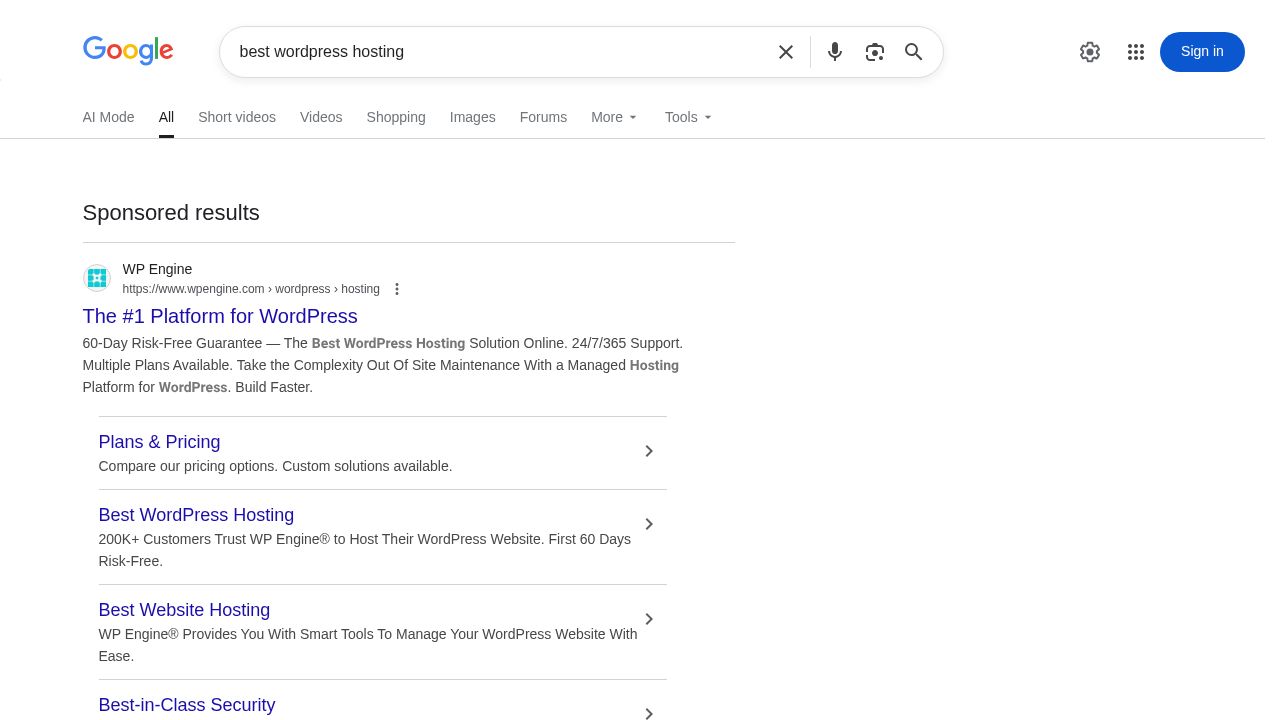
- Commercial intent: Researchers comparing options before buying. Think 'best WordPress hosting' or 'Elementor vs Divi.' They need comparisons, reviews, and pros/cons.
- Transactional intent: Ready to take action right now. Searches like 'buy WooCommerce theme' or 'WordPress maintenance service' signal purchase readiness.
Here's where most WordPress content creators mess up: they write informational content for commercial keywords, or try to sell on informational queries. A post titled 'What is Email Marketing' shouldn't pitch your services in paragraph two. Save that for commercial intent keywords.
Why Search Intent Matters More Than Keywords in 2026
Google's gotten really good at understanding what people actually want. You can't just stuff keywords anymore and expect results. The algorithm looks at user behavior signals like bounce rate, time on page, and whether people click back to search results.
When your content matches intent, people stick around. They read more, click through to other pages, and don't immediately bounce back to Google. Those signals tell search engines your content is relevant, which improves rankings over time.
Common Search Intent Mismatches That Kill Your CTR
I see the same mistakes repeatedly on WordPress sites. Someone writes a 3,000-word guide when users just want a quick answer. Or they create a thin listicle when searchers need deep, comprehensive information.
Another common issue: your title promises one thing but the content delivers something else. If your headline says 'How to Speed Up WordPress' but you spend half the article explaining why speed matters, that's an intent mismatch. People wanted the how-to, not the why.
Auditing Your Existing WordPress Content for Intent Alignment
Before you start rewriting everything, you need to know which posts actually have problems. A systematic audit saves you from wasting time on content that's already working fine.
Setting Up Your Content Audit Framework

Start with Google Search Console. It's free and shows exactly which queries bring up your content. Export your performance data for the last 12 months, focusing on pages with at least 100 impressions.
You'll also want analytics data showing bounce rate and time on page. High bounce rates combined with low time on page usually indicate intent misalignment. People found your content but it wasn't what they needed.
Identifying Underperforming Posts with Intent Misalignment
Look for posts with high impressions but CTR below 2%. That's your smoking gun. Google thinks your content is relevant enough to show, but users disagree. The disconnect is probably intent-related.
Also check posts ranking positions 4-10. They're close to page one but not quite there. Often, better intent alignment is all they need to break into the top three results.
Creating a Search Intent Mapping Spreadsheet
Build a simple spreadsheet with these columns: URL, primary keyword, current intent category, target intent category, impressions, CTR, average position, and priority level. This becomes your roadmap for content optimization.
Prioritize based on opportunity. A post with 10,000 monthly impressions and 1% CTR has way more potential than one with 100 impressions and 5% CTR. Focus on high-traffic underperformers first.
Analyzing SERP Features to Decode Intent Signals
Google's search results page tells you exactly what intent it thinks a query has. Featured snippets usually indicate informational intent. Shopping results mean transactional. Local pack suggests navigational or transactional with local intent.
Check the 'People Also Ask' boxes too. The questions there reveal what users actually want to know. If your content doesn't answer those questions, you're missing part of the intent.
The Search Intent Mapping Method: A Practical Framework
Now we get into the actual process of mapping content to intent. This isn't complicated, but it does require some systematic thinking about what users really need.
Step 1: Keyword Research with Intent Classification
When you do keyword research, tag each term with its intent type immediately. Don't wait until later. Tools like Ahrefs and Semrush often show intent automatically, but verify by checking the actual search results.
Look at the modifier words in queries. 'How to' and 'what is' signal informational intent. 'Best' and 'vs' indicate commercial. 'Buy' and 'discount' mean transactional. These patterns make classification easier.
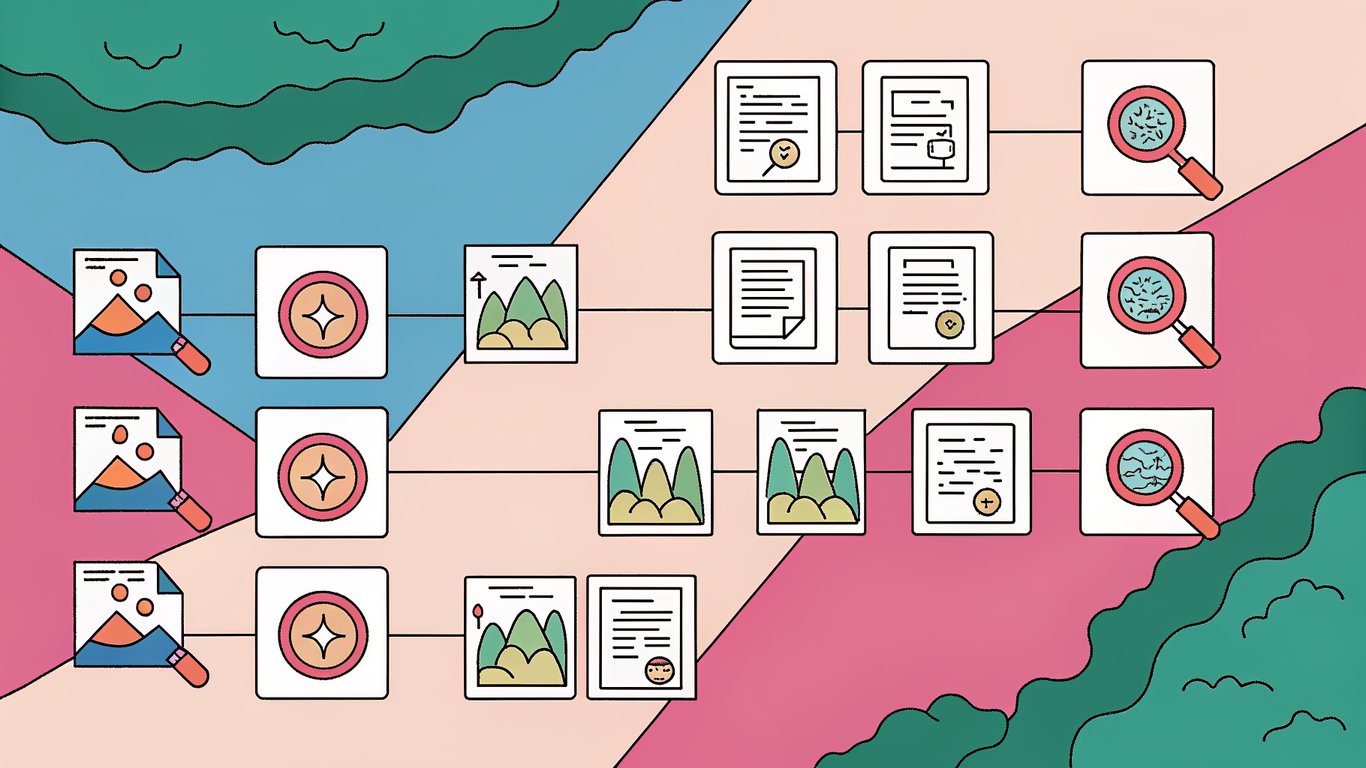
Step 2: Analyzing Top-Ranking Competitor Content
Open the top 5 results for your target keyword in incognito mode. What format are they using? How long are they? What sections do they include? This shows you what Google considers the best match for that intent.
Pay attention to content structure. If all the top results use numbered lists, that's probably what users expect. If they're all long-form guides with detailed sections, a short post won't cut it.
Step 3: Mapping Content Gaps and Opportunities
Compare your existing content to what's ranking. What are you missing? Maybe competitors include comparison tables and you don't. Or they have step-by-step screenshots while you just have text.
Sometimes the gap isn't about adding more content but changing the angle entirely. Your how-to guide might need to become a comparison post, or your product review might need to shift to an educational piece.
Step 4: Creating Intent-Based Content Briefs
Before rewriting, create a brief that specifies the target intent, required content elements, and structural changes needed. Include notes about what to keep from the existing post and what needs complete replacement.
Your brief should answer: What question is the user asking? What format best answers it? What depth of information do they need? What action should they be able to take after reading?
Reworking WordPress Posts for Maximum Intent Alignment
Here's where you actually fix the content. Recent research shows that major rewrites (changing 30-100% of content) significantly outperform minor updates. Don't be afraid to completely overhaul posts that aren't working.
The 30-100% Rewrite Strategy: When and How to Apply It
A study of 15,000 URLs found that articles receiving major rewrites vastly outperform minor or moderate updates. When you're dealing with serious intent misalignment, small tweaks won't fix it. You need substantial changes.
Keep the URL and any existing backlinks, but don't feel obligated to preserve content that doesn't serve the intent. If your informational post needs to become commercial, rewrite it as commercial content. The old version wasn't working anyway.
Restructuring Content Format to Match Intent
Different intents need different formats. Informational content often works best as how-to guides or explanatory articles. Commercial intent needs comparison tables, pros/cons lists, and feature breakdowns. Transactional content should be concise with clear calls to action.
In WordPress, use the block editor to restructure easily. Convert paragraphs to lists, add table blocks for comparisons, insert FAQ blocks for common questions. The visual editor makes format changes straightforward.
Optimizing Headlines and Subheadings for Intent Clarity
Your H1 should immediately signal what intent you're serving. 'How to Install WordPress' is clearly informational. 'Best WordPress Hosting Providers' signals commercial intent. Don't be vague or clever; be clear.
Subheadings should follow the same principle. They're not just for SEO; they help users quickly scan to find exactly what they need. If someone wants step 3 of your tutorial, they should be able to jump right to it.
Enhancing Content Depth and Comprehensiveness
Layered content expansion works better than just adding more words. Start with the core answer to the query, then add context, examples, and related information in layers. This satisfies both quick scanners and deep readers.
Don't pad content with fluff to hit word counts. Add depth where it matters: more detailed explanations, additional examples, edge cases, troubleshooting tips. Every section should serve the user's intent.
Adding Intent-Specific Content Elements
Commercial intent content needs comparison tables showing features, pricing, and differences between options. Informational content benefits from step-by-step instructions with screenshots. Transactional content should include clear pricing and purchase information.
FAQ sections work well for most intent types because they directly answer the questions users have. In WordPress, you can use accordion blocks to keep FAQs organized without overwhelming the page.
WordPress-Specific Implementation Tips
Use reusable blocks for elements you'll need across multiple posts, like comparison table templates or FAQ structures. This speeds up the rewrite process and maintains consistency.
Consider plugins like TablePress for complex comparison tables or Rank Math for schema markup. These tools make intent-aligned formatting easier to implement and maintain.
Optimizing for Click-Through Rate (CTR) on WordPress
Getting your content to match intent is half the battle. The other half is making sure people actually click on your result in the search results. That's where meta optimization comes in.
Crafting Intent-Matched Title Tags and Meta Descriptions
Your title tag should promise to fulfill the specific intent. For informational queries, use 'How to' or 'What is.' For commercial intent, include 'Best' or 'Top.' For transactional, mention pricing or availability.
Meta descriptions should expand on that promise. Tell users exactly what they'll get: 'Learn how to optimize WordPress images in 5 steps' or 'Compare the top 10 WordPress backup plugins with pricing and features.' Be specific about the value.
Implementing Schema Markup for Enhanced SERP Presence
Schema markup helps Google understand your content type and can earn you rich snippets in search results. How-to schema works great for instructional content. FAQ schema gets you those expandable question boxes. Review schema can show star ratings.
Most WordPress SEO plugins include schema options. Just make sure you're using the schema type that matches your intent. Don't mark up a blog post as a product review unless it actually reviews products.
Optimizing URL Structures for Intent Clarity
Your permalink should reflect the content's intent. A how-to post should have 'how-to' in the URL. A comparison should mention 'vs' or 'comparison.' This helps both users and search engines understand what to expect.
If you're changing a URL to better match intent, set up a 301 redirect from the old URL. WordPress plugins like Redirection make this simple and preserve your existing link equity.
Using Featured Images and Media to Boost CTR
When Google shows image thumbnails in search results, they can significantly impact CTR. Use featured images that visually represent your content's intent. A how-to guide might show someone completing the task. A comparison post could show the products side by side.
Optimize image file names and alt text to include your target keyword and intent signals. This helps images appear in Google Images search, which can drive additional traffic.
Measuring Success: Tracking Intent Alignment and CTR Improvements
You can't improve what you don't measure. Set up tracking before you start making changes so you can see what's actually working.
Key Performance Indicators for Intent Optimization
CTR is the obvious metric, but it's not the only one that matters. Watch organic traffic, average position, bounce rate, time on page, and conversion rate. A post with great CTR but terrible bounce rate still has intent problems.
For commercial and transactional content, track conversions too. Are people actually buying, signing up, or taking the action you want? High traffic means nothing if it doesn't convert.
Setting Up Google Search Console for Intent Tracking
Filter Search Console data by individual URLs to see how specific posts perform over time. Compare CTR before and after your rewrites. Look at which queries drive the most impressions and whether they match your target intent.
Set up email alerts for significant ranking changes. If a rewritten post suddenly drops, you might have overcorrected or misread the intent. Quick detection lets you fix problems faster.
A/B Testing Content Variations for Intent Match
You can't really A/B test the same URL in search results, but you can test different approaches on similar keywords. Create two posts targeting slightly different variations of the same intent and see which performs better.
Test different title tag formulas, meta description styles, and content structures. What works for one topic might not work for another, even with the same intent type.
Creating a Continuous Improvement Workflow
Search intent isn't static. User behavior changes, new competitors appear, and Google's understanding evolves. Schedule quarterly reviews of your top-performing content to ensure it still matches current intent.
Build a system where you regularly check Search Console for new query opportunities. Sometimes posts start ranking for queries you didn't target. That's a signal to expand the content to better serve that intent.
Advanced Strategies and Common Pitfalls to Avoid
Once you've got the basics down, there are some advanced techniques that can take your intent optimization to the next level. But there are also some traps to avoid.
Handling Mixed-Intent Keywords
Some keywords serve multiple intents simultaneously. 'WordPress security' could be informational (what is it?), commercial (best security plugins), or transactional (hire security service). Check the search results to see which intent dominates.
For mixed-intent keywords, you might need to create multiple pieces of content, each targeting a different intent. Or structure one comprehensive post with clear sections serving each intent type.
Scaling Intent Mapping Across Large WordPress Sites
If you've got hundreds or thousands of posts, you can't manually review everything. Prioritize based on traffic potential. Focus on posts that already get decent impressions but have low CTR or positions 4-20.
Create templates for common intent types. Once you've optimized a few how-to posts successfully, you've got a template for all future how-to content. This speeds up the process significantly.
Common Mistakes That Sabotage Intent Alignment
The biggest mistake is assuming you know the intent without checking the search results. Your interpretation might be wrong. Always verify by looking at what's actually ranking.
Another common error is over-optimizing for one intent while ignoring related questions. Someone searching for 'how to backup WordPress' probably also wants to know how to restore from backup. Address the complete user journey.
Future-Proofing Your Content for Evolving Search Intent
AI-driven search is changing how people find information. Voice search, chatbots, and AI overviews mean intent signals are evolving. Focus on comprehensive, authoritative content that answers questions thoroughly.
Build flexibility into your content structure. Use modular sections that can be updated independently. This makes it easier to adapt as search behavior changes without complete rewrites.
Case Study: Real Results from Intent-Based Content Rewrites
One WordPress site I worked with had a post ranking #8 for 'WordPress caching' with 5,000 monthly impressions and 1.2% CTR. The content was informational but the search results showed commercial intent (people wanted plugin recommendations).
We rewrote about 70% of the content, adding a comparison table of caching plugins, pros/cons for each, and specific use cases. Within three months, the post moved to position #3, CTR jumped to 8.4%, and monthly traffic increased from 60 visits to over 400. The intent alignment made all the difference.