

When you're building a webpage, headings do way more than just make text bigger. They're like the skeleton of your content, giving both readers and search engines a clear map of what you're talking about. Think of them as signposts that guide people through your article while simultaneously telling Google what matters most on your page.
HTML heading tags range from H1 to H6, creating six distinct levels of importance. The H1 is your heavyweight champion, the most important heading on the page. As you move down to H6, each level carries less weight but still plays a role in organizing your content into digestible chunks.

What Are HTML Heading Tags?
HTML heading tags are elements defined in your page's code that create a hierarchical structure for your content. They're written as <h1>, <h2>, <h3>, and so on, up to <h6>. Each tag creates a block-level element that starts on a new line and takes up the full width available in its container.
Here's what makes them different from just making text bold or increasing font size: headings carry semantic meaning. They tell browsers, search engines, and assistive technologies like screen readers that this text represents a section title or subsection, not just emphasized text. This semantic structure is crucial for accessibility and SEO.
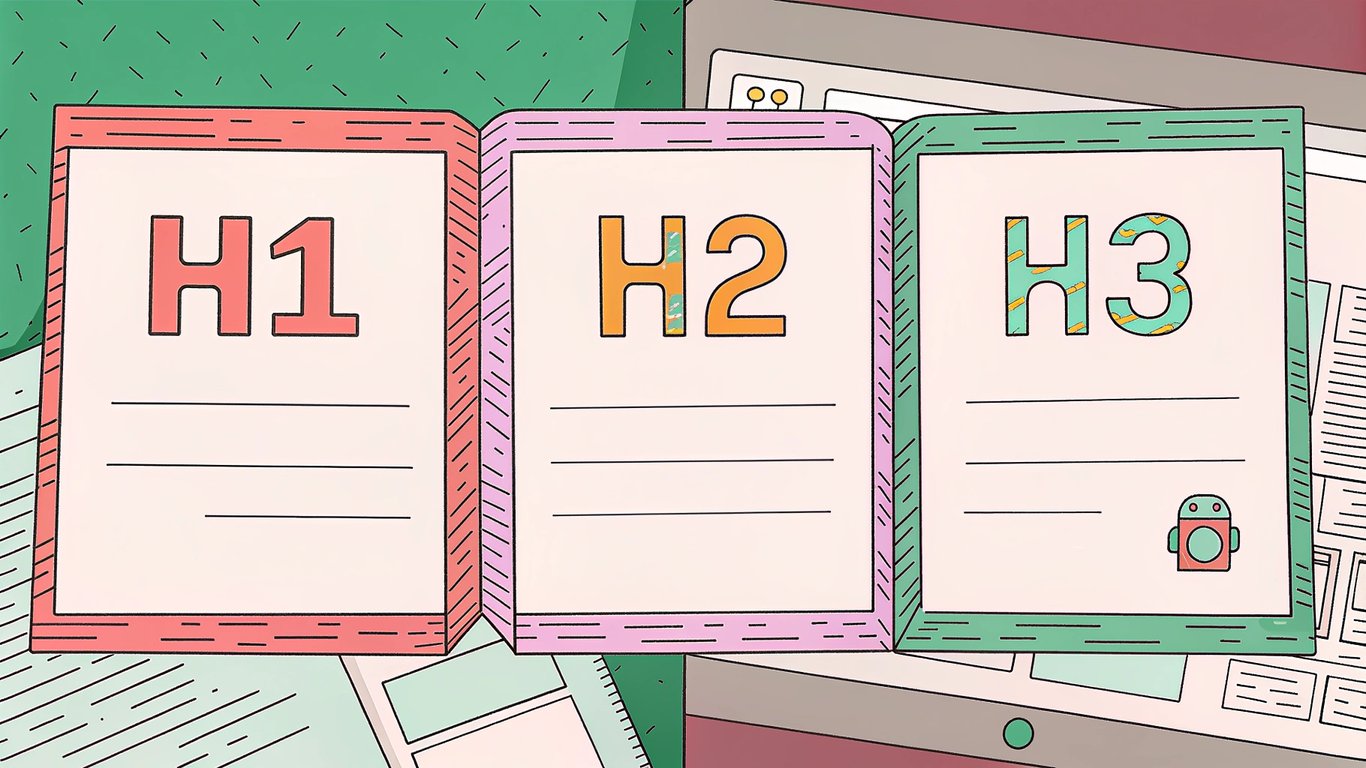
Most websites primarily use H1, H2, and H3 tags. You'll rarely see H5 or H6 in the wild unless you're dealing with extremely detailed, technical documentation. And honestly? That's probably fine for most content.
Why Heading Structure Matters for SEO
Search engines use your heading structure to understand what your page is about and how your content is organized. When Google crawls your site, headings provide important clues about content hierarchy and relevancy. They help search engines determine which parts of your content deserve the most attention.
But here's the thing: headings aren't just for robots. They dramatically improve user experience by breaking up walls of text and making content scannable. Studies show that most people don't read web content word-for-word. They scan. Headings give them anchor points to quickly find the information they need.
For people using screen readers, proper heading structure is essential. These users often navigate pages by jumping between headings, using them like a table of contents. If your headings are poorly structured or used just for styling, you're creating barriers for these visitors.
The Complete H1-H6 Hierarchy Explained
Each heading level serves a specific purpose in your content architecture. Understanding how they work together helps you create pages that are both user-friendly and search engine-friendly.
H1 Tags: Your Page's Main Title
The H1 is the most important heading on your page. It should clearly describe what the entire page is about, functioning as the main title. For seo h1 optimization, you'll want to include your primary keyword here, but in a natural, reader-friendly way.
Most pages should have exactly one H1. While HTML5 technically allows multiple H1 tags, it's generally best practice to stick with one. This keeps your page focused and prevents confusion about what the main topic actually is. Your H1 sets the stage for everything that follows.
A good H1 is descriptive, concise, and compelling. It should tell visitors exactly what they'll get from reading your page. Something like "Complete Guide to Sourdough Bread" works better than just "Bread" or an overly clever title that obscures the actual topic.
H2 Tags: Major Section Headers
H2 tags divide your content into primary sections. They're the main chapters of your page, each supporting and expanding on the topic introduced in your H1. If your H1 is about sourdough bread, your H2s might cover ingredients, equipment, the fermentation process, and baking techniques.
You can have multiple H2 tags on a page, and you probably should. They create natural breaks in your content and give readers clear stopping points. For heading blog optimization, H2s are prime real estate for incorporating secondary keywords and related terms.
H3-H6 Tags: Subsections and Supporting Content
H3 tags nest under H2s, creating subsections within your major sections. If you have an H2 about "Fermentation Process," your H3s might cover "Creating Your Starter," "Feeding Schedule," and "Signs of Proper Fermentation." This creates a logical flow that's easy to follow.
H4, H5, and H6 tags work the same way, each level representing a deeper subsection. In practice, most content doesn't need to go beyond H3. If you're regularly using H5 or H6, you might want to reconsider your content structure. Either you're getting too granular, or you might need to split your content into multiple pages.
Understanding Heading Hierarchy Rules
Heading hierarchy should follow a logical, sequential order. You shouldn't skip levels. Going from H2 directly to H4 breaks the structure and can confuse both users and search engines. It's like having a book with chapters numbered 1, 2, 5, 6. Something's clearly missing.
The proper flow looks like this: H1 introduces the page topic, H2s create main sections, H3s subdivide those sections, and so on. Each level should relate to and support the heading above it. This creates a clear outline that anyone can follow.

How Search Engines Use Heading Structure
Search engines have gotten incredibly sophisticated at understanding content, but they still rely heavily on structural signals like headings to make sense of what you've written.
Headings as Ranking Signals
While headings aren't the most powerful ranking factor, they definitely matter. Google uses them to understand your content's organization and determine what topics you're covering. Well-structured headings help search engines grasp the relationship between different sections of your content.
Headings also contribute to topic relevance. If you're writing about email marketing and your headings mention automation, segmentation, and analytics, Google gets a clearer picture that you're covering the topic comprehensively. This can help you rank for related terms you might not have explicitly targeted.
Keyword Placement in Headings
Including keywords in your headings makes sense, but you've got to do it naturally. Your H1 should typically include your primary keyword. Your H2s and H3s are great places for secondary keywords and variations.
The key word here is naturally. Don't force keywords into every heading. If it reads awkwardly or doesn't accurately describe the section content, you're doing it wrong. A heading like "Best Running Shoes for Marathon Training" is perfect. "Running Shoes Marathon Training Best Shoes Running" is keyword stuffing garbage that helps nobody.
Featured Snippets and Heading Structure
Well-structured headings can increase your chances of appearing in featured snippets. Google often pulls content from pages with clear heading hierarchies, especially when the headings are formatted as questions or clear topic statements.
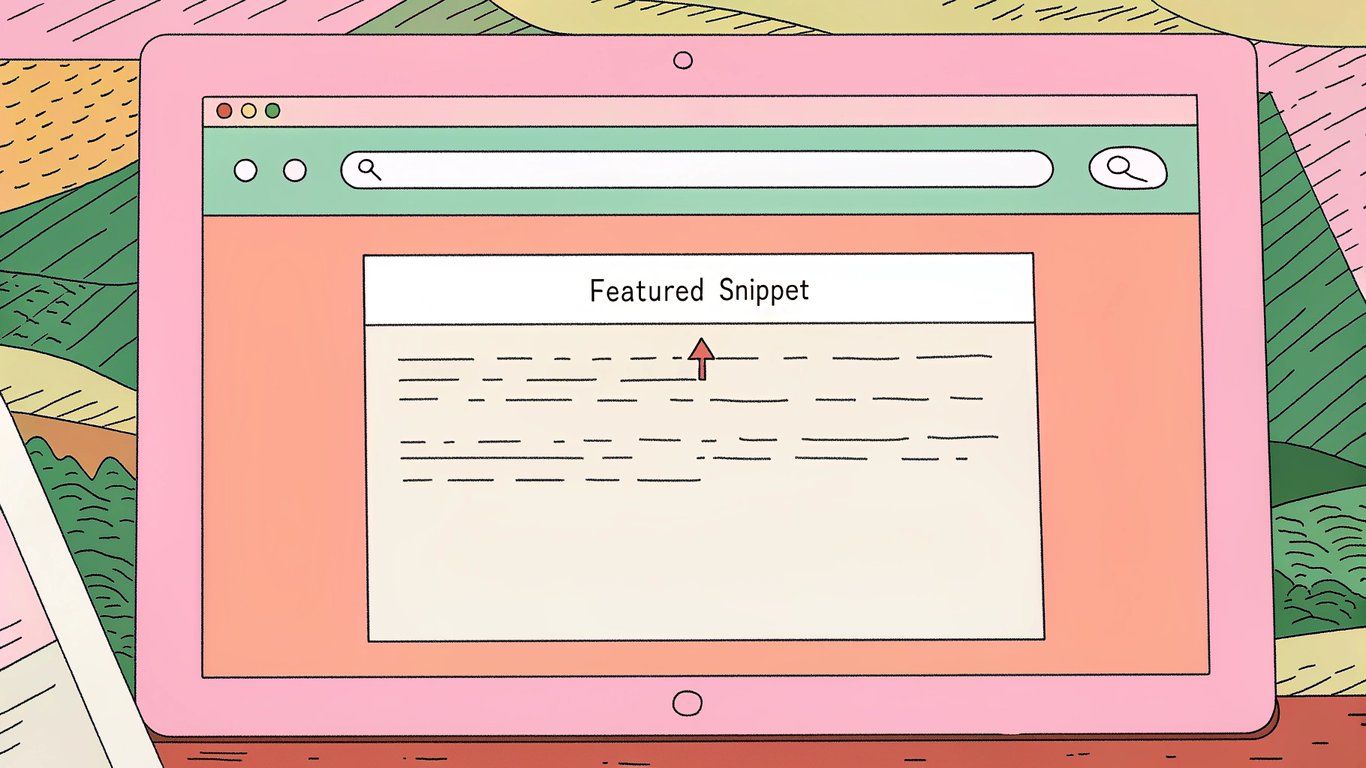
If you're targeting featured snippets, consider formatting some H2s as questions that match common search queries. Then provide concise, direct answers in the paragraph immediately following. This structure makes it easy for Google to extract and display your content.
Best Practices for SEO-Friendly Heading Structure
Creating effective headings isn't rocket science, but there are some proven strategies that'll help you get better results.
Creating Descriptive and Compelling Headings
Your headings should be both informative and interesting. They need to accurately describe what's in the section while also enticing people to keep reading. "How to Fix a Leaky Faucet in 5 Minutes" is way more compelling than just "Faucet Repair."
Be specific. Vague headings like "Getting Started" or "Tips and Tricks" don't tell readers much. "Setting Up Your First WordPress Site" or "5 Email Subject Line Formulas That Increase Opens" give people a clear idea of what they'll learn.
Optimal Heading Length and Format
There's no strict character limit for headings, but shorter is generally better. Aim for headings that are clear and concise. Your H1 might be 40-60 characters, while H2s and H3s can be a bit longer if needed to accurately describe the section.
Keep headings to one line when possible. Multi-line headings can work, but they're harder to scan quickly. If your heading is running long, see if you can trim unnecessary words without losing meaning.
Keyword Integration Without Stuffing
You want keywords in your headings, but they should fit naturally into descriptive, helpful titles. Focus on writing for humans first. If you can include a keyword while maintaining readability and accuracy, great. If not, prioritize clarity.
Use variations and related terms across different headings rather than repeating the exact same keyword. This helps you rank for multiple search queries while keeping your content readable and diverse.
Mobile-Friendly Heading Considerations
On mobile devices, screen space is limited. Your headings need to work well on small screens. Keep them concise and front-load important words. "WordPress Security: 10 Essential Plugins" works better on mobile than "10 Essential Plugins You Need to Keep Your WordPress Website Secure."
Test how your headings look on actual mobile devices. Sometimes headings that look fine on desktop become awkwardly broken across multiple lines on phones.
Accessibility and Screen Reader Optimization
Proper heading structure is critical for accessibility. Screen reader users navigate pages by jumping between headings. If your structure is broken or illogical, you're making their experience frustrating and potentially unusable.
Never use heading tags just to make text bigger. If you want larger text for design purposes, use CSS. Headings should always represent actual content structure, not just visual styling.
Common Heading Structure Mistakes to Avoid
Even experienced content creators make heading mistakes. Here are the most common ones and how to fix them.
Multiple H1 Tags on One Page
Using multiple H1 tags can dilute your page's focus and confuse search engines about your main topic. Stick with one H1 per page. It should be your page title, the main thing you want to rank for.
There's some debate about this with HTML5, which technically supports multiple H1s in different sections. But from an SEO and clarity standpoint, one H1 is still the safer bet.
Skipping Heading Levels
Jumping from H2 to H4 breaks the logical hierarchy. It's like outlining a document with sections numbered 1, 2, 2.1, 2.1.1.1. The structure doesn't make sense. Always use heading levels in sequential order.
This matters especially for accessibility. Screen readers use heading levels to build a page outline. Skipped levels create a confusing, broken outline that makes navigation difficult.
Using Headings for Styling Only
Some people use H3 tags because they like how the text looks at that size, not because it represents a third-level heading. This is wrong. Headings should reflect content structure. Use CSS to control how text looks.
If you need bigger text that isn't a heading, style a paragraph or span element. Don't abuse heading tags for visual purposes.
Keyword Stuffing in Headings
Cramming keywords into every heading makes your content read like spam. It doesn't help SEO and it definitely doesn't help users. Write headings that accurately describe your content and happen to include relevant keywords when appropriate.
If you're struggling to fit keywords naturally into headings, that's probably a sign you're forcing it. Step back and focus on clarity first.
Implementing Heading Structure: Practical Examples
Theory is great, but seeing real examples helps you understand how to apply these principles to different types of content.
Blog Post Heading Structure Example
For a typical blog post about email marketing, your structure might look like this:
- H1: How to Build an Email List from Scratch
- H2: Why Email Marketing Still Matters in 2026
- H2: Choosing the Right Email Marketing Platform
- H3: Features to Look For
- H3: Pricing Considerations
- H2: Creating Your First Lead Magnet
- H3: Types of Lead Magnets That Convert
- H3: Designing Your Opt-In Form
- H2: Growing Your List Organically
Notice how each H2 represents a major section, and H3s break those sections into specific subtopics. The hierarchy is clear and logical.
E-commerce Product Page Headings
Product pages need a different approach. Your H1 is typically the product name. H2s might cover specifications, features, customer reviews, and shipping information. H3s can break down specific feature categories or review summaries.
Keep product page headings focused on helping customers make purchase decisions. "Technical Specifications" is more useful than "Specs You Need to Know."
Landing Page Heading Strategy
Landing pages are often shorter and more focused. Your H1 should clearly state the offer or value proposition. H2s might cover benefits, features, social proof, and a call to action. You probably won't need H3s unless you're listing detailed features or pricing tiers.
Long-Form Content Organization
Comprehensive guides and pillar content need more complex heading structures. You might use all levels from H1 to H4. The key is maintaining logical hierarchy throughout. Each section should build on the previous one, creating a cohesive whole.
For really long content, consider adding a table of contents at the top that links to your H2 sections. This helps readers jump to the information they need.
Tools and Resources for Heading Optimization
You don't have to optimize headings manually. Several tools can help you analyze and improve your heading structure.
SEO Audit Tools for Heading Analysis
Tools like Screaming Frog can crawl your site and identify heading structure issues. They'll flag problems like missing H1s, multiple H1s, or skipped heading levels. SEMrush and Ahrefs also include heading analysis in their site audit features.
These tools give you a bird's-eye view of heading issues across your entire site, making it easier to prioritize fixes.
CMS and Website Builder Heading Features
Most content management systems make it easy to add proper heading tags. WordPress has a block editor where you can select heading levels from a dropdown. Shopify and Wix have similar interfaces.
The trick is making sure you're actually using heading tags, not just making text bigger. In WordPress, use the Heading block, not the Paragraph block with larger font size.
Browser Extensions and Testing Tools
Browser extensions can help you visualize heading structure on any page. The HeadingsMap extension for Chrome and Firefox shows you the heading outline of any webpage. It's incredibly useful for checking your own pages or analyzing competitor content.
The WAVE accessibility tool also checks heading structure as part of its accessibility evaluation. It'll flag structural issues that could cause problems for screen reader users.
Related WordPress SEO Topics
Heading structure is just one component of on-page SEO. Understanding how headings connect to other optimization elements helps you build a more comprehensive strategy.
How Headings and Title Tags Work Together
Throughout this guide, we've focused on H1-H6 tags within your content. But your page also has a title tag that appears in search results and browser tabs. While your H1 describes the main topic of your content, your title tag is what searchers see in Google results. These two elements should align but don't need to be identical. Your title tag is often shorter and more click-focused, while your H1 can be more descriptive. Both should include your primary keyword. For detailed guidance on crafting effective title tags that complement your heading structure, see our guide on WordPress title tags.
Using Focus Keywords in Your Heading Hierarchy
We mentioned including keywords in headings naturally throughout this article. But effective keyword usage starts with selecting the right focus keyword for each page. Your focus keyword should appear in your H1 and ideally in at least one H2. The key is choosing a focus keyword that accurately represents your content and that people actually search for. Keyword research helps you identify terms with good search volume and reasonable competition. Once you have your focus keyword, your heading structure becomes a natural place to reinforce that topic. Learn how to select and optimize for the right terms in our focus keywords guide.
Headings as Part of Complete WordPress SEO
Proper heading structure contributes to your overall WordPress SEO success, but it's one piece of a larger puzzle. Technical SEO, content quality, meta descriptions, internal linking, and site speed all work together to determine your search visibility. When your heading structure is solid, search engines can better understand and rank your content. Combined with other on-page optimizations, well-structured headings help your pages compete effectively in search results. For a complete overview of all the elements that contribute to search success, explore our WordPress SEO resources.
Mastering Heading Structure for SEO Success
Getting heading structure right isn't complicated, but it does require attention to detail. The payoff is worth it: better search rankings, improved user experience, and more accessible content.
Quick Checklist for Heading Optimization
Here's what you should check on every page:
- One H1 tag that includes your primary keyword
- Multiple H2 tags dividing content into main sections
- H3 tags (and H4 if needed) creating logical subsections
- No skipped heading levels in the hierarchy
- Descriptive headings that accurately reflect section content
- Keywords included naturally, not stuffed
- Headings that work well on mobile devices
- Proper HTML heading tags, not just styled text
Measuring the Impact of Heading Improvements
After optimizing your headings, track these metrics to see if it's working:
- Organic search traffic changes in Google Analytics
- Ranking improvements for target keywords in Google Search Console
- Time on page and bounce rate shifts
- Featured snippet appearances
- Click-through rates from search results
Changes won't happen overnight. Give it a few weeks for search engines to recrawl your pages and for rankings to adjust. But if you've fixed significant heading issues, you should see improvements in how both users and search engines interact with your content.