

You check your analytics one morning and notice something odd. That blog post you published six months ago? The one that was crushing it, bringing in hundreds of visitors every week? It's barely getting any traffic now.
You didn't change anything. The content is still there, still published, still indexed. But somehow, it's just... fading away.
This isn't a glitch in your analytics. It's content decay, and it's probably happening to more of your posts than you realize. The good news? Once you understand what's causing it, you can fix it and even prevent it from happening again.
We're going to walk through exactly what content decay is, how to spot it using tools you probably already have, and which posts you should prioritize fixing first. No fluff, just practical steps you can start using today.
What is Content Decay? Understanding the Phenomenon
Content Decay Defined
Content decay is the gradual decline in a page's organic traffic, search rankings, and overall relevance over time. It's not a sudden drop. It's a slow erosion that happens to individual pages, though if enough pages decay, your entire site's SEO performance can suffer.
Think of it like a building that needs maintenance. When you first publish content, it's fresh and relevant. But as time passes without updates, it becomes outdated. Search engines notice. Users notice. And your rankings start to slip.

Why Content Decay Happens
Content doesn't decay because you did something wrong. It happens for several reasons, most of which are completely outside your control:
- Outdated information: Statistics from 2022 don't cut it in 2025. Screenshots of old interfaces look dated. Product recommendations change.
- Algorithm updates: Google tweaks its ranking factors constantly. What worked last year might not work now.
- Increased competition: Your competitors publish newer, better content targeting the same keywords you're ranking for.
- Changing search intent: What people want when they search for a term can shift over time. Your content might not match what they're looking for anymore.
- Technical issues: Broken links, slow page speed, or mobile optimization problems can gradually hurt your rankings. For more insights, check our technical SEO resources.
The reality is that content decay isn't a sign of failure. It's just part of how the web works. Even great content needs maintenance.
The Business Impact
When content decays, you're not just losing traffic. You're losing everything that traffic represents: potential customers, email subscribers, product sales, ad revenue, and brand visibility.
If you've got multiple pages experiencing decay, the cumulative effect can be significant. Your site's overall authority might drop. Your domain might lose trust signals. And recovering from widespread decay takes considerably more effort than preventing it in the first place.
Content Decay vs. Seasonal Fluctuations

Not every traffic drop is content decay. Some topics are naturally seasonal. A post about tax preparation will spike in March and April, then drop off. That's normal.
True content decay shows a consistent downward trend when you compare year-over-year data. If your tax post got 10,000 visits last March but only 3,000 this March, that's decay. If it got 10,000 last March and 9,500 this March, you're probably fine.
Signs Your Content is Decaying: Key Indicators to Watch
Declining Organic Traffic
The most obvious sign is a steady decrease in organic visitors. We're not talking about a bad week or even a bad month. Look for trends over three to six months where traffic consistently drops without recovering.
A page that used to get 500 visitors per month now gets 200. Then 150. Then 100. That's the pattern you're watching for.
Dropping Search Rankings
If you're tracking keyword positions (and you should be), you'll notice your rankings sliding. Maybe you were position 3 for your main keyword. Then position 5. Then position 8. Then you're on page two.
Small fluctuations between positions 3 and 5 are normal. But a steady slide from page one to page two or three? That's decay.
Engagement Metric Declines
Sometimes the traffic numbers stay relatively stable, but engagement tanks. Your bounce rate climbs. Time on page drops. Conversion rates fall. These signals tell you that visitors aren't finding what they need anymore.
This often happens when search intent changes but your content doesn't. People land on your page, realize it's not what they wanted, and leave.
Reduced Backlinks and Social Shares
When content is fresh and valuable, other sites link to it. People share it on social media. As it becomes outdated, those external signals dry up. New content on the same topic starts getting the links and shares instead.
You might even lose backlinks if sites remove or update their content and decide your page is no longer worth linking to.
How to Detect Content Decay Using Analytics
Setting Up Google Analytics for Decay Detection
If you're using Google Analytics 4, you can track page-level performance over time. Here's a simple approach:
- Go to Reports > Engagement > Pages and screens
- Set your date range to the last 6 months
- Click "Compare" and select the previous 6 months
- Sort by the change in page views (descending)
- Look for pages with significant drops (30% or more)
This gives you a quick snapshot of which pages are losing traffic. You can also create custom segments to focus specifically on organic traffic, which filters out any changes in your paid or social traffic.
Using Google Search Console to Spot Declining Pages
Google Search Console is probably your best tool for detecting content decay because it shows you exactly how you're performing in search results.
Open the Performance report and switch to the Pages tab. Compare the last 3 months to the previous 3 months. Sort by the change in clicks. Pages with significant drops in clicks and impressions are your decay candidates.
You can also check the Queries tab to see if specific keywords are losing impressions. Sometimes a page is fine overall, but it's losing visibility for its most important keyword.
WordPress-Specific Analytics Tools
Several WordPress plugins can help you track content performance without leaving your dashboard. MonsterInsights connects your Google Analytics data directly to WordPress and shows you top-performing posts. Rank Math and Yoast SEO both offer analytics features that track rankings and traffic.
These tools won't replace Google Analytics or Search Console, but they make it easier to spot problems quickly.
Creating a Content Decay Dashboard
You don't need anything fancy. A simple spreadsheet works fine. Track these metrics for your top 20-30 pages:
- Page URL
- Primary keyword
- Current ranking position
- Monthly organic traffic
- Monthly clicks from Search Console
- Last updated date
Update this monthly. When you see consistent declines over 2-3 months, add that page to your refresh queue.
Recommended Time Frames for Analysis
Different comparison periods reveal different insights. For most content, comparing the last 3 months to the previous 3 months works well. This smooths out weekly fluctuations while still catching meaningful trends.
For seasonal content, year-over-year comparisons are essential. Compare March 2025 to March 2024, not March 2025 to December 2024.
Six-month comparisons help you spot longer-term trends, especially for evergreen content that should maintain steady traffic.
Prioritizing Content for Refresh: A Strategic Framework
The Content Triage Matrix
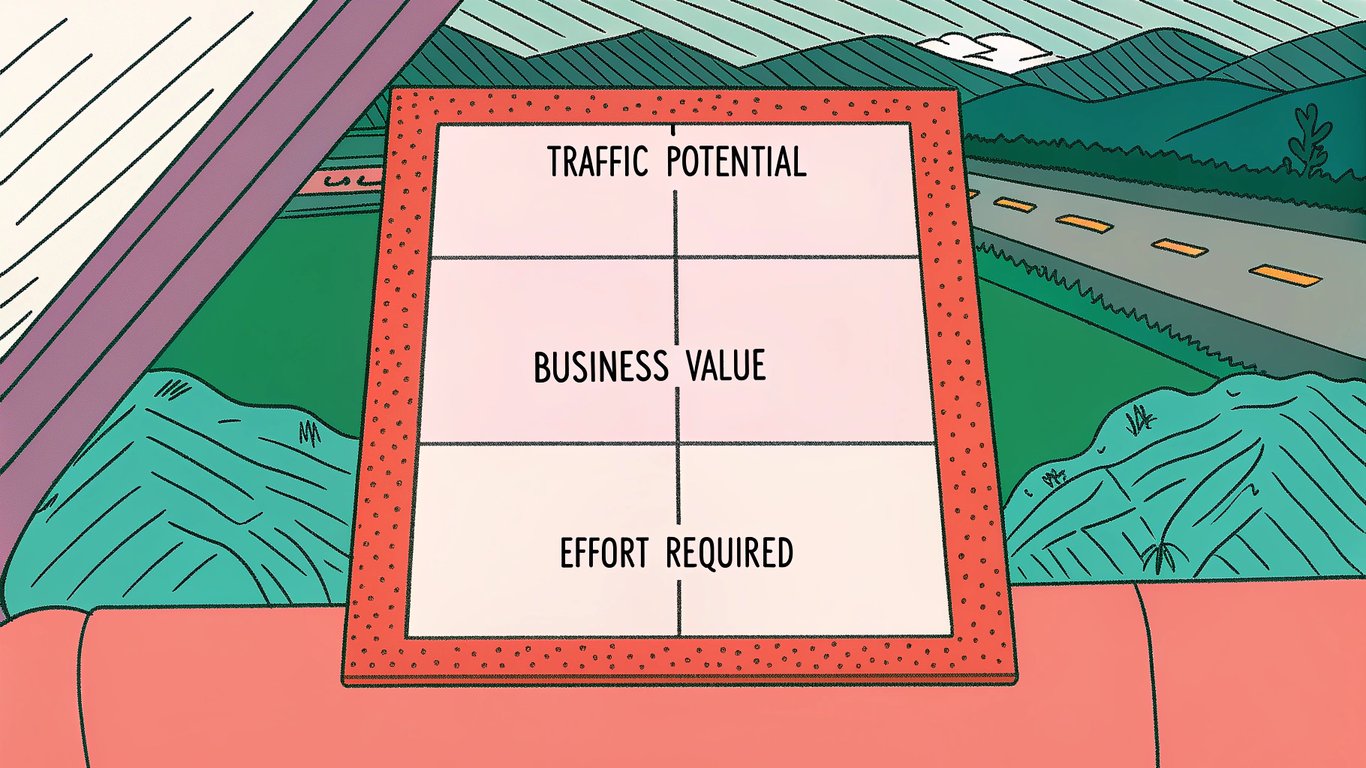
You can't update everything at once. You need a system for deciding what to fix first. Here's a simple framework based on three factors:
| Factor | High Priority | Low Priority |
|---|---|---|
| Traffic Potential | Was getting 1,000+ visits/month | Was getting under 100 visits/month |
| Business Value | Drives conversions or leads | Informational only |
| Effort Required | Minor updates needed | Complete rewrite needed |
Pages that score high on traffic potential and business value but low on effort required? Those are your quick wins. Start there.
High-Value Content First
Some pages matter more than others. A blog post that historically drove 50 email signups per month is worth more attention than one that just got pageviews. A product comparison page that led to sales deserves priority over a general informational post.
Look at your conversion data. Which decaying pages used to drive meaningful business results? Fix those first, even if they require more work.
Quick Wins vs. Major Overhauls
Some content just needs fresh statistics and updated screenshots. Other content needs to be completely rewritten because search intent has changed or the topic has evolved significantly.
Balance your refresh schedule. Knock out several quick wins to build momentum, then tackle one major overhaul. This keeps you making progress without getting stuck on one massive project.
Evaluating Keyword Opportunity
Before you invest time refreshing content, verify that people are still searching for that keyword. Use tools like Ahrefs, SEMrush, or even Google Search Console to check search volume.
If search volume has dropped to near zero, refreshing that content probably isn't worth your time. Better to redirect it to a more relevant page and focus your efforts elsewhere.
Competitive Analysis for Prioritization
Search for your target keyword and look at what's ranking now. If the top results are completely different from what they were when you published, that tells you something about how search intent has changed.
Sometimes you'll find that competitors have published much more comprehensive content. Other times, you'll see opportunities where your content could easily outrank what's currently there with just a few updates.
Creating Your Content Refresh Roadmap
Take your list of decaying content and organize it into a simple roadmap:
- This month: 3-5 quick wins (minor updates)
- Next month: 2-3 medium updates plus 1 major overhaul
- Following months: Continue the pattern based on your capacity
Be realistic about how much time you have. It's better to thoroughly refresh 5 pages per month than to half-update 20 pages.
Initial Tactics to Combat Content Decay
Update Statistics and Data
This is the most obvious fix and often the quickest. Replace old statistics with current ones. Update examples to reflect recent events. Change screenshots to show current interfaces.
Even if the rest of your content is solid, outdated data makes everything feel stale. Fresh numbers signal to both readers and search engines that your content is current.
Refresh Publication Dates Strategically
When you make substantial updates to a post, update the publication date in WordPress. This tells search engines the content has been refreshed.
But don't just change the date without actually updating the content. That's misleading to readers and won't help your rankings. Make real improvements first, then update the date to reflect those changes.
Expand and Improve Content Depth
Look at what's ranking now for your target keyword. Are those pages longer and more comprehensive than yours? Do they answer questions you didn't address?
Add new sections that cover related topics. Answer common questions you see in the "People Also Ask" boxes on Google. Include more examples, case studies, or step-by-step instructions.
Optimize for Current Search Intent
Search intent can shift over time. A keyword that used to trigger informational results might now show more commercial content. Or vice versa.
Analyze the current top-ranking pages. What format are they using? What angle are they taking? What questions are they answering? Adjust your content to better match what searchers are actually looking for now.
Improve On-Page SEO Elements
Sometimes content decay happens because your on-page SEO has fallen behind. Update your title tag to be more compelling. Rewrite your meta description to improve click-through rates. Improve your heading structure to make the content easier to scan.
Also review your internal linking. Add links from newer, high-performing posts to your refreshed content. This passes authority and helps search engines understand the content is still relevant.
Enhance Visual and Multimedia Elements
Old, low-quality images hurt your content's perceived value. Replace them with better visuals. Add infographics that summarize key points. Embed relevant videos if they add value.
Visual improvements make your content more engaging, which can improve dwell time and reduce bounce rate. Both are positive signals to search engines.
Fix Technical Issues
Run your page through Google PageSpeed Insights. Fix any speed issues. Check for broken links and update or remove them. Make sure the page looks good on mobile devices.
Technical problems can cause gradual ranking declines even if your content is otherwise solid. A slow-loading page or broken mobile experience will hurt your performance over time.
Preventing Future Content Decay
Establish a Content Audit Schedule
Don't wait for content to decay before you address it. Set up a regular audit schedule. Every quarter, review your top 20-30 pages. Every six months, do a deeper audit of your entire site.
This proactive approach catches decay early, when it's easier to fix. You'll spend less time on major overhauls and more time on simple maintenance.
Build Evergreen Content Strategically
Some topics age better than others. When planning new content, consider how long it will stay relevant. Fundamental concepts and principles tend to remain valuable longer than news-driven or trend-based content.
That doesn't mean you should avoid timely content. Just balance your content mix so you're not constantly chasing trends that will be outdated in six months.
Set Up Automated Monitoring Alerts
Many SEO tools can alert you when pages experience significant traffic or ranking drops. Set up notifications so you're aware of problems as they happen, not months later.
You can also use Google Analytics to create custom alerts for traffic drops on specific pages or across your entire site.
Document Content Refresh Dates
Keep track of when you last updated each piece of content. You can do this in a spreadsheet, or use custom fields in WordPress to store the last refresh date.
This makes it easy to identify content that hasn't been touched in a year or more and probably needs attention.
Making Content Decay Management Part of Your SEO Strategy
Content decay isn't something you fix once and forget about. It's an ongoing part of maintaining a successful website. The sites that rank consistently well aren't just publishing new content. They're also maintaining and improving what they've already published.
Start by identifying your most valuable decaying content using the analytics methods we covered. Prioritize pages that historically drove business results. Make the updates that will have the biggest impact with the least effort first.
Then build content maintenance into your regular workflow. Set aside time each month for refreshing existing content, not just creating new posts. Your future self will thank you when you're not scrambling to fix widespread decay across your entire site.
The tools you need are probably already in your toolkit: Google Analytics, Google Search Console, and your WordPress dashboard. You don't need expensive software or complicated processes. You just need to pay attention to the data and act on what it's telling you.
Content decay is inevitable, but it's also manageable. With regular monitoring and strategic updates, you can keep your content performing well for years instead of watching it slowly fade into obscurity.