

Search is changing faster than most publishers can keep up with. AI overviews are eating up screen real estate. Organic clicks are getting squeezed. And that SEO strategy you built two years ago? It's probably not delivering like it used to.
But here's the thing: publishers who have the right tools can still win visibility across Google, YouTube, and even AI results. You just need to know which tools actually move the needle for WordPress sites specifically.
The Evolving SEO Landscape for Publishers
The search landscape in 2025 looks nothing like it did even a year ago. Google's AI-powered search results now appear for a significant portion of queries, pushing traditional organic results further down the page. For publishers, this means fewer clicks even when you rank well.

Competition has intensified too. More content teams are using sophisticated SEO tools, which means the baseline for what counts as 'optimized' keeps rising. You can't just stuff keywords anymore and hope for the best.
That's why data-driven decisions matter more than ever. The publishers who are still growing organic traffic are the ones using comprehensive SEO strategies backed by solid tools.
What Makes a Great SEO Tool for WordPress
Not every SEO tool works well with WordPress. Some are built for enterprise sites with dedicated dev teams. Others are so basic they won't help you compete in 2025.
The best SEO tool WordPress publishers should look for needs to check several boxes. First, it should integrate smoothly with your WordPress dashboard or at least play nice with your existing plugins. Second, it needs to be usable by content teams, not just technical SEO specialists. Third, it should cover the core functions publishers actually need: audits, content research, and rank tracking.
Pricing matters too. A solo blogger has different needs than a media company with 50 writers. The right tool for you depends on your budget, team size, and how serious you are about SEO.
How We Selected These Tools
We focused on tools that excel at three critical functions: technical audits, content research, and rank tracking. These are the pillars of any successful publisher SEO strategy. Some tools do all three. Others specialize in one area but do it exceptionally well.
We prioritized tools that work specifically well for WordPress publishers, whether through native plugins, easy integration, or publisher-friendly interfaces. And we looked at real-world usage, not just feature lists.
Understanding the Three Pillars: Audits, Content Research, and Rank Tracking

Before we get into specific tools, let's talk about what these three functions actually do and why you need all of them.
SEO Audits: Finding and Fixing Technical Issues
Site audits crawl your WordPress site looking for problems that hurt your rankings. We're talking broken links, slow page speeds, mobile optimization issues, crawl errors, and duplicate content. These technical problems can tank your rankings even if your content is great.
For WordPress sites specifically, audits can catch plugin conflicts, theme issues, and image optimization problems that are common on the platform. You might have a redirect chain from an old URL structure or missing alt text on hundreds of images. An audit finds this stuff.
Content Research: Discovering What Your Audience Wants
Content research tools help you figure out what to write about and how to optimize it. This includes keyword research (finding terms people actually search for), topic discovery (identifying content gaps), competitor analysis (seeing what's working for others), and understanding search intent (knowing what users want when they search).
Good content research prevents you from wasting time writing articles nobody searches for. It also helps you understand how to structure your content to match what Google wants to show for specific queries.
Rank Tracking: Measuring Your SEO Success
Rank tracking monitors where your pages appear in search results for specific keywords over time. It's how you know if your SEO efforts are actually working. Without tracking, you're flying blind.
Modern rank trackers also show you SERP features like featured snippets, People Also Ask boxes, and video results. This matters because sometimes ranking #3 with a featured snippet drives more traffic than ranking #1 without one.
The 10 Best SEO Tools for WordPress Publishers in 2025
Now let's get into the actual tools. Each one has strengths and weaknesses. Some are all-in-one platforms. Others do one thing exceptionally well.
1. Yoast SEO Premium: Best WordPress-Native SEO Plugin
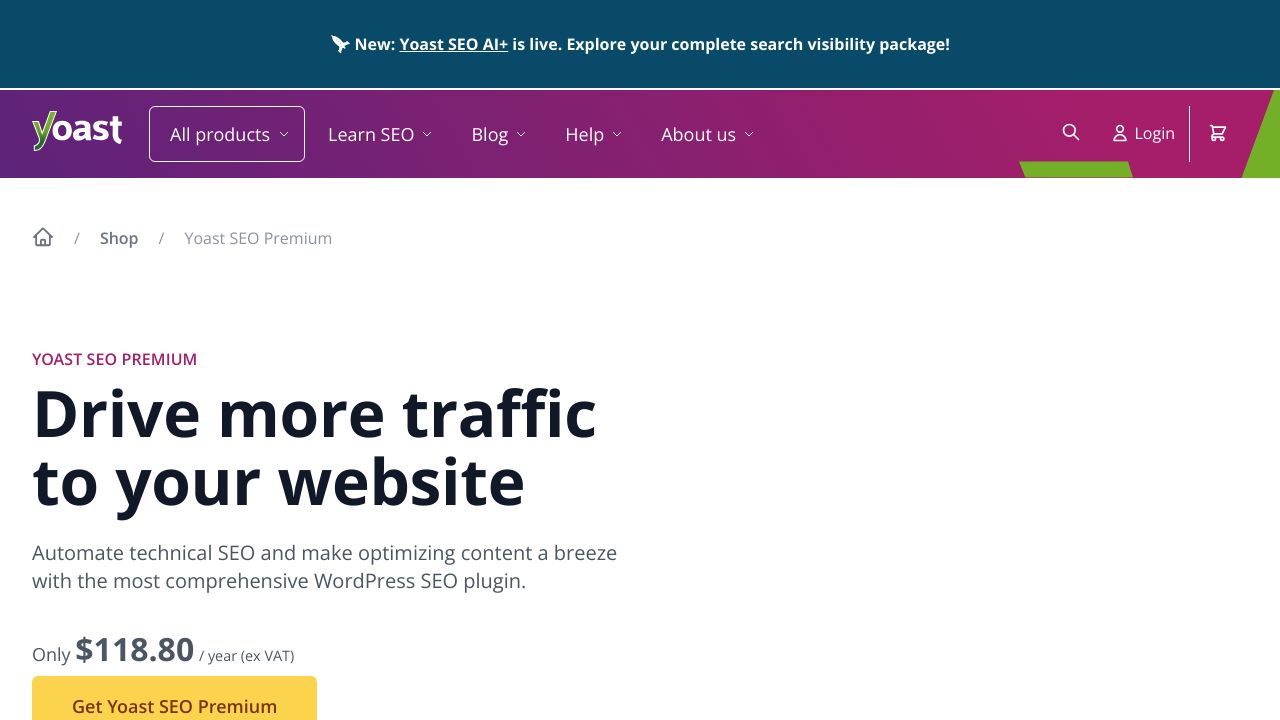
Yoast SEO lives right inside your WordPress dashboard, which makes it incredibly convenient for content teams. As you write, it gives you real-time feedback on readability, keyword optimization, and internal linking opportunities.
The premium version adds features like internal linking suggestions, redirect management, and multiple keyword optimization. It's particularly good at helping writers who aren't SEO experts create optimized content without leaving WordPress.
Pricing: The premium version costs around $99 per year for a single site.
Best for: Publishers who want SEO guidance built directly into their writing workflow. If your content team works primarily in WordPress and needs real-time optimization feedback, Yoast makes sense.
2. Semrush: Best All-in-One SEO Suite for Publishers
Semrush is the Swiss Army knife of SEO tools. It handles keyword research, content optimization, site audits, position tracking, competitor analysis, and backlink monitoring all in one platform.
The content marketing toolkit is particularly strong for publishers. You can research topics, analyze competitor content, track your content's performance, and get optimization recommendations. The site audit feature crawls your WordPress site and prioritizes issues by impact.
Pricing: Plans start at around $139.95 per month, which isn't cheap but covers a lot of ground.
Best for: Serious publishers who need complete SEO intelligence in one place. If you're running a content operation with multiple writers and want comprehensive data, Semrush delivers.
3. Ahrefs: Best for Backlink Analysis and Content Research
Ahrefs built its reputation on backlink analysis, and it's still the gold standard for understanding your link profile. But it's also excellent for content research through its Keywords Explorer and Content Explorer tools.
Site Explorer shows you exactly which pages on your WordPress site (or competitors' sites) are driving the most organic traffic. Keywords Explorer helps you find content opportunities with search volume data and keyword difficulty scores. The Site Audit tool catches technical issues, and Rank Tracker monitors your positions.
Pricing: Plans start at around $129 per month.
Best for: Publishers focused on link building and competitive content strategies. If you want to understand why competitors rank and replicate their success, Ahrefs gives you the data.
4. Google Search Console: Best Free Tool for Performance Monitoring
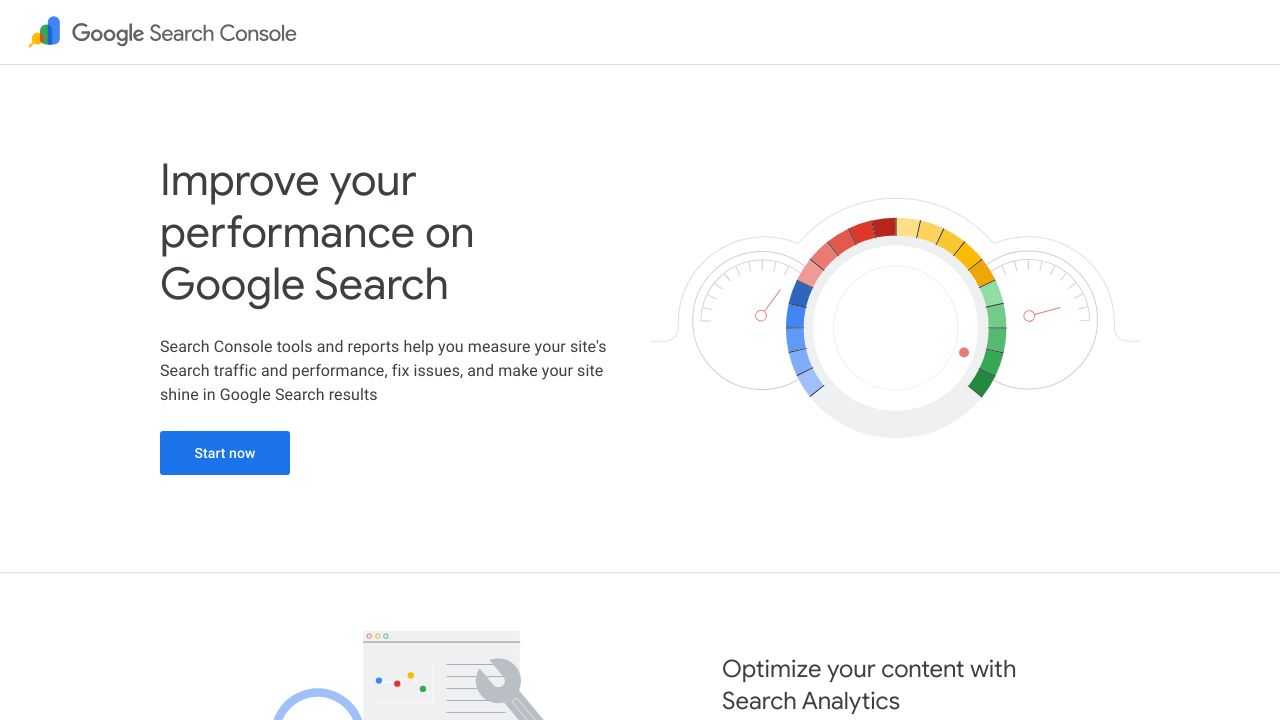
Google Search Console is completely free and essential for every WordPress publisher. It shows you exactly how your site performs in Google search, including which queries drive traffic, your average positions, click-through rates, and impressions.
You'll also see indexing issues, Core Web Vitals data, mobile usability problems, and manual actions. It's the only tool that gives you data directly from Google about how they see your site.
Pricing: Free.
Best for: Every publisher, period. This is foundational monitoring that you need regardless of what other tools you use.
5. Screaming Frog SEO Spider: Best for Technical SEO Audits
Screaming Frog is a desktop application that crawls your WordPress site like a search engine would. It's incredibly powerful for technical audits, finding broken links, analyzing page titles and meta descriptions, identifying redirect chains, and checking for duplicate content.
The interface isn't pretty, but it's thorough. You can crawl large WordPress sites and export detailed reports on virtually any technical SEO issue.
Pricing: Free for up to 500 URLs. The paid version costs around £259 per year for unlimited crawling.
Best for: Technical SEO deep dives. If you need to audit a large WordPress site or diagnose complex technical issues, Screaming Frog is the tool.
6. Surfer SEO: Best for Content Optimization and On-Page SEO
Surfer SEO focuses specifically on content optimization. Its Content Editor analyzes top-ranking pages for your target keyword and gives you real-time recommendations on word count, keyword usage, headings, and related terms to include.
There's a WordPress plugin that integrates the Content Editor directly into your dashboard. You can write and optimize simultaneously, which streamlines the workflow for content teams.
Pricing: Plans start at around $89 per month.
Best for: Content teams focused on ranking existing and new content. If you want data-driven optimization recommendations while you write, Surfer delivers.
7. SE Ranking: Best Budget-Friendly All-in-One Solution
SE Ranking offers keyword rank tracking, website audits, competitor research, backlink monitoring, and keyword research at a lower price point than Semrush or Ahrefs.
It's not quite as comprehensive as the premium tools, but it covers the essentials well. The interface is clean and the learning curve is gentler than some alternatives.
Pricing: Plans start at around $65 per month.
Best for: Small to medium publishers watching their budgets. If you need multiple SEO functions but can't justify premium pricing, SE Ranking is solid.
8. Rank Math Pro: Best WordPress SEO Plugin Alternative
Rank Math is a WordPress plugin that competes directly with Yoast but offers more features at a lower price. It includes advanced schema markup, local SEO features, rank tracking, and content AI.
The interface is modern and the feature set is extensive. Many publishers have switched from Yoast to Rank Math for the additional capabilities.
Pricing: The Pro version costs around $69 per year.
Best for: WordPress publishers who want more features than Yoast offers at a lower cost. If you're comfortable with a slightly more complex interface, Rank Math delivers excellent value.
9. Clearscope: Best for Content Brief Creation and Optimization
Clearscope is built for editorial teams producing high-volume content. It creates detailed content briefs based on top-ranking pages, grades your content as you write, and suggests related terms to include.
The platform integrates with WordPress and Google Docs, making it easy to fit into existing workflows. It's particularly good at helping multiple writers maintain consistent optimization standards.
Pricing: Custom pricing, but plans typically start around $170 per month.
Best for: Editorial teams producing high-volume quality content. If you're managing multiple writers and need consistent optimization, Clearscope helps maintain standards.
10. AccuRanker: Best for Fast and Accurate Rank Tracking
AccuRanker specializes in rank tracking and does it exceptionally well. It offers on-demand ranking updates (not just daily), tracks SERP features, monitors competitors, and calculates share of voice metrics.
The interface is fast and the data is reliable. If you're tracking hundreds or thousands of keywords across multiple WordPress sites, AccuRanker handles the scale.
Pricing: Plans start at around $116 per month.
Best for: Publishers who need precise, frequent ranking updates across many keywords. If rank tracking is critical to your strategy, AccuRanker is worth the investment.
Comparison Table: Features, Pricing, and Best Use Cases
Here's a quick comparison to help you evaluate these tools side by side.
Tool | Starting Price | Best For | WordPress Integration |
|---|---|---|---|
$99/year | Real-time content optimization | Native plugin | |
$139.95/month | All-in-one SEO suite | Good | |
$129/month | Backlinks and content research | Good | |
Free | Performance monitoring | Easy setup | |
Free/£259/year | Technical audits | Desktop app | |
$89/month | Content optimization | Plugin available | |
$65/month | Budget all-in-one | Good | |
$69/year | Feature-rich plugin | Native plugin | |
~$170/month | Content briefs | Good | |
$116/month | Rank tracking | Good |
Pricing Breakdown by Publisher Size
Solo Bloggers and Small Sites: Start with Google Search Console (free) and either Yoast SEO Premium or Rank Math Pro ($69-99/year). Add SE Ranking ($65/month) when you're ready for more comprehensive data.
Small Content Teams: Google Search Console plus Semrush ($139.95/month) covers most needs. Add Surfer SEO ($89/month) if content optimization is a priority.
Medium Publishers: Google Search Console, Ahrefs ($129/month), and either Surfer SEO or Clearscope for content optimization. Consider AccuRanker if you're tracking many keywords.
Enterprise Operations: Full stack with Semrush or Ahrefs, Clearscope for content teams, AccuRanker for tracking, and Screaming Frog for technical audits.
How to Choose the Right Best SEO Tool WordPress Setup for Your Publishing Needs
Picking the right tools depends on where you are in your SEO journey and what you're trying to accomplish.
Assessing Your Current SEO Maturity Level
If you're just starting out, you don't need every tool on this list. Begin with Google Search Console and a WordPress SEO plugin like Yoast or Rank Math. Learn the basics of keyword research and content optimization before investing in premium tools.
Intermediate publishers who understand SEO fundamentals should add comprehensive tools like Semrush or Ahrefs. You're ready for deeper competitor analysis, backlink research, and more sophisticated content strategies.
Advanced users running serious publishing operations need specialized tools for different functions. You might use Ahrefs for research, Clearscope for content optimization, and AccuRanker for tracking.
Budget Considerations: Free vs. Paid Tools
You can accomplish a lot with free tools. Google Search Console, the free version of Screaming Frog (up to 500 URLs), and free WordPress plugins cover the basics. Many publishers run successful sites without paid SEO tools.
But paid tools become necessary when you're competing in crowded niches or trying to scale. The data they provide helps you make better decisions faster. Think of it as an investment: if a tool helps you rank for keywords that drive $500/month in revenue, a $100/month subscription pays for itself.
Building Your SEO Tool Stack
Minimal Budget Setup: Google Search Console + Rank Math Pro ($69/year). This covers basic optimization, monitoring, and rank tracking.
Balanced Approach: Google Search Console + SE Ranking ($65/month) + Yoast or Rank Math. You get comprehensive data without breaking the bank.
Comprehensive Stack: Google Search Console + Semrush or Ahrefs + Surfer SEO or Clearscope + AccuRanker. This setup covers everything but costs several hundred dollars monthly.
WordPress-Specific Integration Considerations
Some tools integrate directly into WordPress through plugins. This is convenient but can slow down your site if you're not careful. Native plugins like Yoast and Rank Math are optimized for WordPress, but adding too many SEO plugins creates conflicts.
Other tools work outside WordPress but connect through APIs or manual data import. This keeps your site fast but requires switching between platforms.
Test any new plugin on a staging site first. Check page load speeds before and after installation. And avoid running multiple SEO plugins that do the same thing.
Getting Started: Implementation Best Practices for WordPress Publishers
Having the tools is one thing. Using them effectively is another.
Setting Up Your First SEO Audit
Start by connecting Google Search Console to your WordPress site. This takes about five minutes and gives you immediate visibility into how Google sees your site.
Next, run a site audit using Screaming Frog (free version works for smaller sites) or the audit tool in Semrush or Ahrefs. Don't try to fix everything at once. Focus on critical issues first: broken links, missing meta descriptions, slow page speeds, and mobile problems.
Create a prioritized action plan. Fix the issues that impact the most pages or have the biggest SEO impact first.
Establishing Your Content Research Workflow
Build keyword research into your editorial planning. Before assigning articles, use your chosen tool (Semrush, Ahrefs, or SE Ranking) to verify there's actual search volume for the topic.
Look at what's already ranking. Analyze the top 10 results to understand what Google wants for that query. Are they how-to guides? Listicles? Product reviews? Match your content format to search intent.
Use content optimization tools like Surfer or Clearscope to create briefs for your writers. This ensures everyone's working from the same optimization standards.
Configuring Rank Tracking That Matters
Don't track every keyword you can think of. Focus on terms that actually drive traffic and conversions. Start with 20-50 priority keywords and expand from there.
Set up tracking in Google Search Console (free) or a dedicated tool like AccuRanker. Check rankings weekly or monthly, not daily. SEO takes time, and daily fluctuations don't mean much.
Track SERP features too. If you're ranking #5 but competitors have featured snippets, that's valuable information for optimization.
Creating Your SEO Reporting Dashboard
Pull together data from your various tools into a simple dashboard. Focus on metrics that matter for publishers: organic traffic, keyword rankings, top-performing content, and technical health scores.
Google Search Console shows traffic and rankings. Your audit tool tracks technical health. Your rank tracker monitors position changes. Combine these into a monthly report that shows progress over time.
Keep it simple. Stakeholders don't need to see every metric. They want to know if traffic is growing and what's working.
Taking Action on Your WordPress SEO Strategy
You've got the information. Now what?
Quick-Start Action Plan
Here's what you can do today. First, set up Google Search Console if you haven't already. It's free and essential. Second, install either Yoast SEO or Rank Math on your WordPress site. Third, run your first site audit using Screaming Frog's free version or your chosen paid tool.
From that audit, identify your top three priorities. Maybe you have 50 broken links, slow page speeds, and missing meta descriptions. Pick one and fix it this week.
The Future of SEO Tools for Publishers
AI is changing how SEO tools work. We're seeing more AI-powered content optimization, automated technical audits, and predictive ranking analysis. Voice search tracking is becoming more important as smart speakers proliferate.
SERP features continue to evolve. Tools that track AI overviews, video results, and other rich features will become more valuable. The publishers who adapt to these changes will maintain their visibility.
Final Recommendations
If you're just starting out, begin with Google Search Console and a WordPress SEO plugin. That's enough to make real progress.
When you're ready to invest, Semrush or Ahrefs gives you the most comprehensive data. Add Surfer SEO if content optimization is your focus, or AccuRanker if tracking is critical.
Don't try to use every tool at once. Pick one area (audits, research, or tracking), master it, then expand. The best SEO tool WordPress setup is the one you'll actually use consistently.